Digital signage templates for your business
242 designs prêts à l’emploi pour restaurants, commerces, bureaux, écoles, cliniques, hôtels, salles de sport, stades, usines, églises et bureaux de change. Choisissez-en un, changez le texte, diffusez-le sur vos écrans. Chaque modèle est inclus dans votre compte.
- 242 modèles
- 75 ensembles multi-écrans
- 12 collections
- 40 designs vierges
Restaurants & bars
Présentés ici : 12 d’entre eux et 7 des ensembles. Dans Studio, vous choisissez votre type de cuisine, et chacun des 19 types de cuisine a ses propres versions : Restaurant ou brasserie, Gastronomique, Pizzeria, Pâtes & italien, Kebab & döner, Burgers & fast-food, Frites & snacks, Poulet frit, Sushi & asiatique, Tacos & mexicain, Indien & curry, Steakhouse & grill, Glaces, Gaufres & crêpes, Boulangerie & pâtisserie, Café & coffee shop, Sandwichs & bowls, Smoothies & bubble tea, Bar ou pub.
-
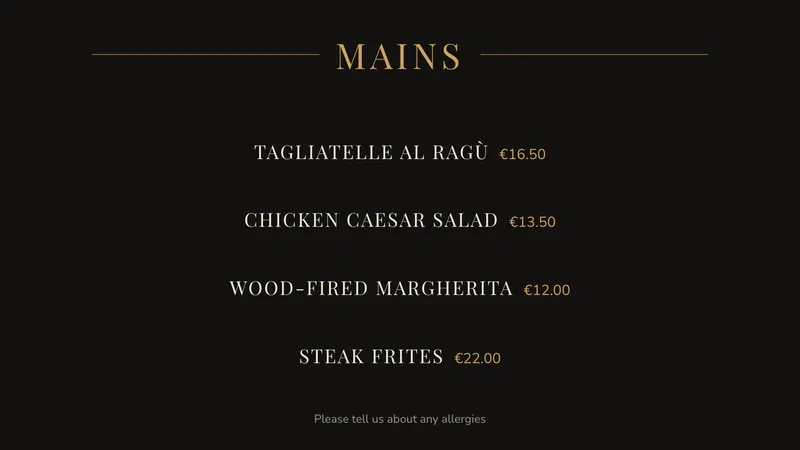 Gastronomie Elegant, centred, quiet prices Menus & prices
 -
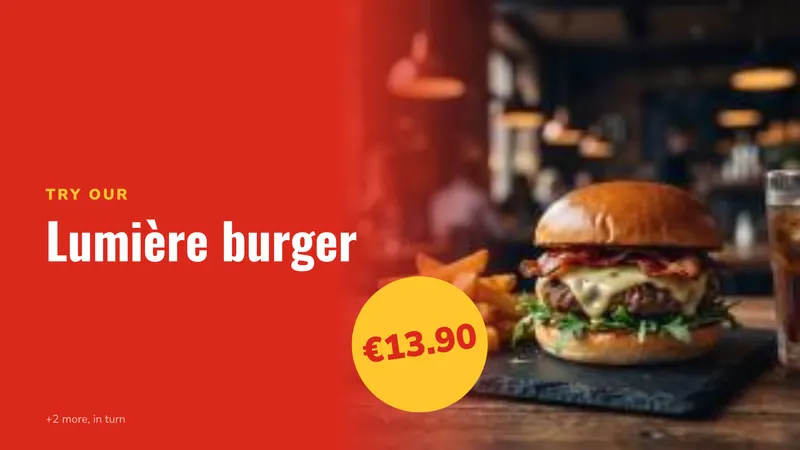 Burgers & combos One dish at a time, big price Menus & prices
 -
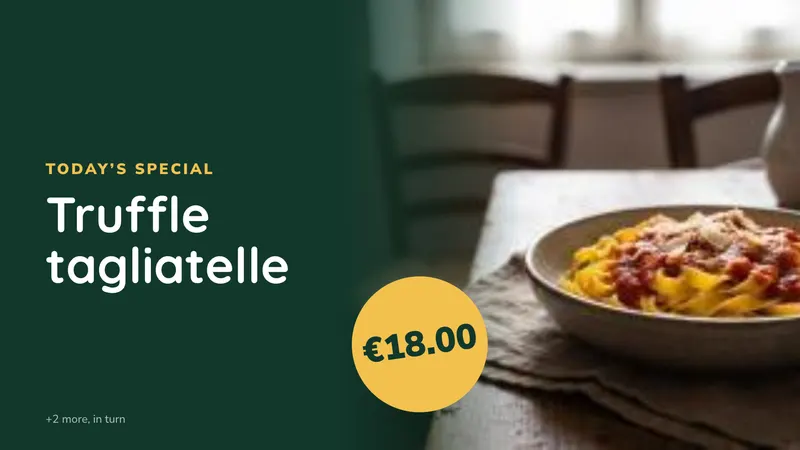 Dish of the day Shows the dishes you star, by itself Menus & prices
 -
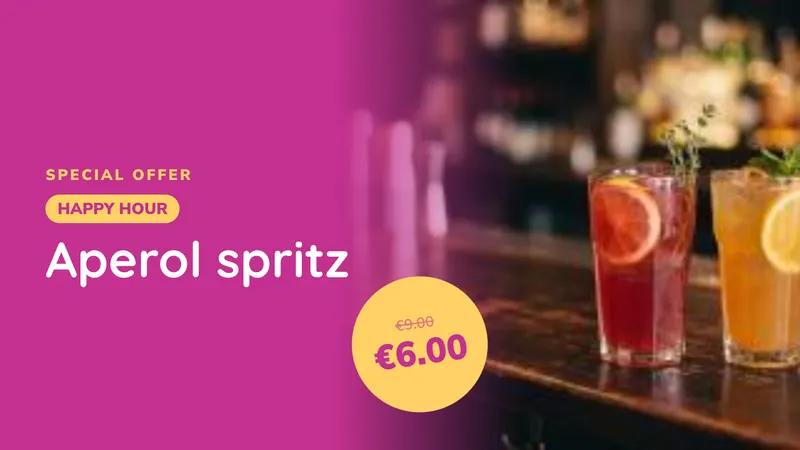 Dish promotions Only while an offer is on Menus & prices
 -
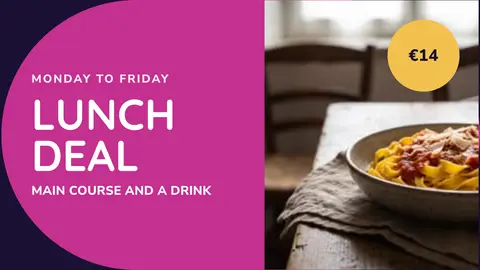
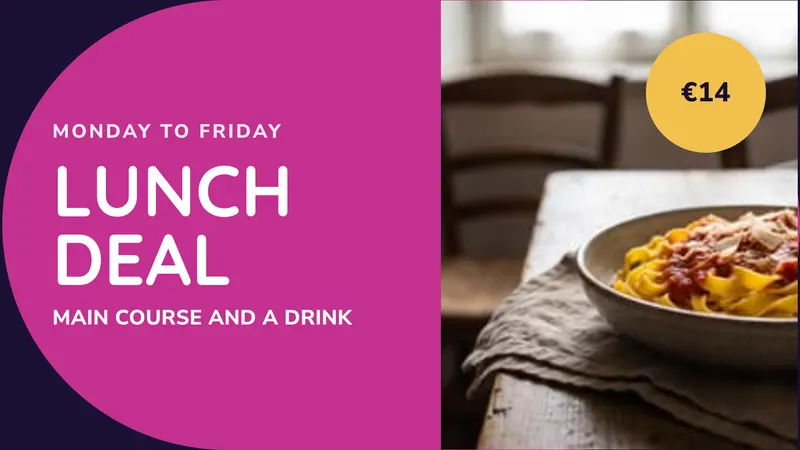 Lunch deal Weekday offer with a price Promotions
 -
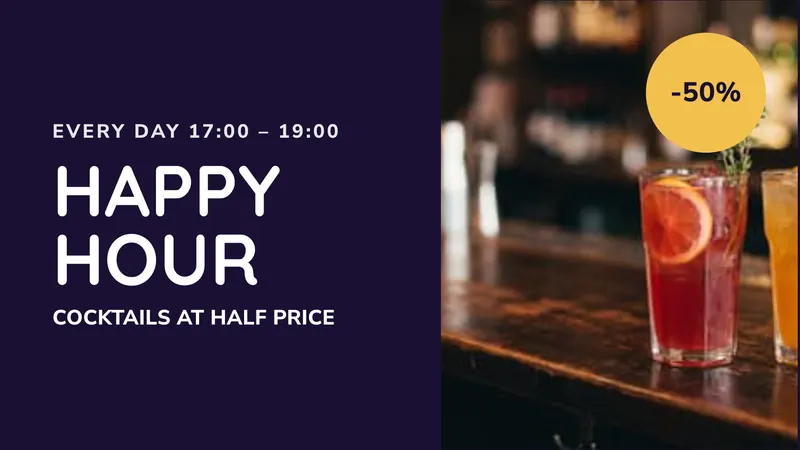 Happy hour Evening drinks offer Promotions
 -
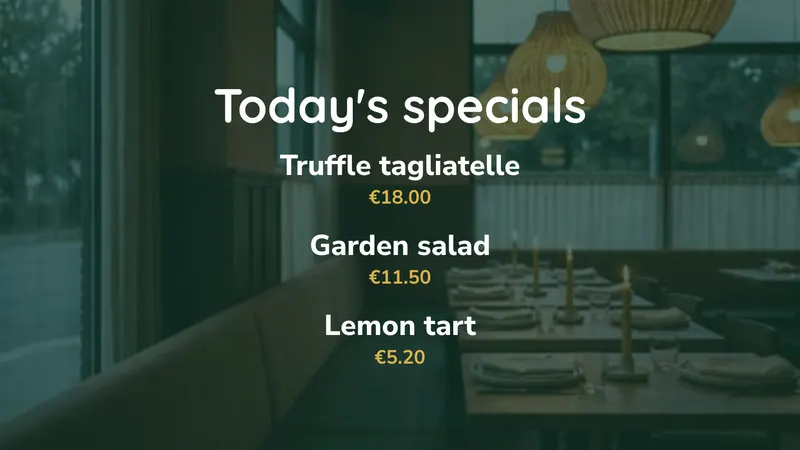 Today's specials Changed every day Menus & prices
 -
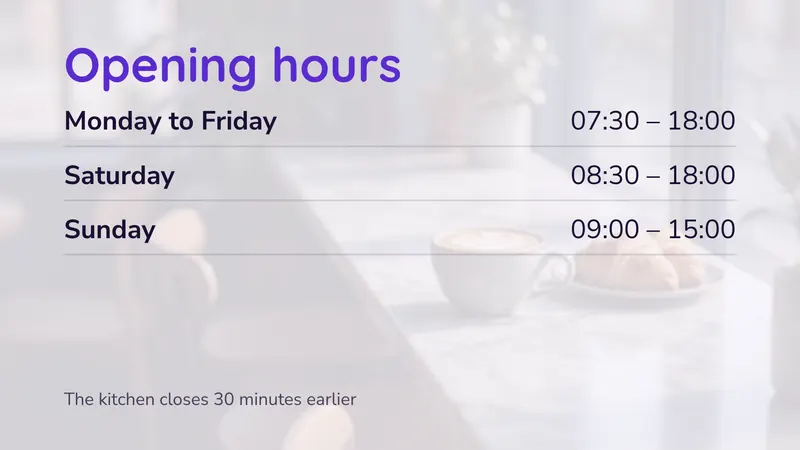 Opening hours Kitchen times included Hours & lists
 -
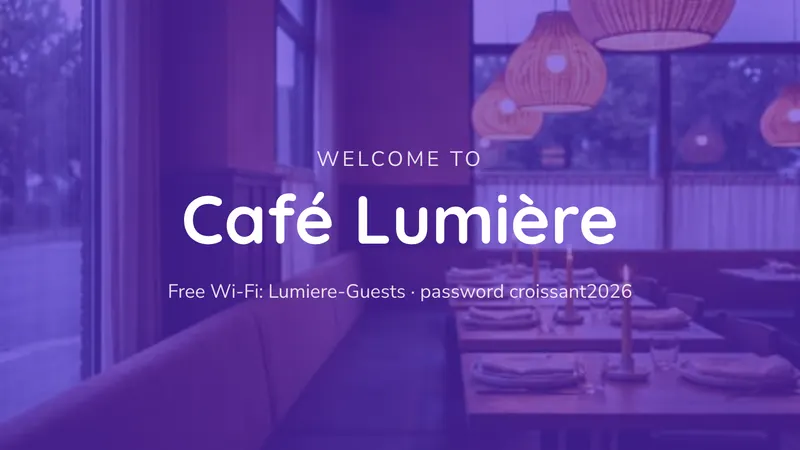 Welcome and Wi-Fi Your name and the password Bienvenue
Also in this collection, shown with your own photos or video: Smoothie bar (photo cards with sizes), Ice cream flavours (flavour wall, sizes priced once), Bakery counter (photo cards, handwritten heading).
Sets for more than one screen
- Menu wall 3 side by side: starters, mains, drinks
- Fast-food wall 3 side by side: hero dish, photo cards, promotions
- Ice cream counter 2 side by side: flavours and the dish of the day
- Menu and offer 2 side by side: a menu and a promotion
- Full menu wall 4 side by side, photo first
- Stacked menu 2 stacked above the counter
- Reception 2 stacked: welcome and opening hours
Commerces
-
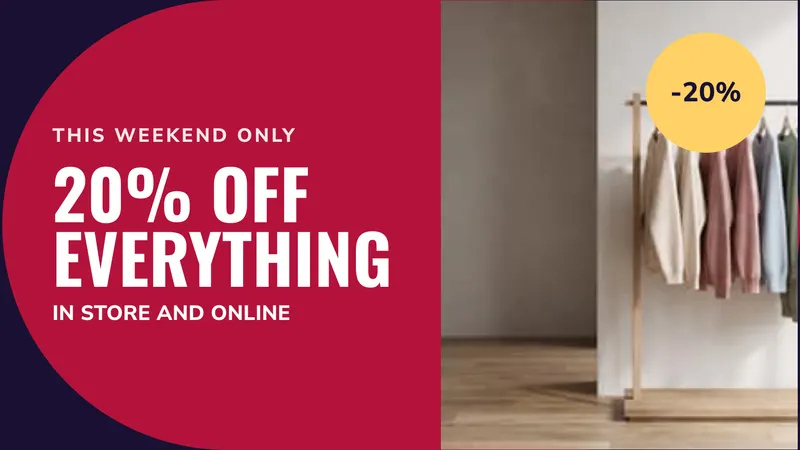 Window offer One offer, readable from the street Promotions
 -
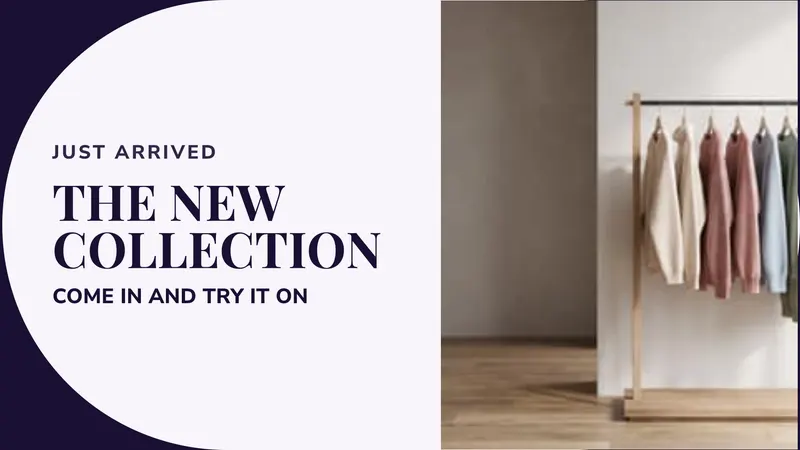 New collection Just arrived, with a photo Promotions
 -
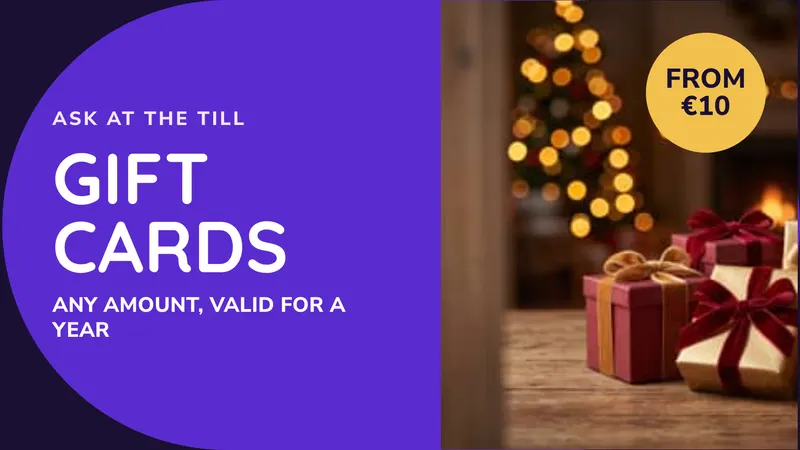 At the till An add-on for the queue Promotions
 -
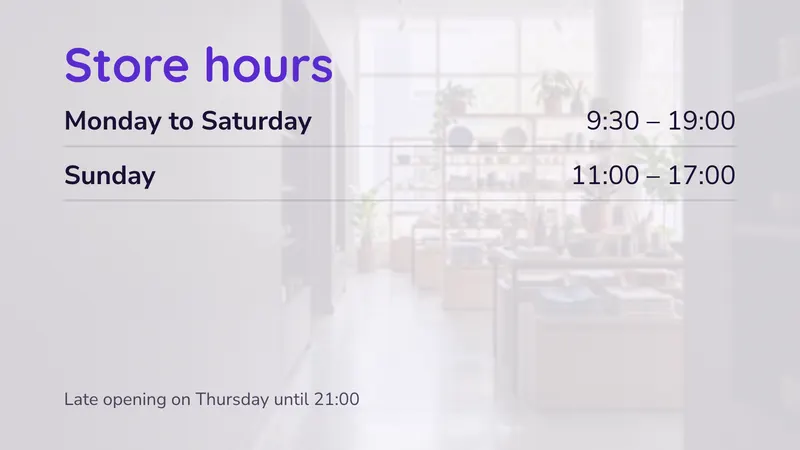 Store hours Including the late night Hours & lists
 -
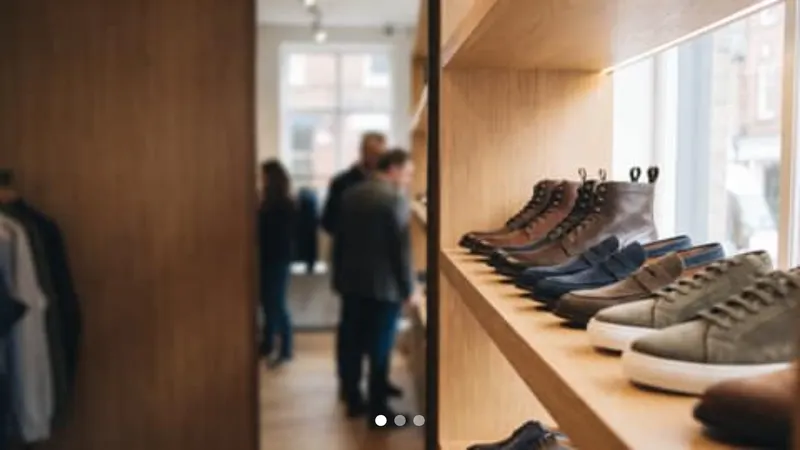 New arrivals A slideshow of products Photos & video
 -
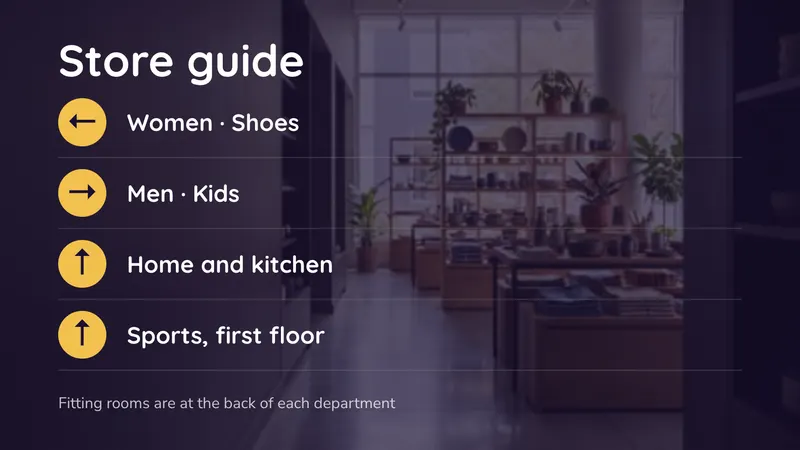 Store guide Which way to each department Directions
 -
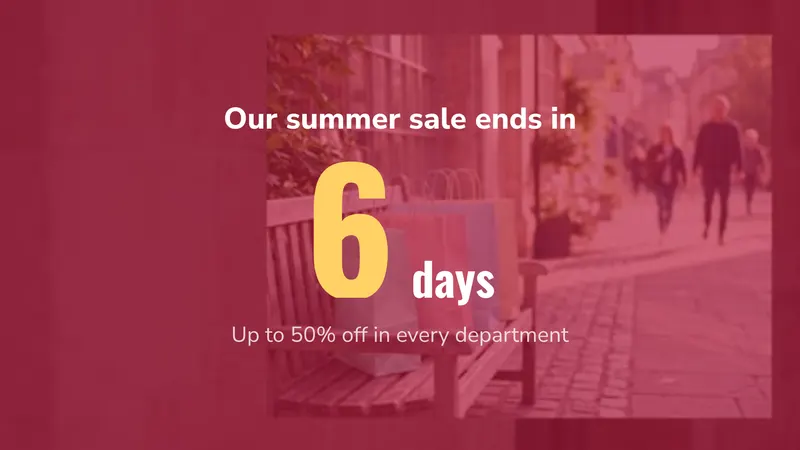 Sale countdown Days left, counting down Countdowns & goals
Also in this collection, shown with your own photos or video: Window video (your video and a running message).
Sets for more than one screen
- Shop window 1 screen: video with info bar
- Window pair 2 side by side: offer and collection
- Above the tills 2 stacked: add-on and store hours
Bureaux
-
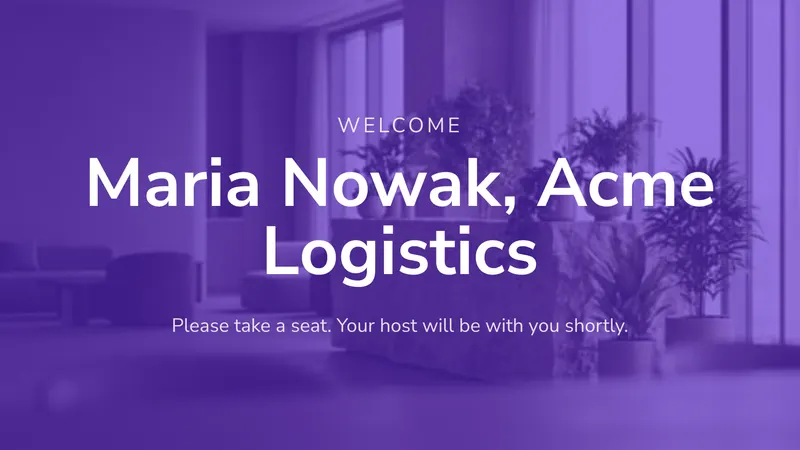 Accueil des visiteurs Greet a guest by name Bienvenue
 -
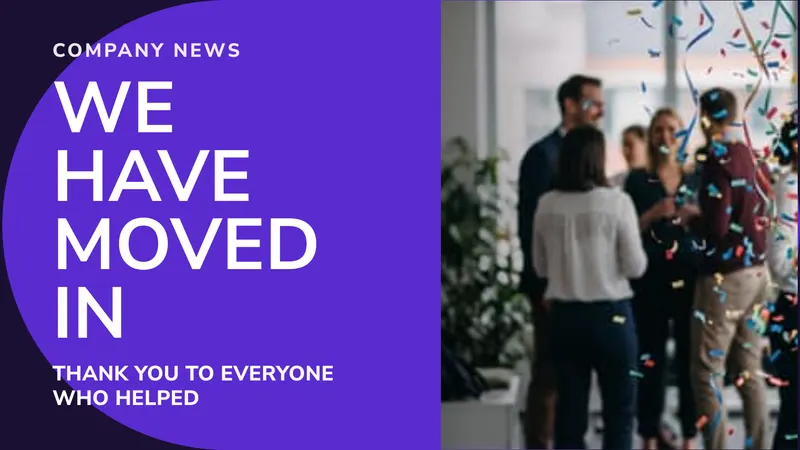 Company news One story, big and clear Promotions
 -
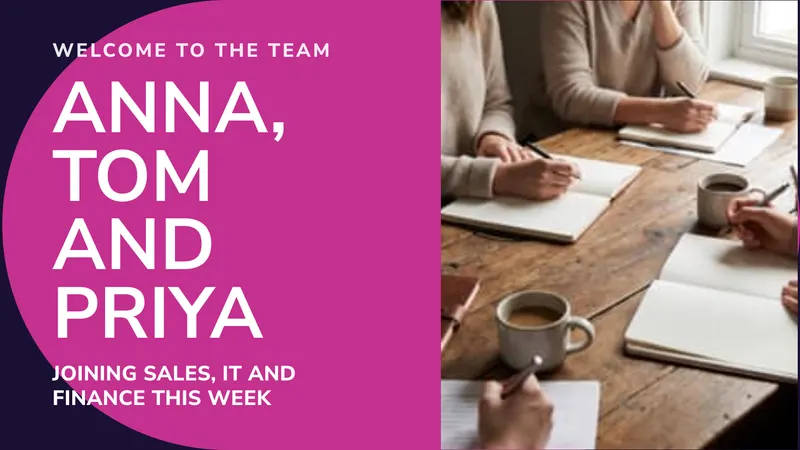 New starters Who joined this week Promotions
 -
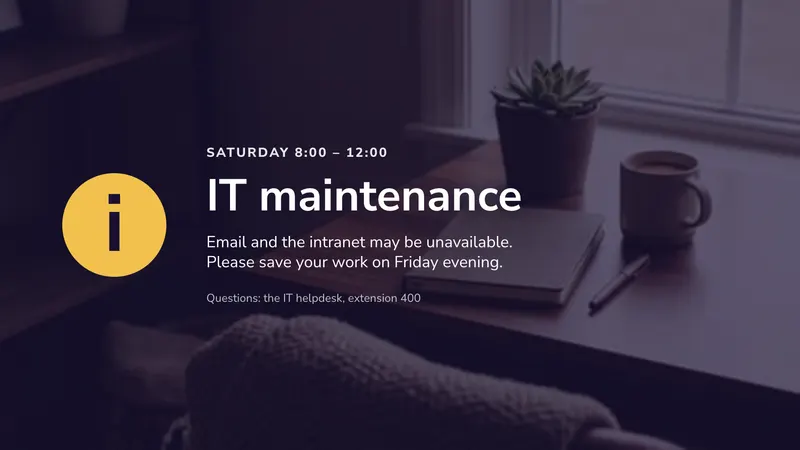 IT maintenance A planned interruption Notices
 -
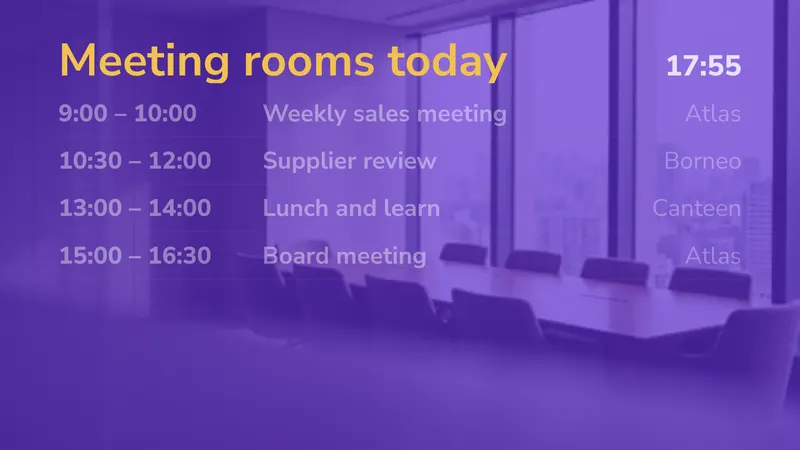 Meeting rooms today What is on now and next Timetables
 -
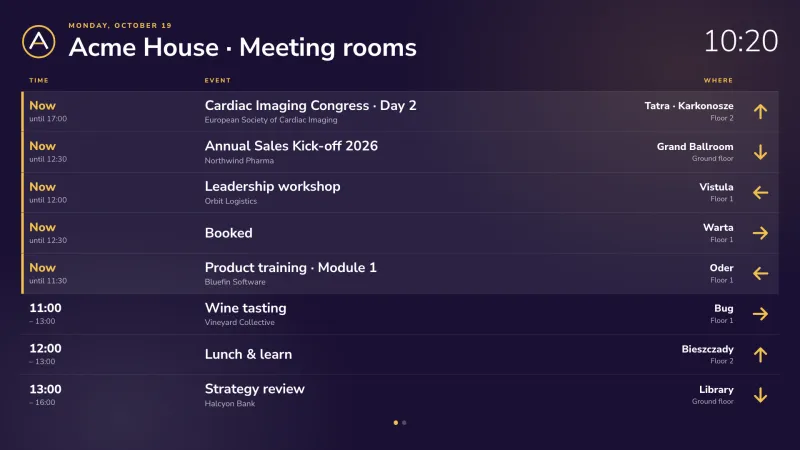 Tableau des salles de réunion Chaque salle, en direct depuis vos calendriers Salles de réunion & événements
 -
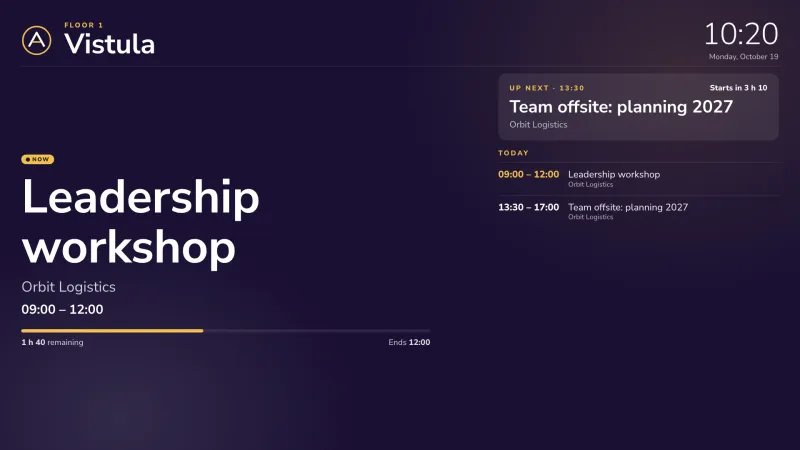 Affichage de salle de réunion En cours, à suivre et la journée, près de la porte Salles de réunion & événements
 -
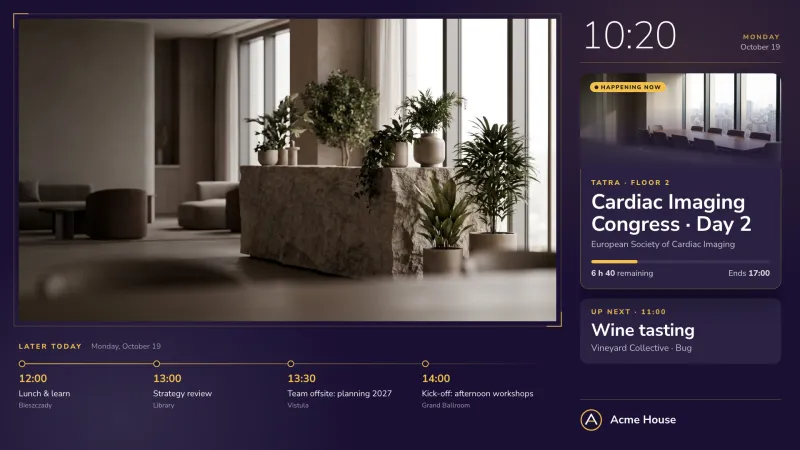 Tableau d’accueil Votre vidéo, avec ce qui est en cours et à suivre Salles de réunion & événements
 -
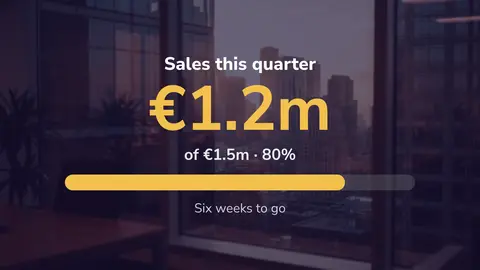
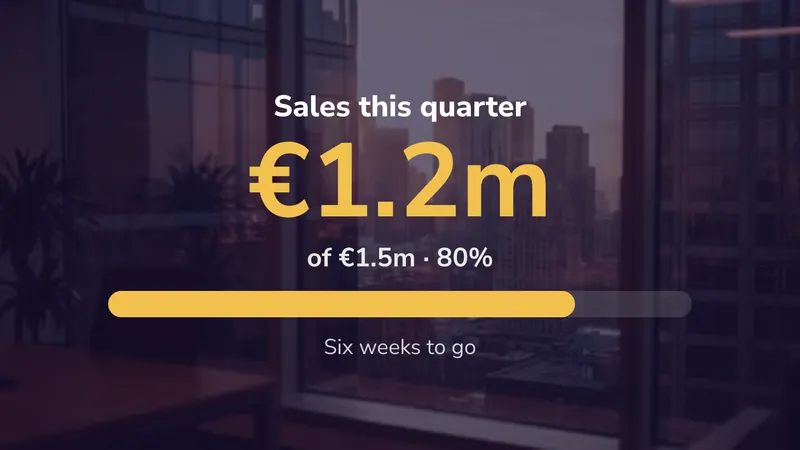 Target board How far towards this quarter Countdowns & goals
 -
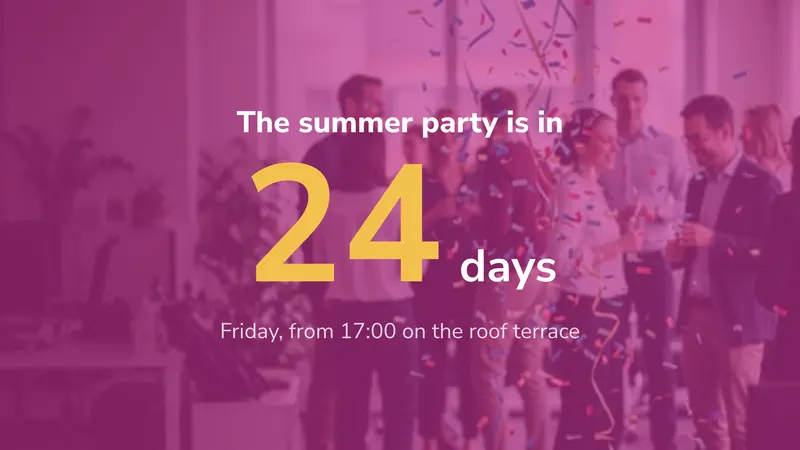 Compte à rebours Days to an event Countdowns & goals
 -
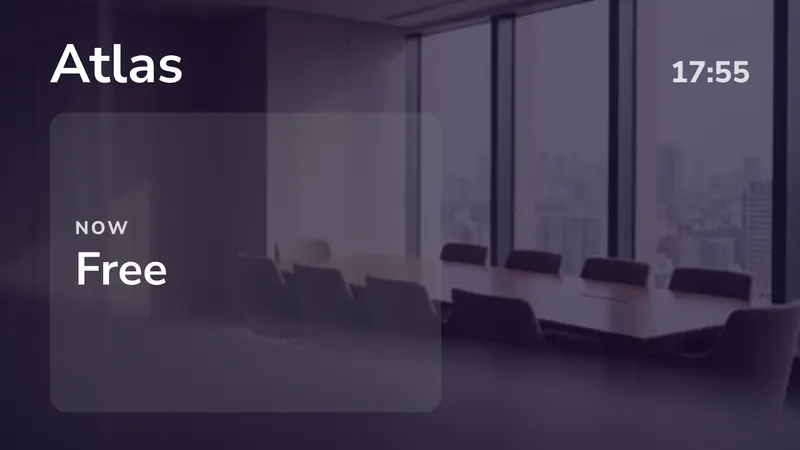 Meeting room door Booked now, and next Timetables
 -
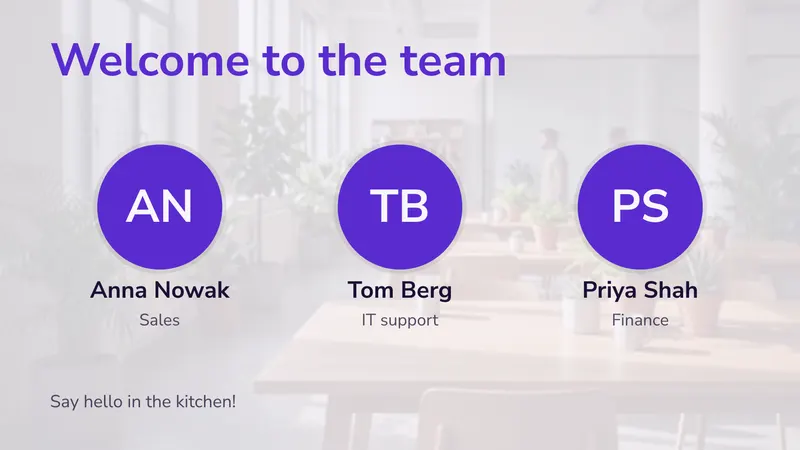 Welcome new starters Faces and teams People
 -
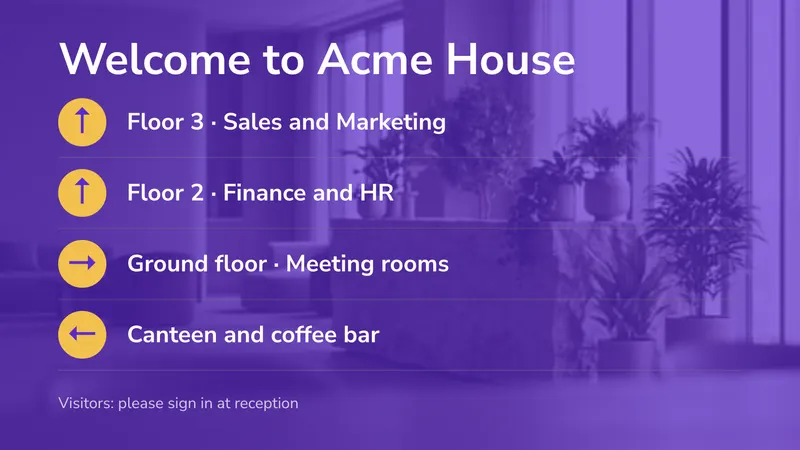 Lobby directory Which floor is which Directions
 -
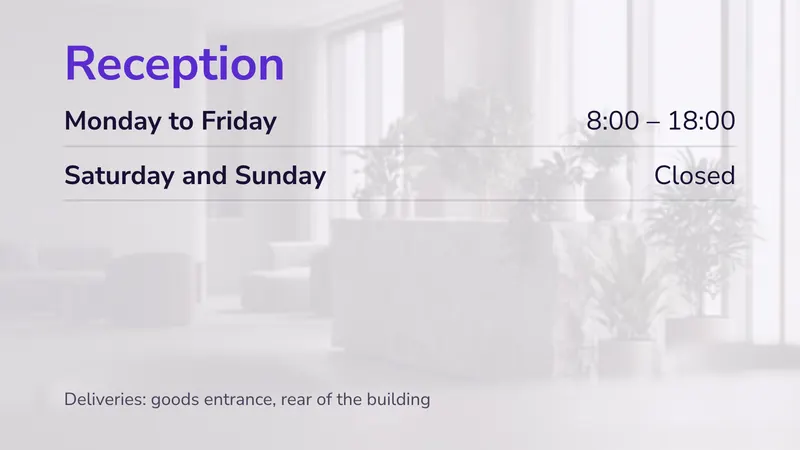 Reception hours And where deliveries go Hours & lists
Also in this collection, shown with your own photos or video: Lobby video (your film with a welcome line).
Sets for more than one screen
- Reception 2 stacked: visitor welcome and hours
- Canteen 2 side by side: today's menu and news
- Lobby 1 screen: video with info bar
Écoles
-
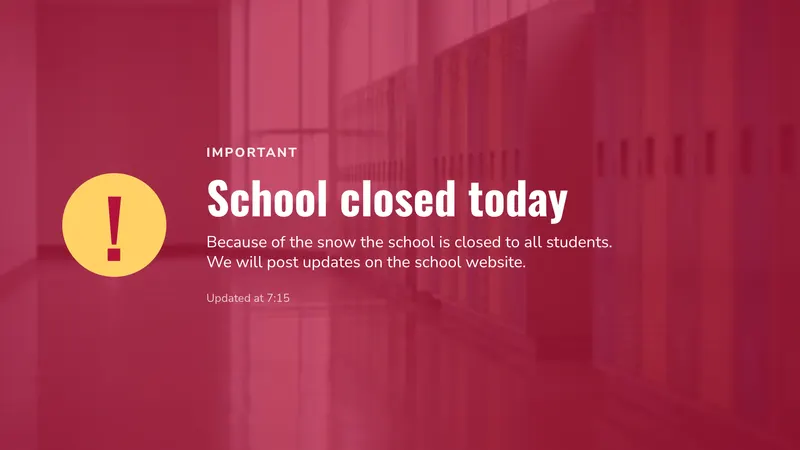 Closure notice Snow, a burst pipe, an early finish Notices
 -
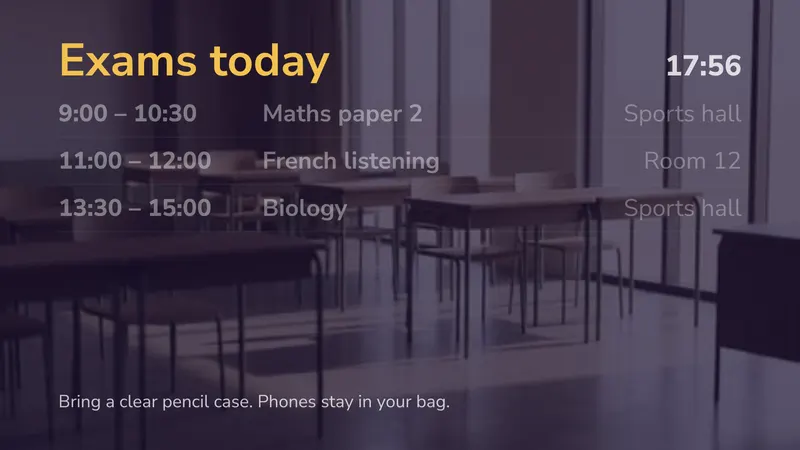 Exams today Paper, time and room Timetables
 -
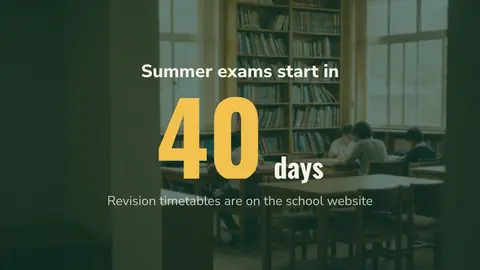
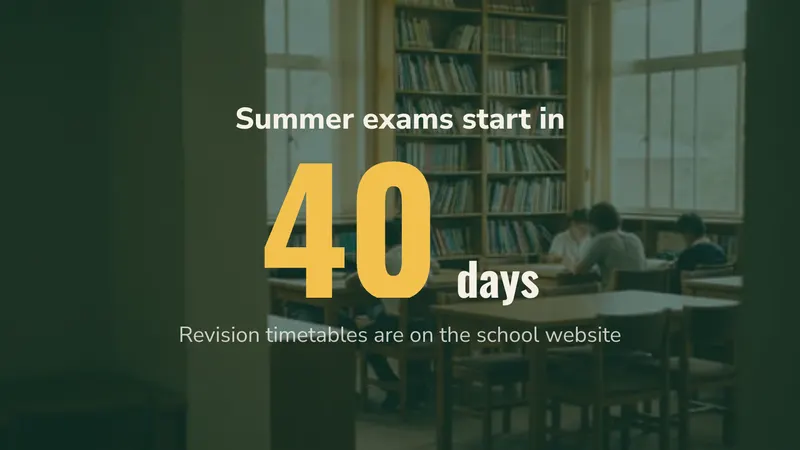 Exam countdown Days until the exams start Countdowns & goals
 -
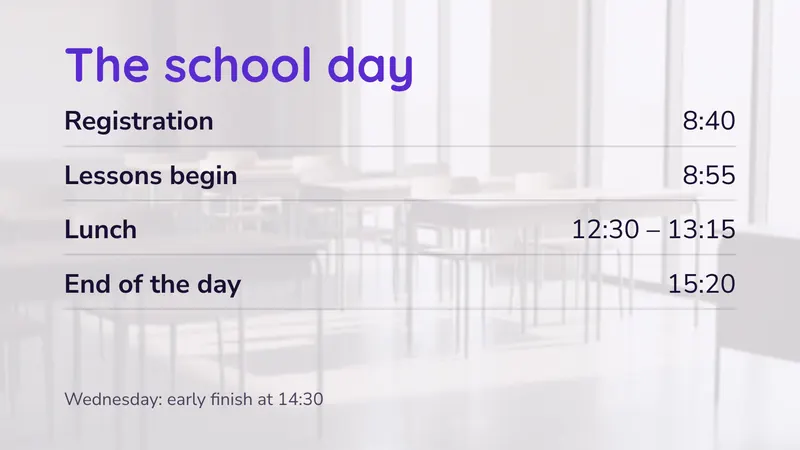 The school day Bells and the early finish Hours & lists
 -
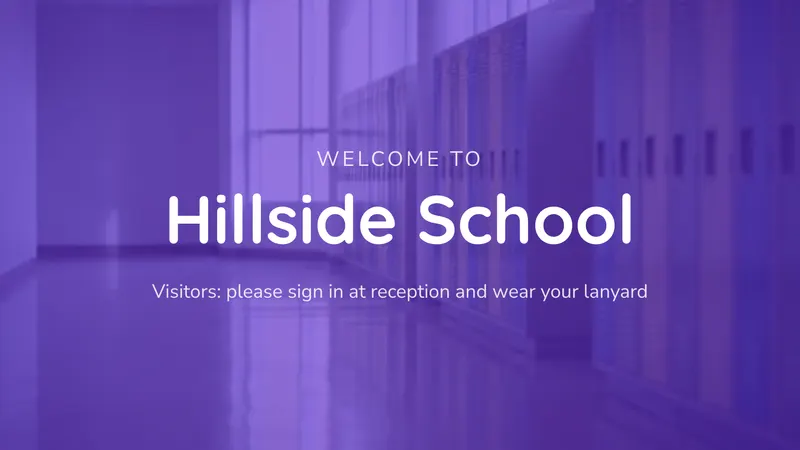 Accueil des visiteurs Signing in and lanyards Bienvenue
 -
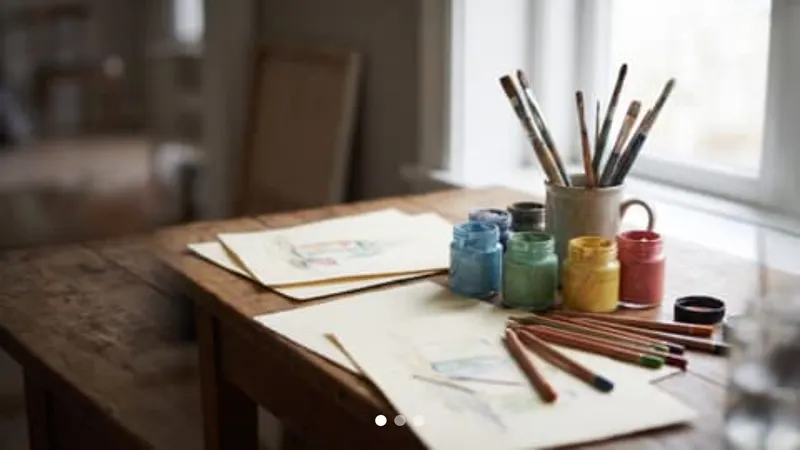 Student work Art, photos, the school play Photos & video
 -
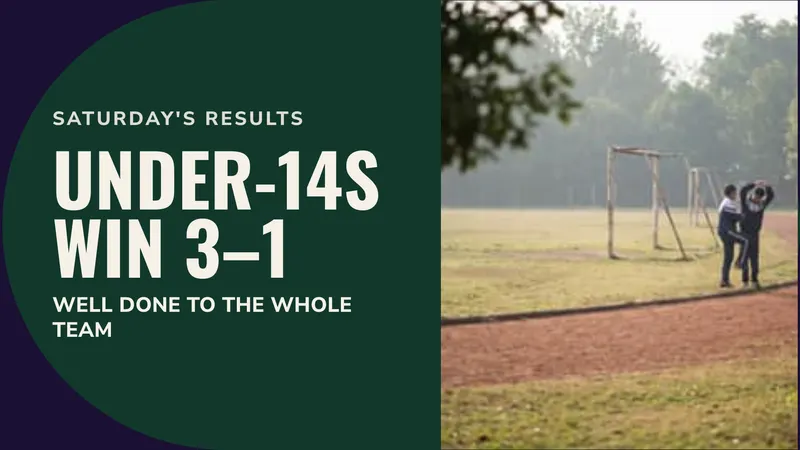 Sports results Celebrate a win Promotions
 -
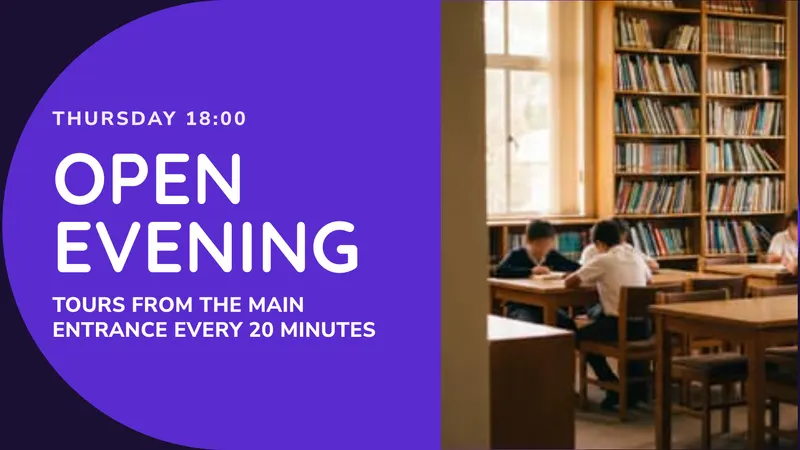 Open evening An event with a time Promotions
 -
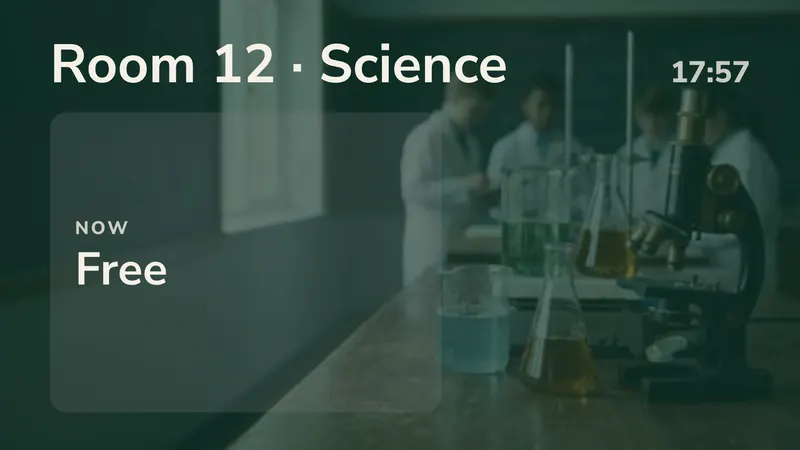 Classroom door The lesson now, and next Timetables
 -
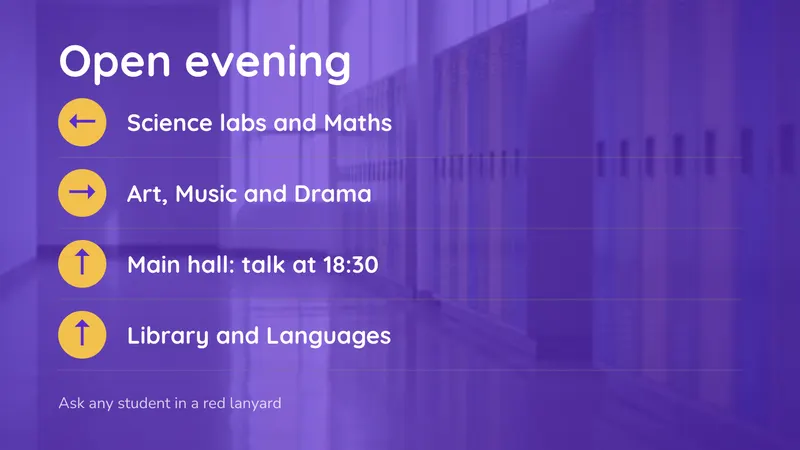 Open evening route Arrows to each department Directions
Sets for more than one screen
- Entrance 2 stacked: visitor welcome and the school day
- Corridor 2 side by side: student work and exams
- Canteen 2 side by side: menu and desserts
Santé
-
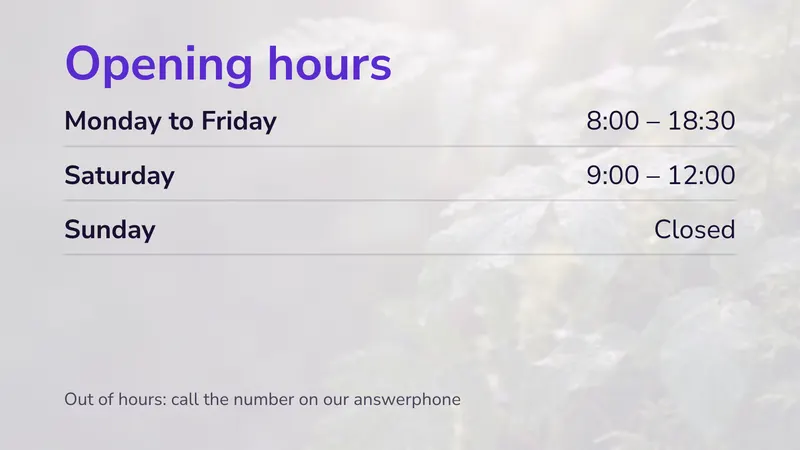 Opening hours And what to do out of hours Hours & lists
 -
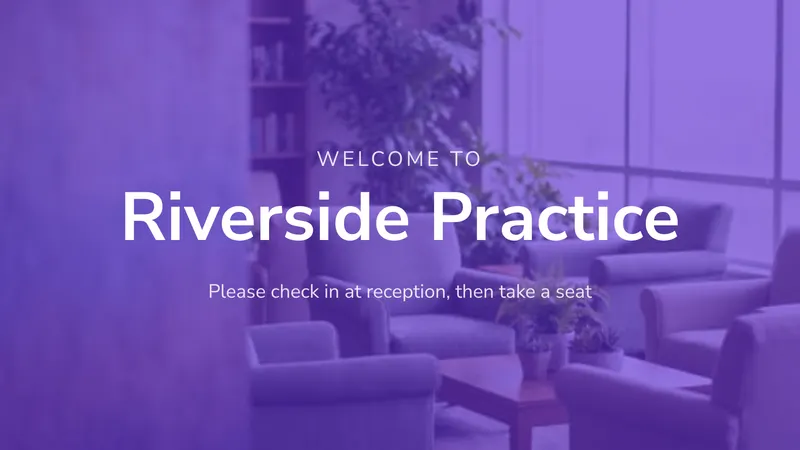 Waiting room welcome How to check in Bienvenue
 -
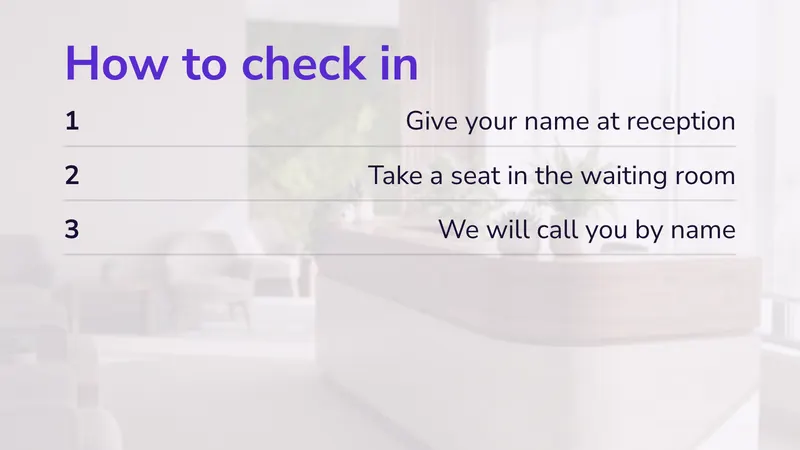 How to check in Three steps, readable from a seat Hours & lists
 -
 Vaccination reminder A seasonal message Promotions
 -
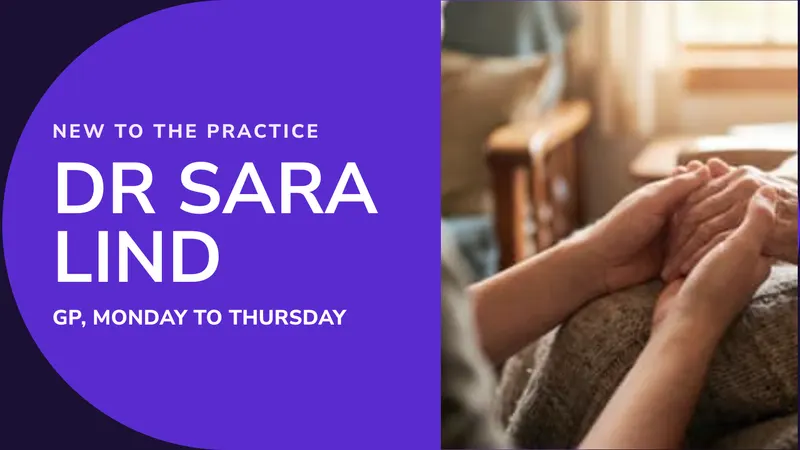 Meet the team A new face, with a photo Promotions
 -
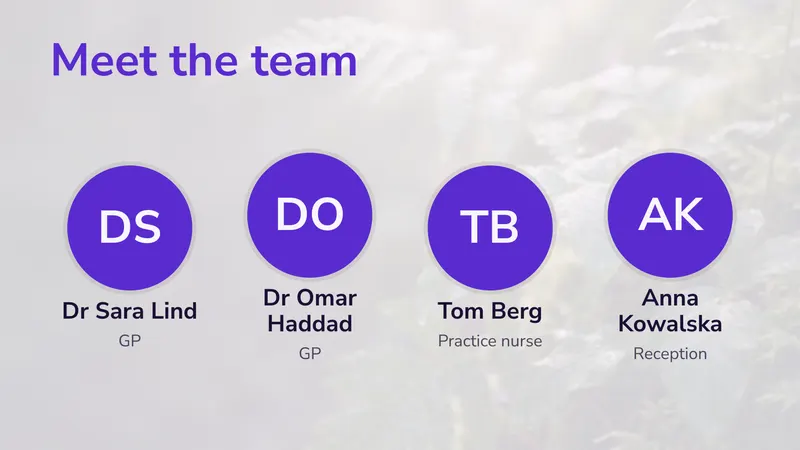 Meet the team Faces put patients at ease People
 -
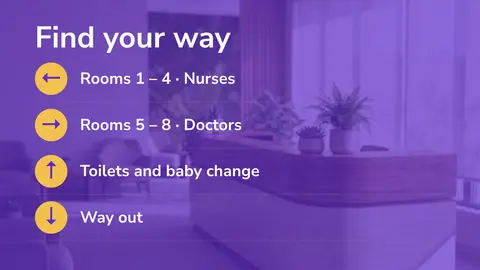
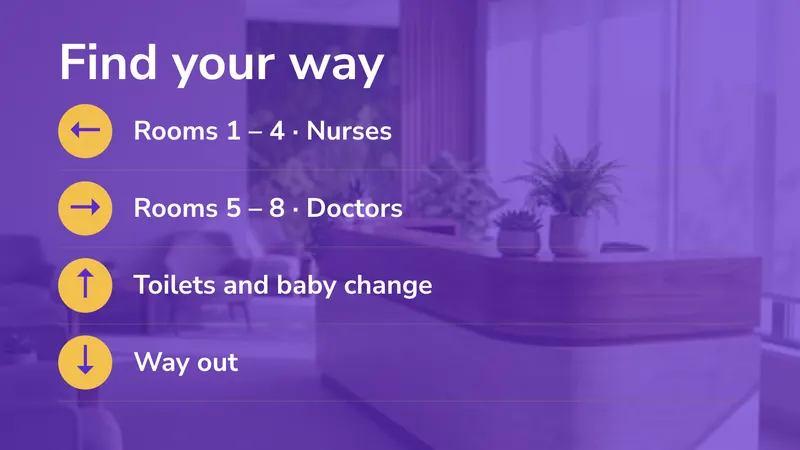 Which way Rooms, toilets, the way out Directions
 -
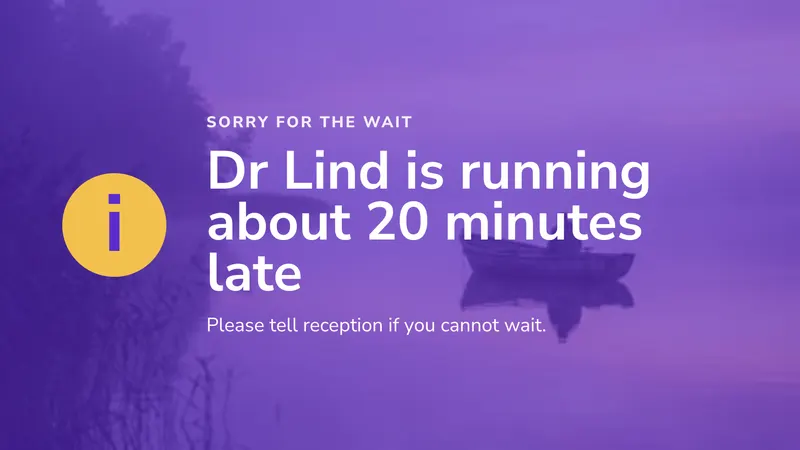 Running late A delay, said kindly Notices
 -
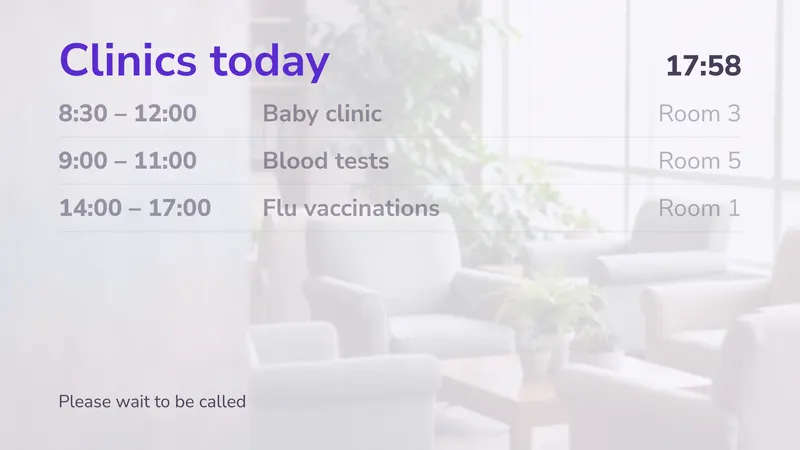 Clinics today What runs when, and where Timetables
Also in this collection, shown with your own photos or video: Calm video and clock (silent video with a short note).
Sets for more than one screen
- Waiting room 1 screen: calm video, clock and a note
- Reception 2 stacked: welcome and opening hours
- Check-in wall 2 side by side: how to check in and news
Hôtels & lieux d’accueil
-
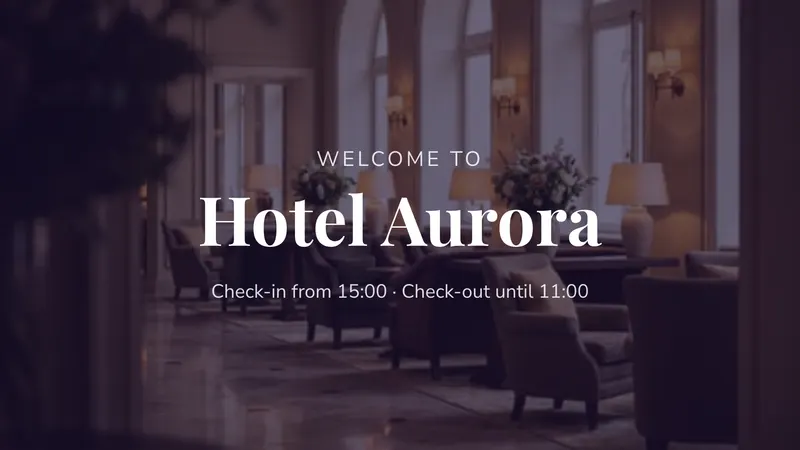 Lobby welcome Check-in and check-out times Bienvenue
 -
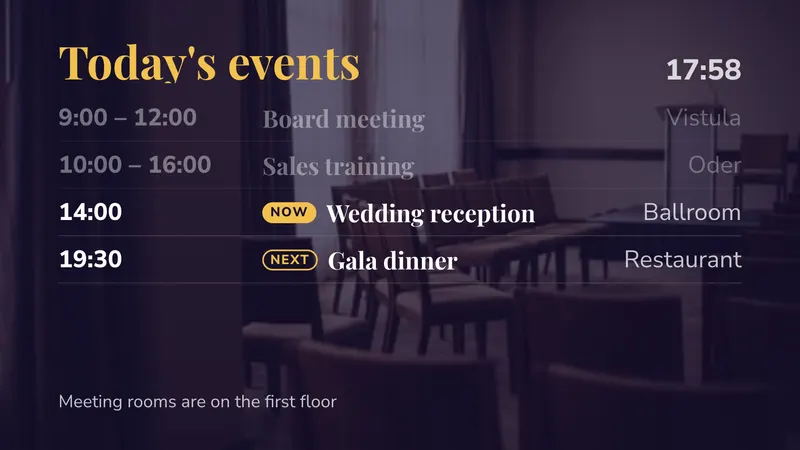 Today's events Time, event and room, now and next Timetables
 -
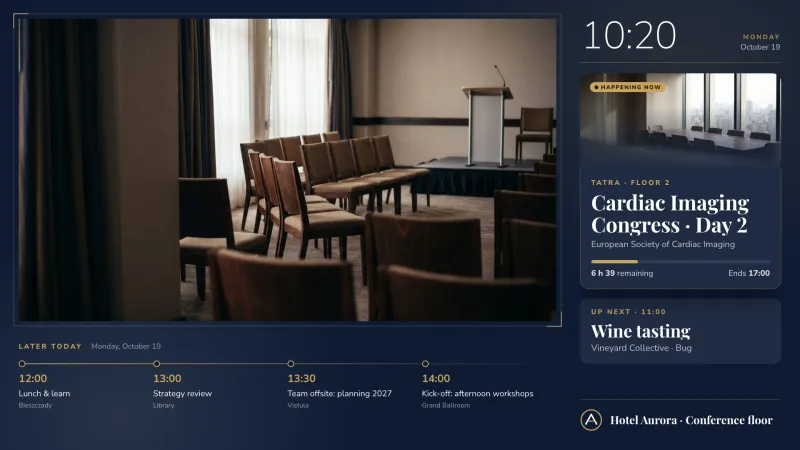 Tableau des conférences Les événements de chaque salle, en direct depuis vos réservations Salles de réunion & événements
 -
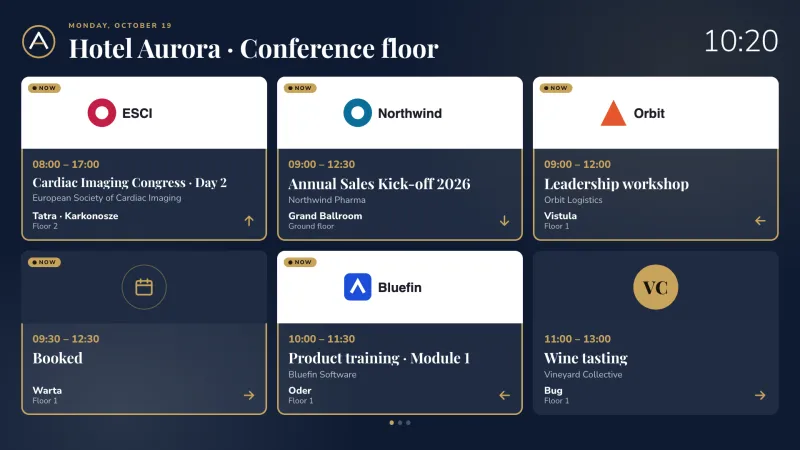 Événements avec logos Le logo, la salle et l’heure de chaque client Salles de réunion & événements
 -
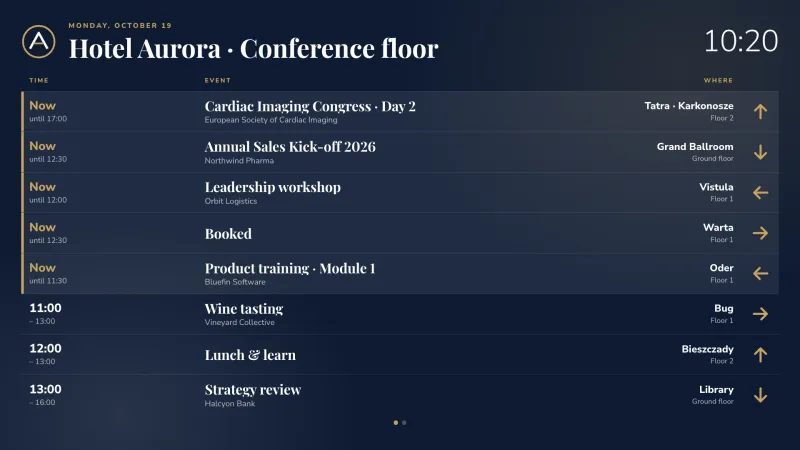 Liste des événements du jour L’heure, l’événement, la salle et le chemin à suivre Salles de réunion & événements
 -
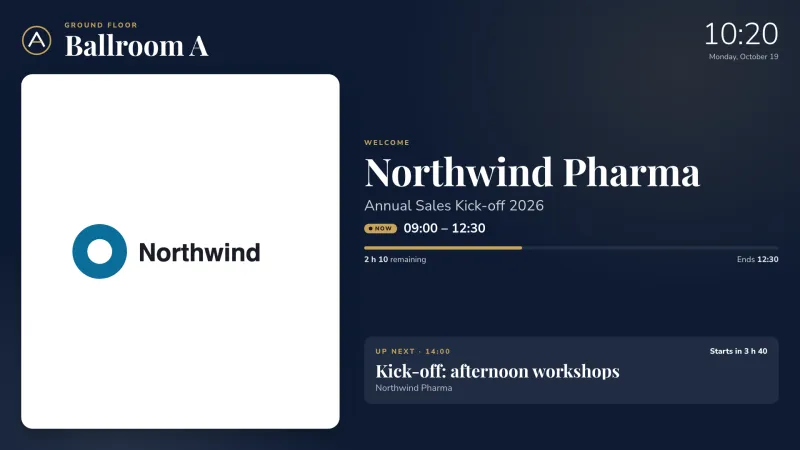 Porte de salle de conférence Le logo du client, en cours et à suivre Salles de réunion & événements
 -
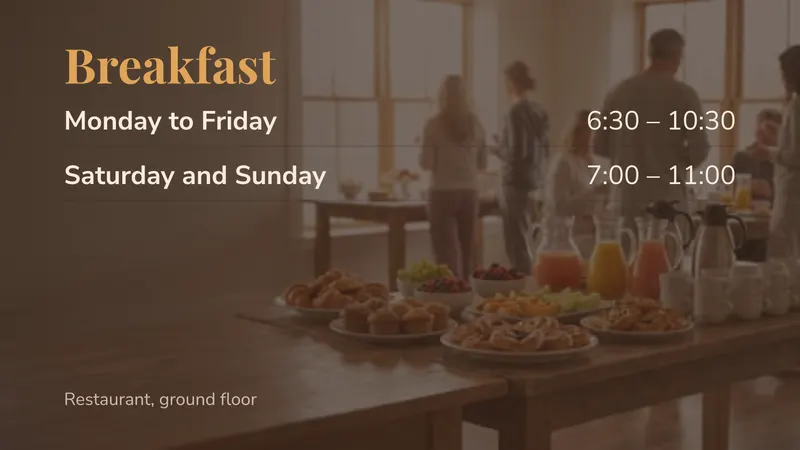 Breakfast times Where and when Hours & lists
 -
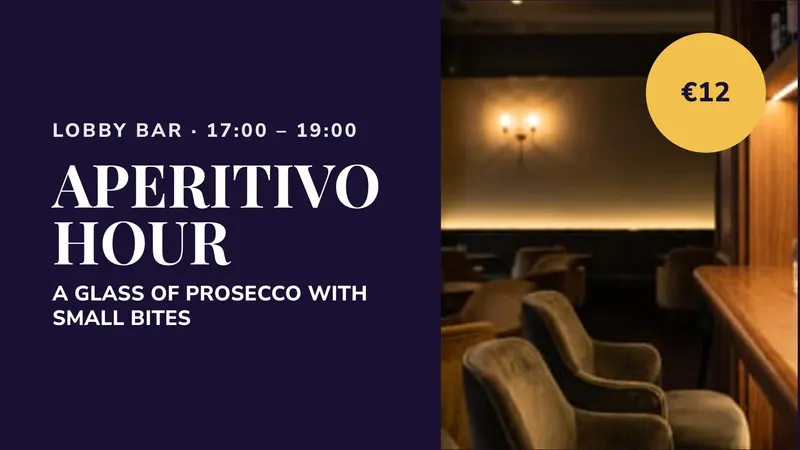 Bar offer An evening promotion Promotions
 -
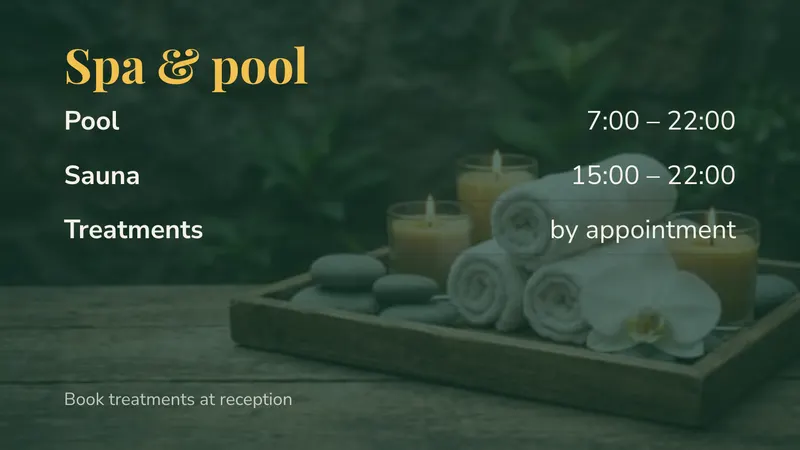 Spa and pool Opening times by facility Hours & lists
 -
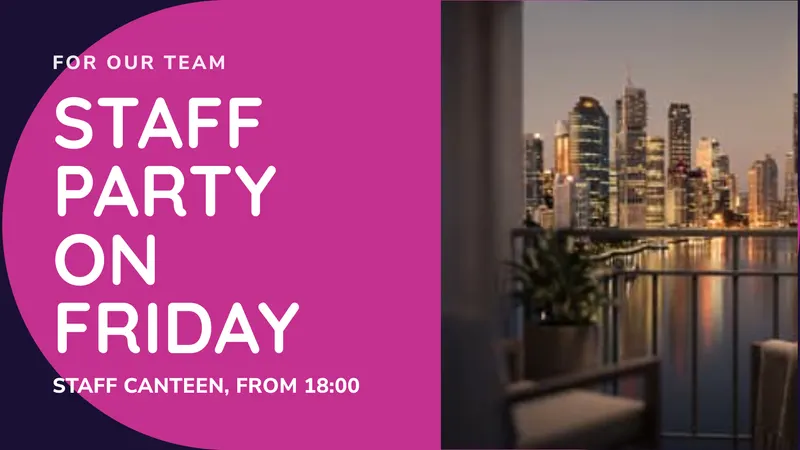 For the team Back of house news Promotions
 -
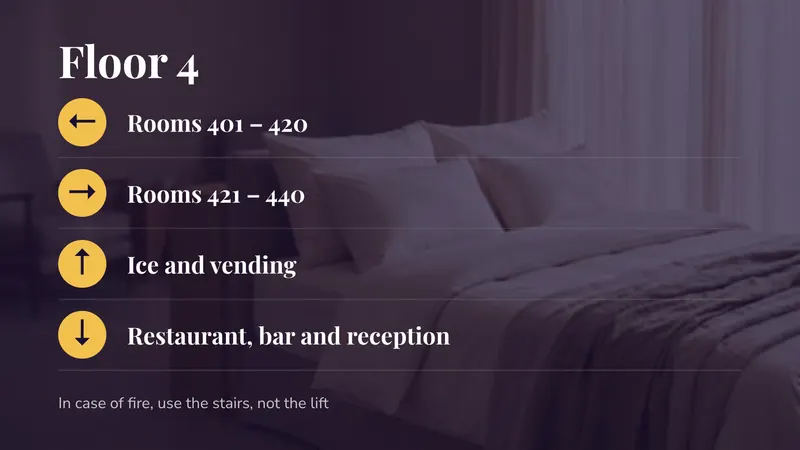 Lift lobby Rooms left and right, for one floor Directions
 -
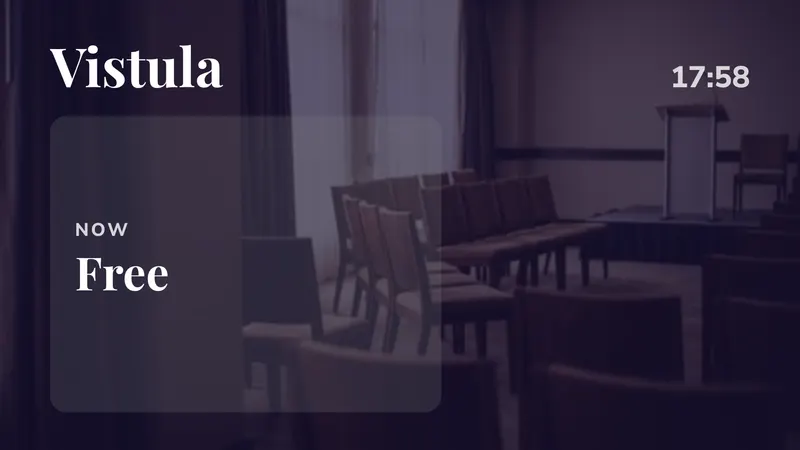 Meeting room door The session now, and next Timetables
Sets for more than one screen
- Reception 2 stacked: welcome and today's events
- Restaurant 2 side by side: breakfast and bar
- Staff canteen 2 side by side: news and lunch
Salles de sport
-
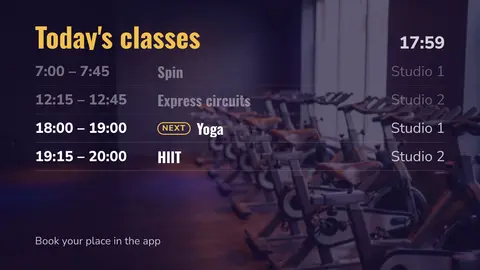
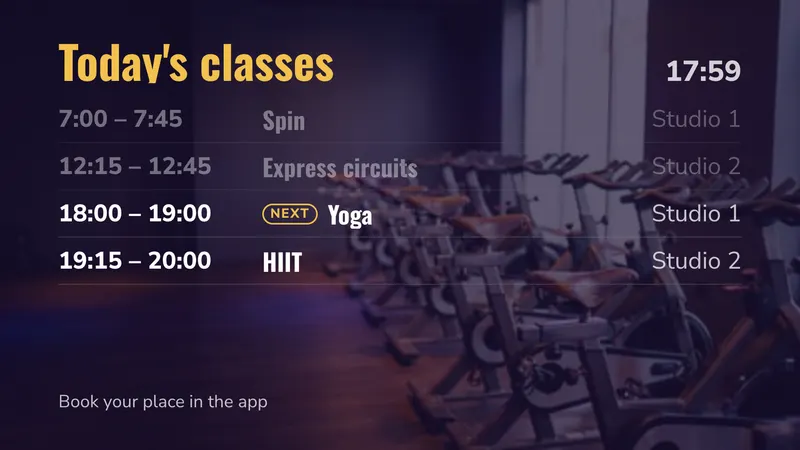 Today's classes Now and next, by itself Timetables
 -
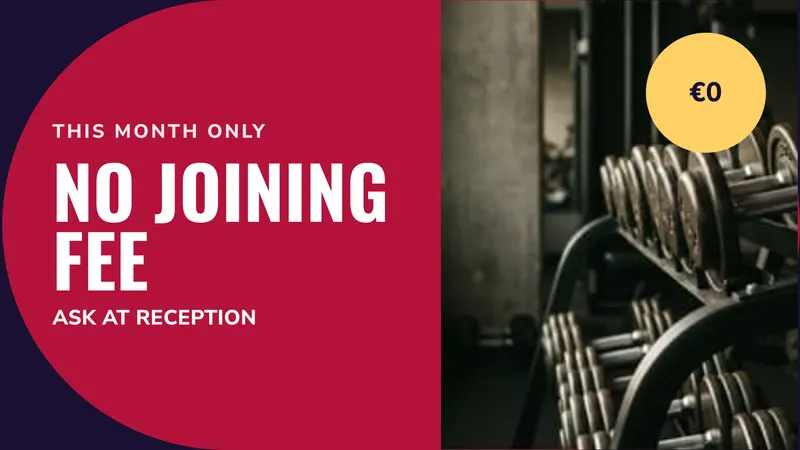 Joining offer For people who are not members yet Promotions
 -
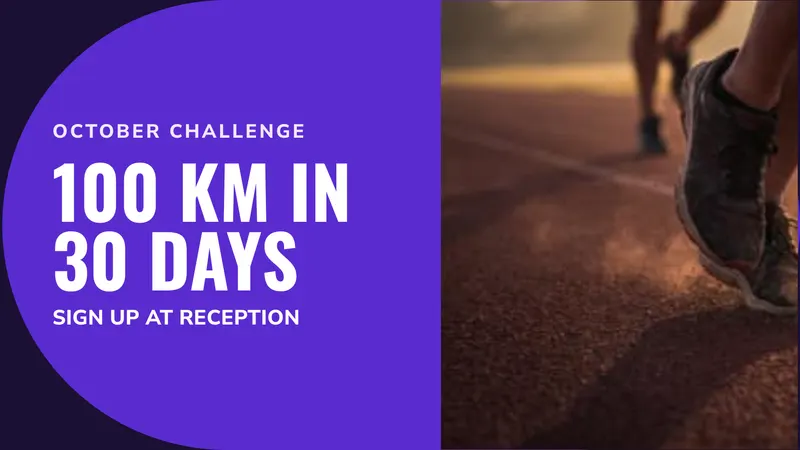 Monthly challenge Something to sign up for Promotions
 -
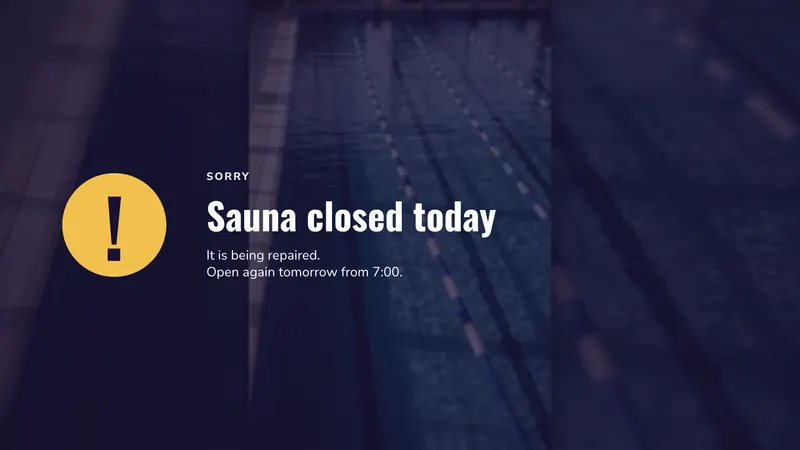 Maintenance notice Something is closed today Notices
 -
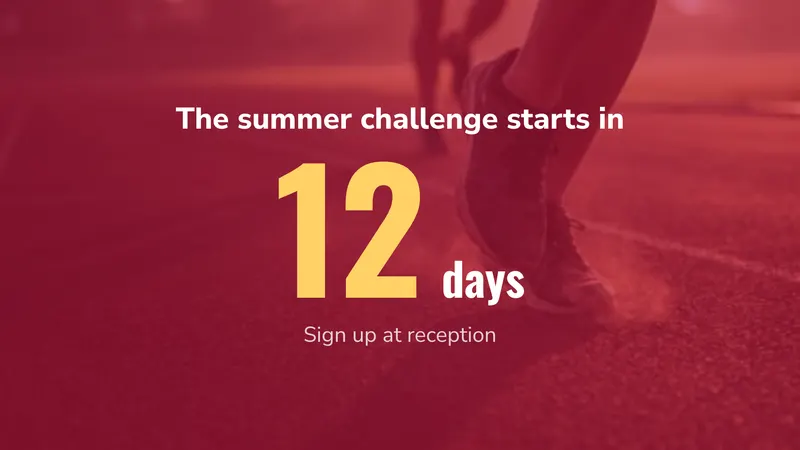 Challenge countdown Days until it starts Countdowns & goals
 -
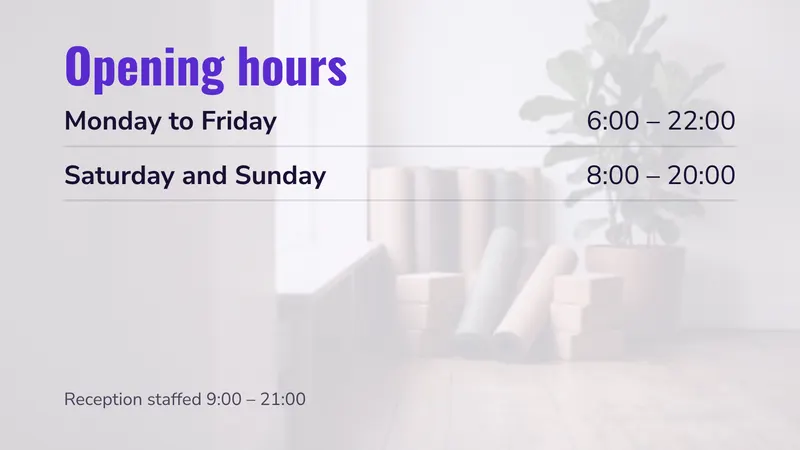 Opening hours Staffed and unstaffed hours Hours & lists
 -
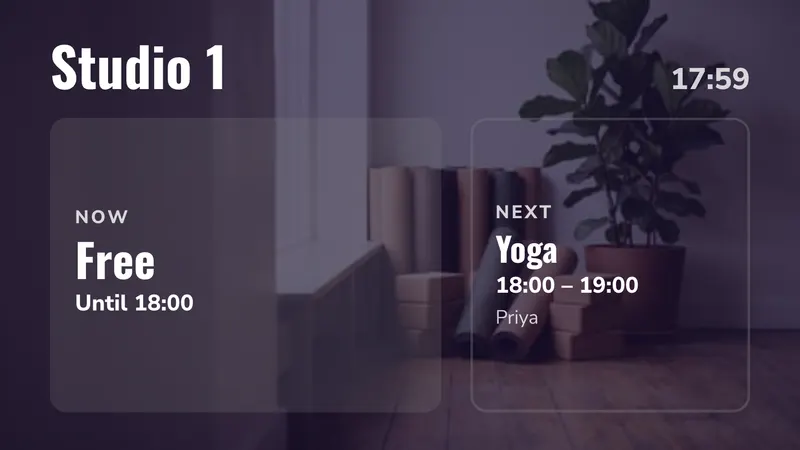 Porte du studio The class on now, and next Timetables
 -
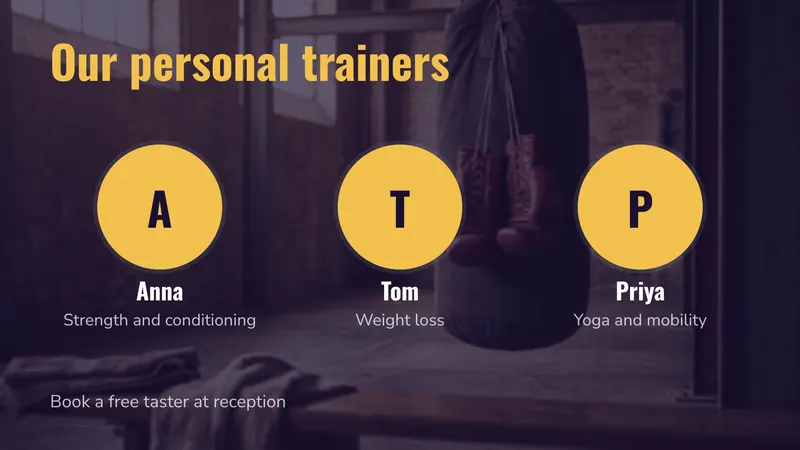 Our trainers Faces and specialities People
Also in this collection, shown with your own photos or video: Floor video (silent video, the message on screen).
Sets for more than one screen
- Reception 2 side by side: classes and offer
- Gym floor 1 screen: silent video with a message
- Entrance 2 stacked: opening hours and challenge
Salles omnisports & stades
Présentés ici : 18 d’entre eux et 5 des ensembles. Dans Studio, vous choisissez votre sport, et chacun des 6 sports a ses propres versions : Football, Basket-ball, Hockey sur glace, Handball, Rugby, Volley-ball.
-
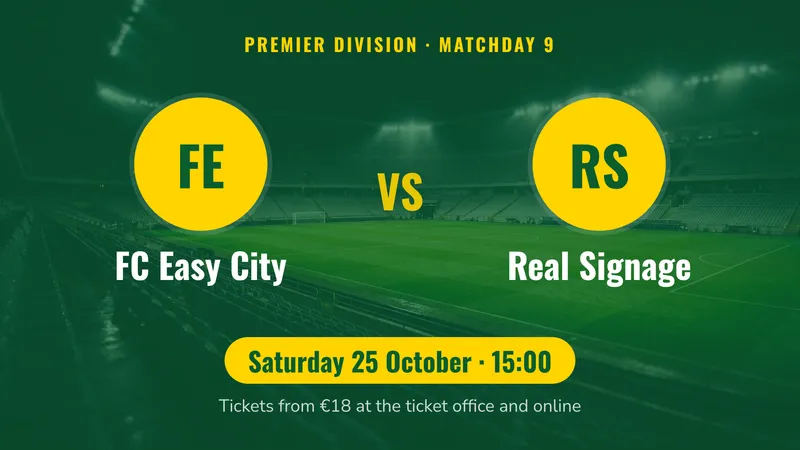 Prochain match à domicile Les deux équipes, leurs logos, quand Sport & matchs
 -
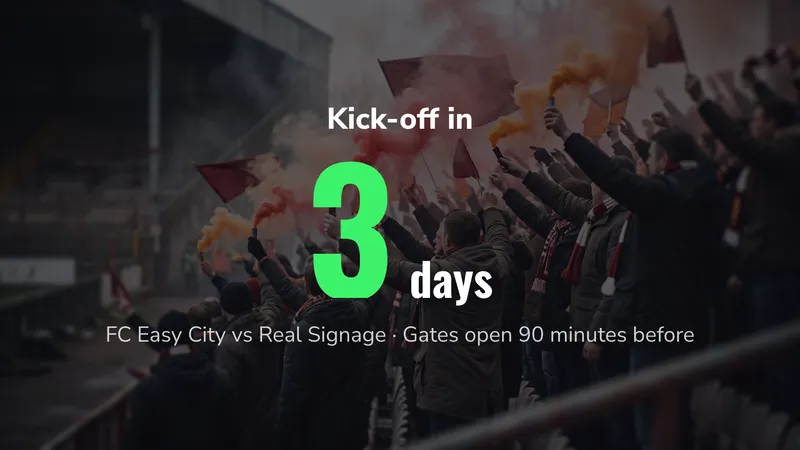 Compte à rebours du coup d’envoi Jours jusqu’au prochain match Countdowns & goals
 -
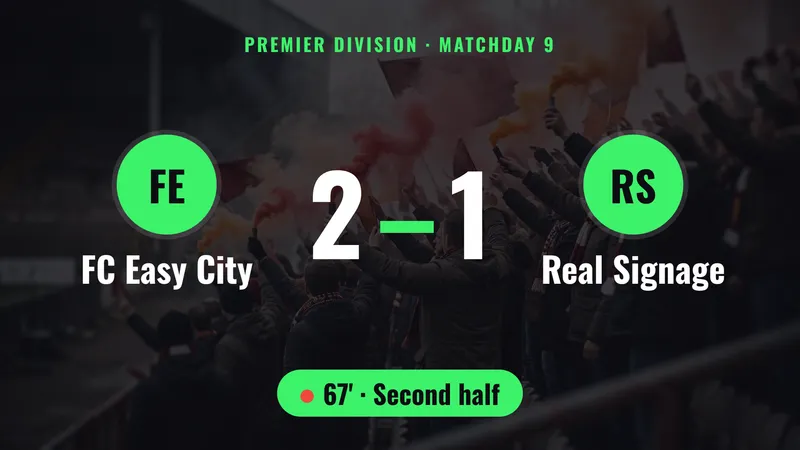 Score en direct Modifiez-le depuis votre téléphone Sport & matchs
 -
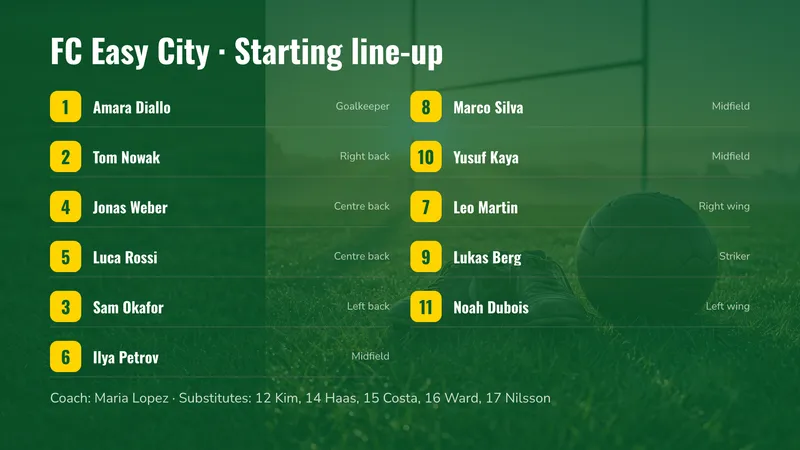 Composition d’équipe Numéros, noms et postes Sport & matchs
 -
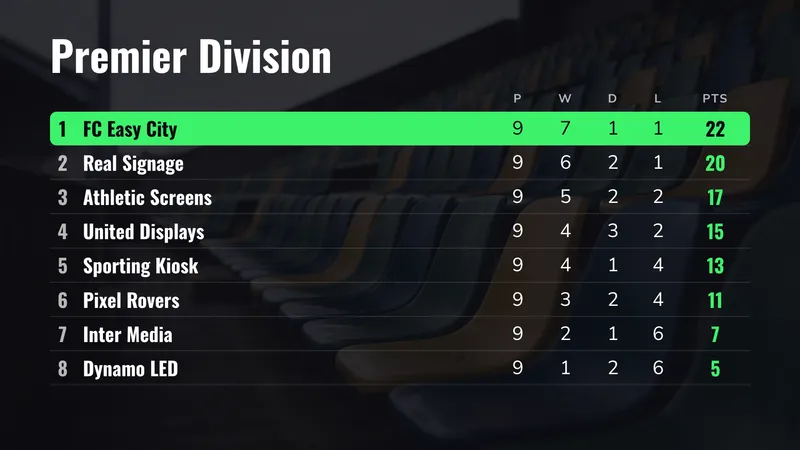 Classement Votre équipe mise en avant Sport & matchs
 -
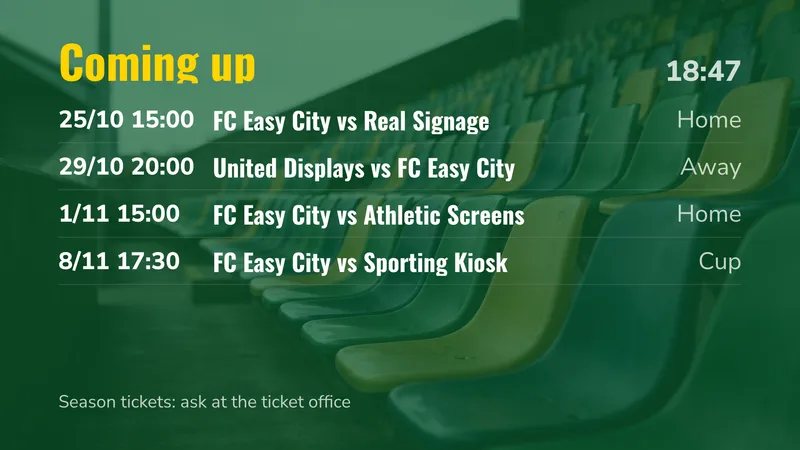 Calendrier des matchs Les prochains matchs à domicile et à l’extérieur Timetables
 -
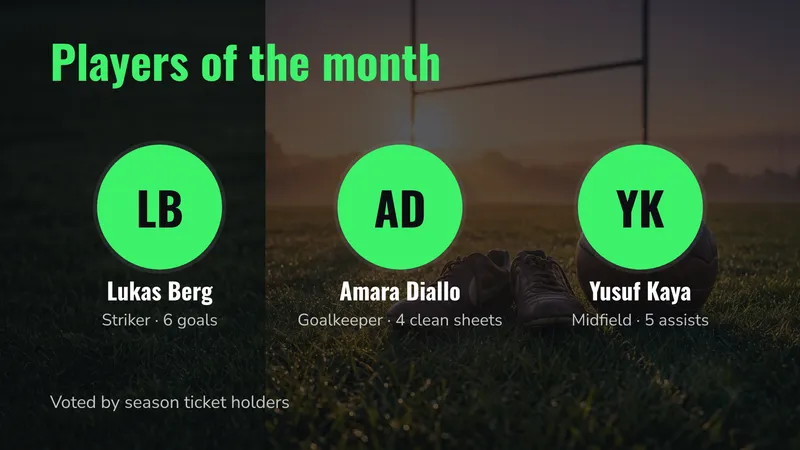 Joueurs du mois Des visages et leurs numéros People
 -
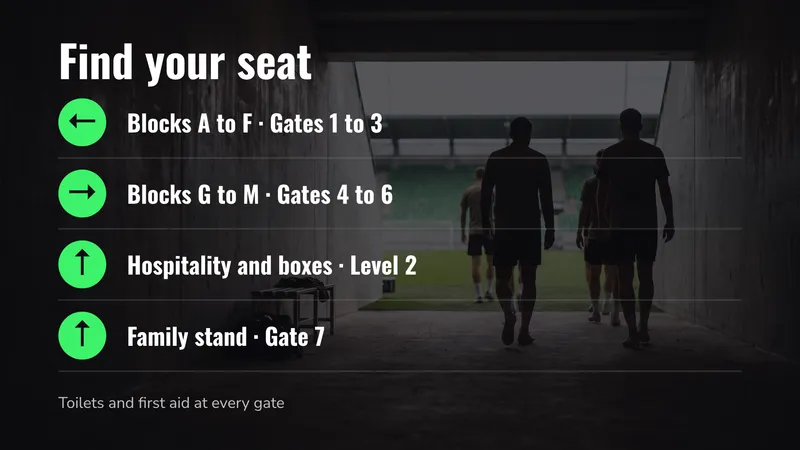 Plan des tribunes Blocs, portes et loges Directions
 -
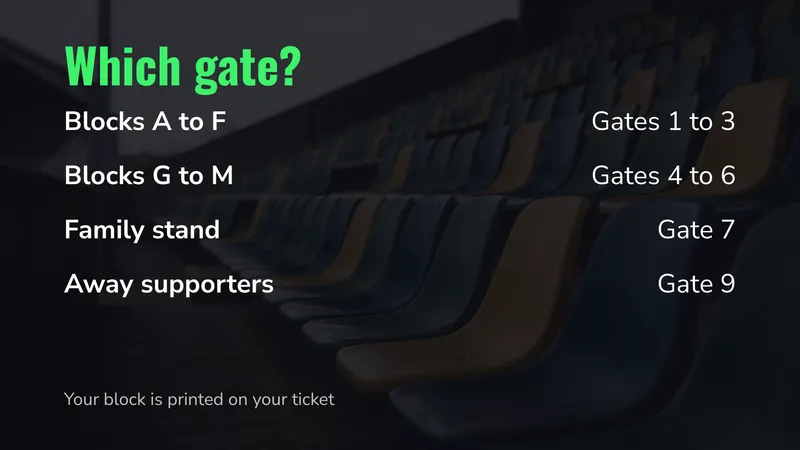 Quelle porte ? Votre bloc, votre porte Hours & lists
 -
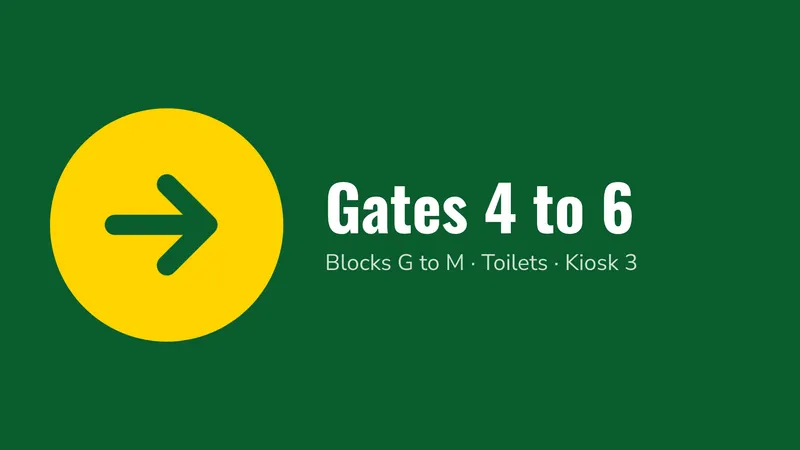 Par ici Une grande flèche, visible de loin Directions
 -
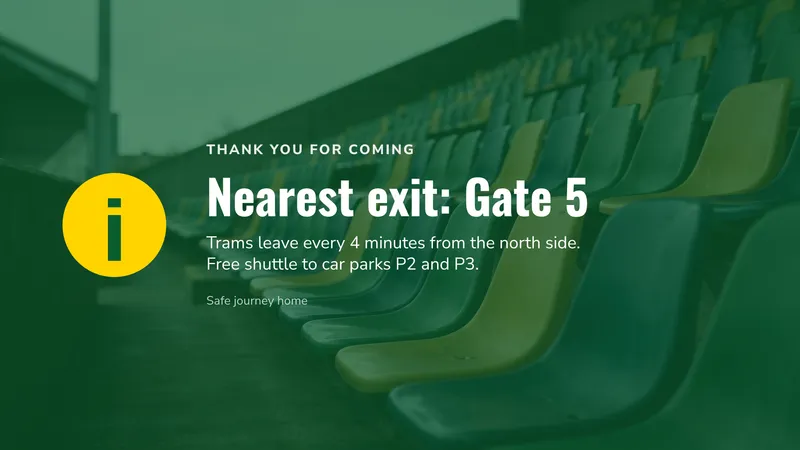 Après le coup de sifflet final Sorties et transports Notices
 -
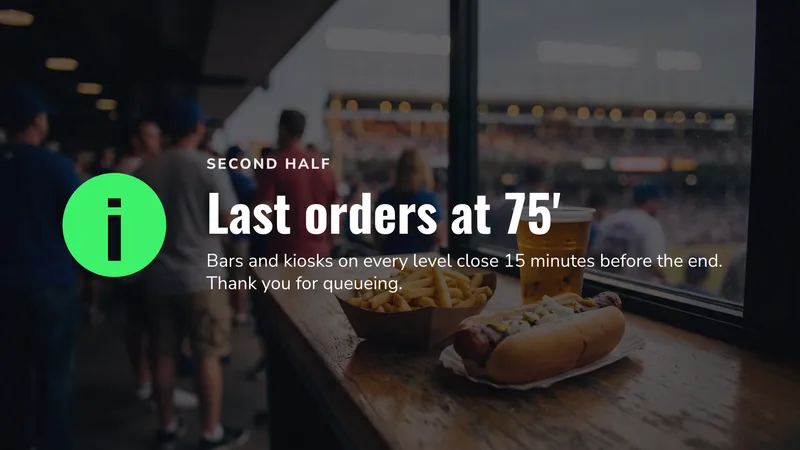 Dernières commandes Quand les bars et les buvettes ferment Notices
 -
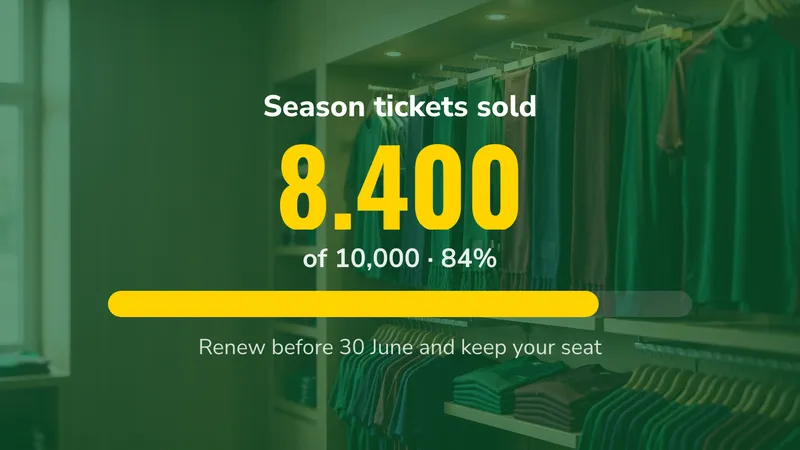 Abonnements Où en est la campagne de vente Countdowns & goals
 -
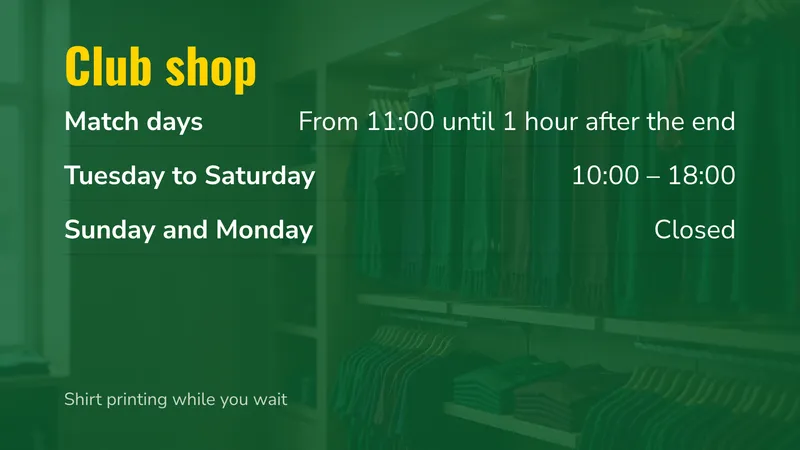 Horaires de la boutique du club Jours de match et le reste de la semaine Hours & lists
Aussi dans cette collection, présentés avec vos propres photos ou vidéos : Offre de la mi-temps (une grande offre pour la pause), Menu de la buvette (des prix en grand, lisibles depuis la file d’attente), Vidéo de la fan zone (temps forts avec un bandeau défilant), Logos des partenaires (un diaporama de vos sponsors).
Sets for more than one screen
- Jour de match 2 côte à côte : prochain match et classement
- Mur du tableau de score 2 côte à côte : score en direct et feuille de match
- Comptoir de la buvette 3 côte à côte : nourriture, boissons, offre de la mi-temps
- Pilier de la coursive 2 superposés : plan des tribunes et quelle porte
- Itinéraire de sortie 2 côte à côte : la sortie et les transports
Usines & entrepôts
-
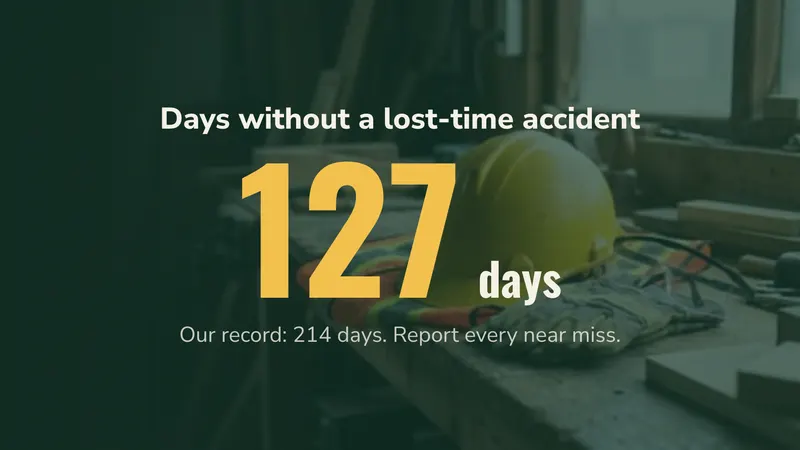 Days without an accident Counts up by itself every day Countdowns & goals
 -
 Safety message This month's rule, big Promotions
 -
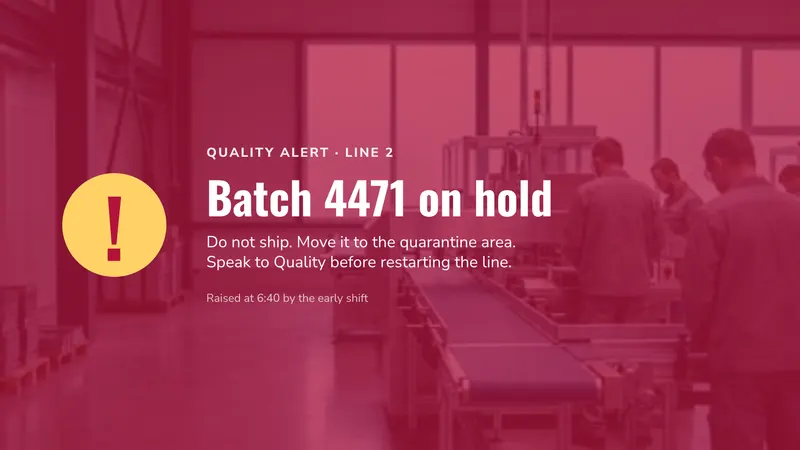 Quality alert A batch on hold Notices
 -
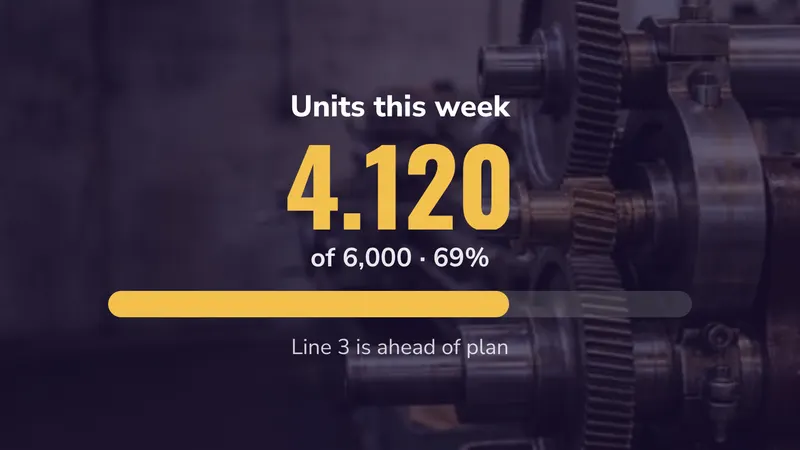 Target board Output against the target Countdowns & goals
 -
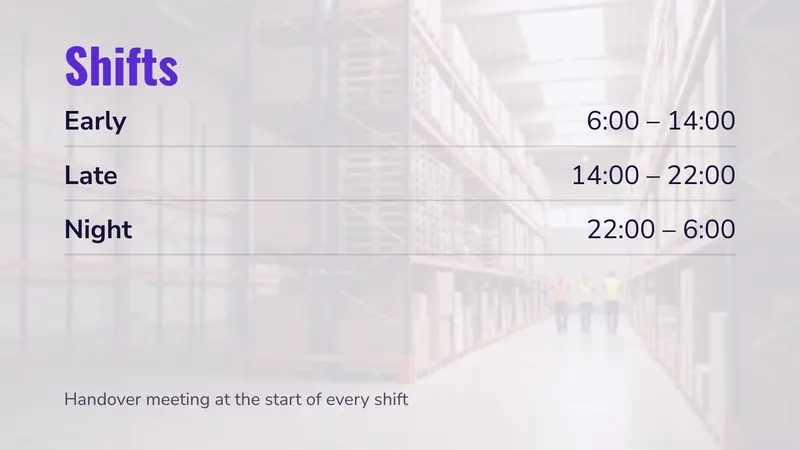 Shift times Early, late and night Hours & lists
 -
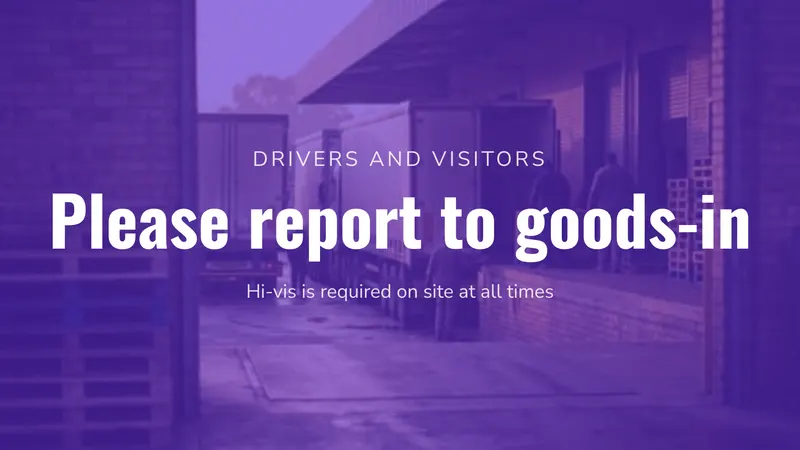 Goods-in welcome For drivers and visitors Bienvenue
 -
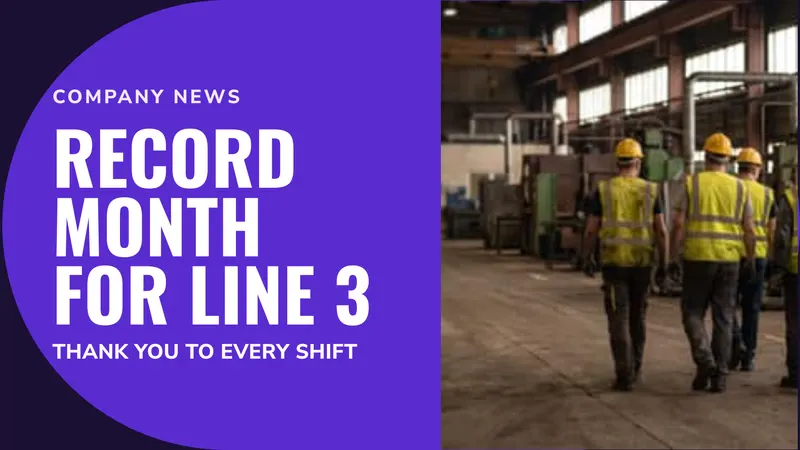 Company news Good news for every shift Promotions
 -
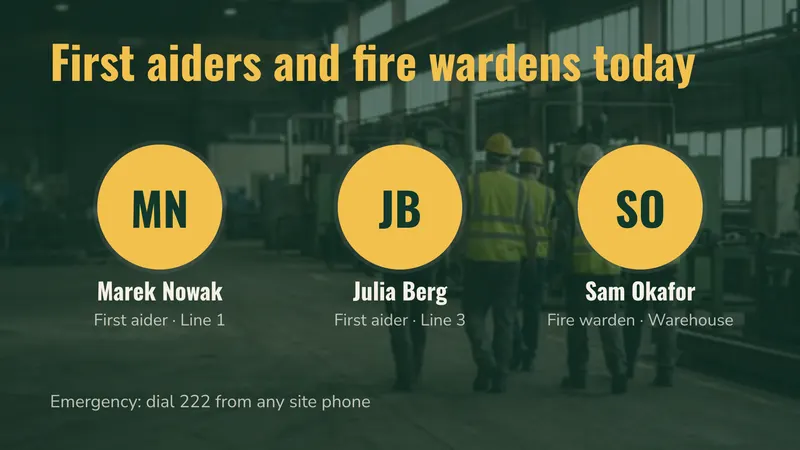 First aiders today Who to call, with faces People
 -
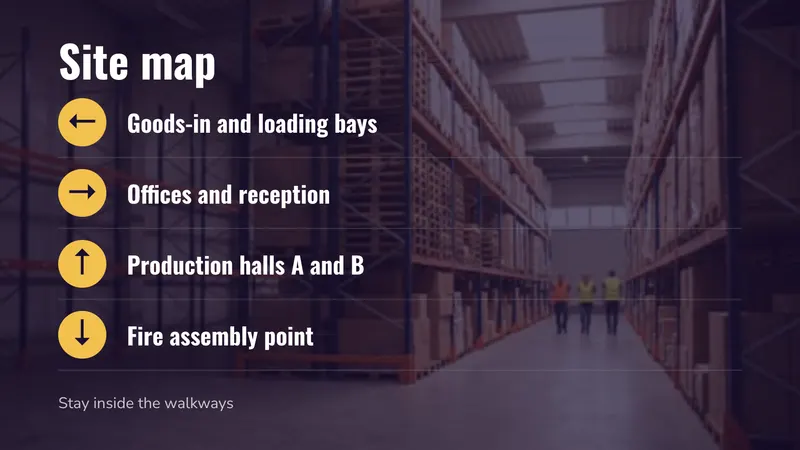 Site directions Goods-in, offices, the assembly point Directions
Sets for more than one screen
- Clock-in point 2 stacked: days without an accident and shifts
- Canteen 2 side by side: today's menu and news
- Goods-in 1 screen: welcome for drivers
Églises
-
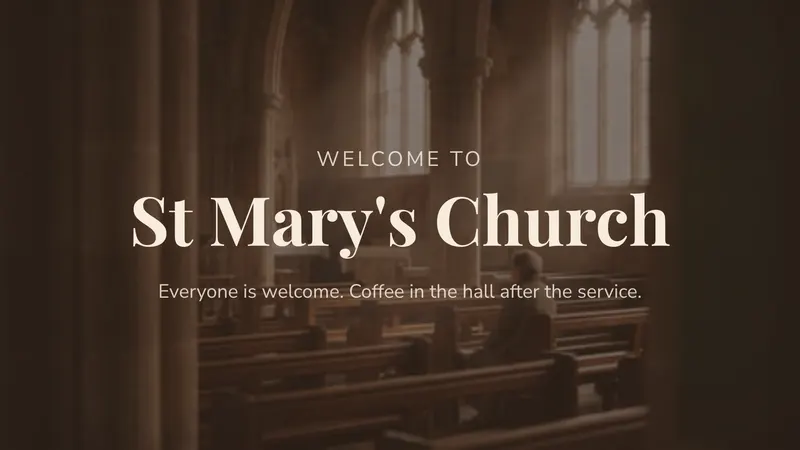 Bienvenue For people who are new Bienvenue
 -
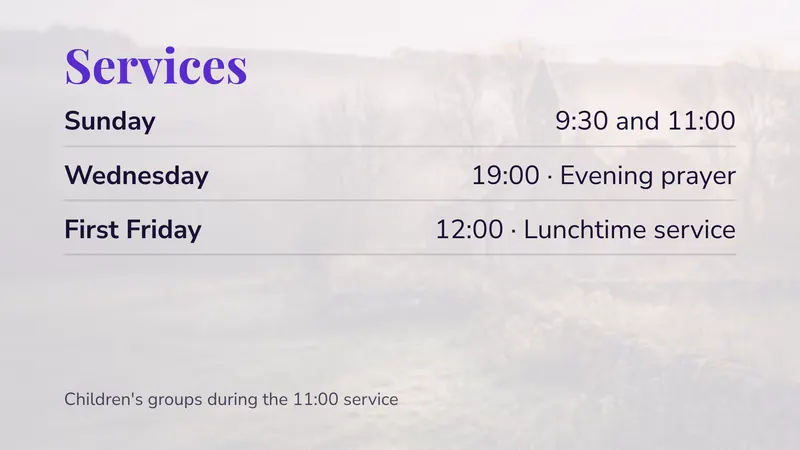 Service times The regular week Hours & lists
 -
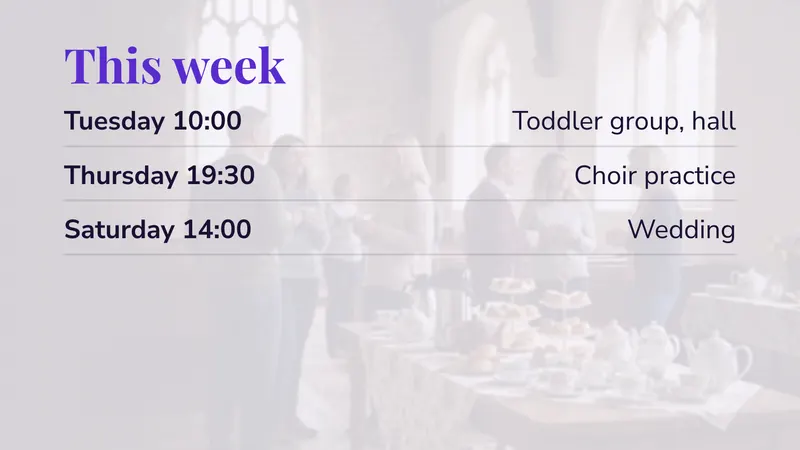 Cette semaine Groups, practice, weddings Hours & lists
 -
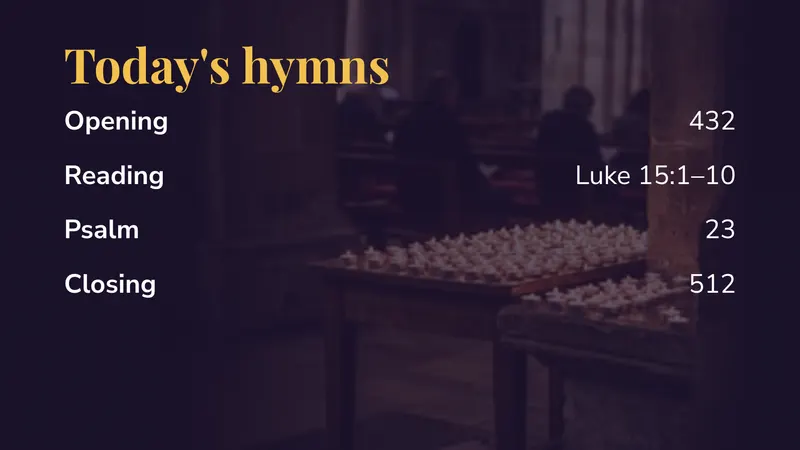 Today's hymns Numbers and readings Hours & lists
 -
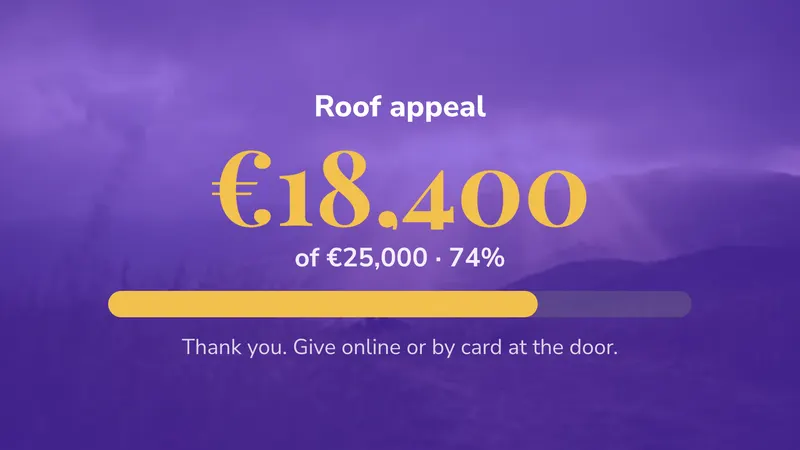 Appeal How far you have come, with a bar Countdowns & goals
 -
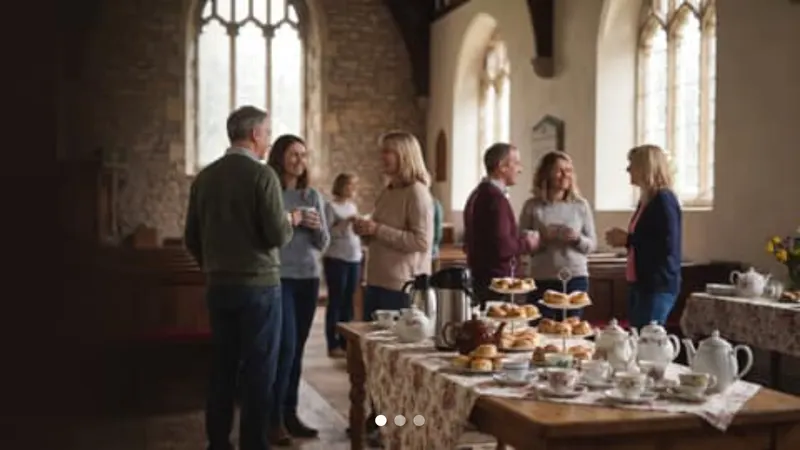 Photos from events The last picnic, the choir Photos & video
 -
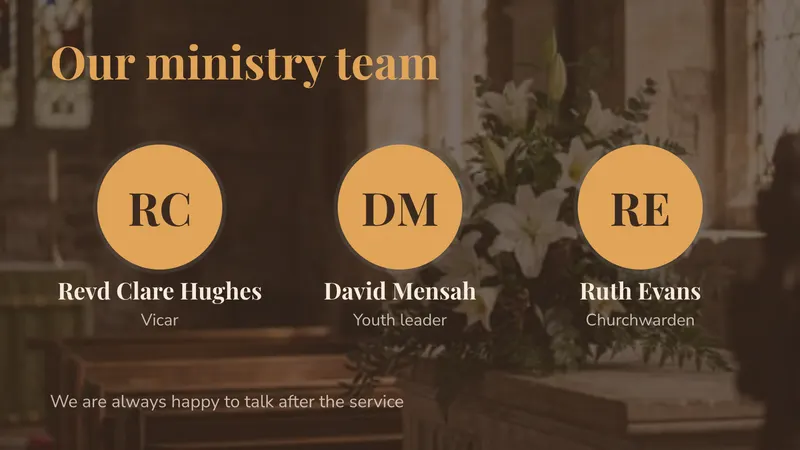 Qui nous sommes The ministry team, with faces People
Sets for more than one screen
- Entrance 2 stacked: welcome and service times
- Hall 2 side by side: this week and photos
- Before the service 1 screen: today's hymns
Change de devises
-
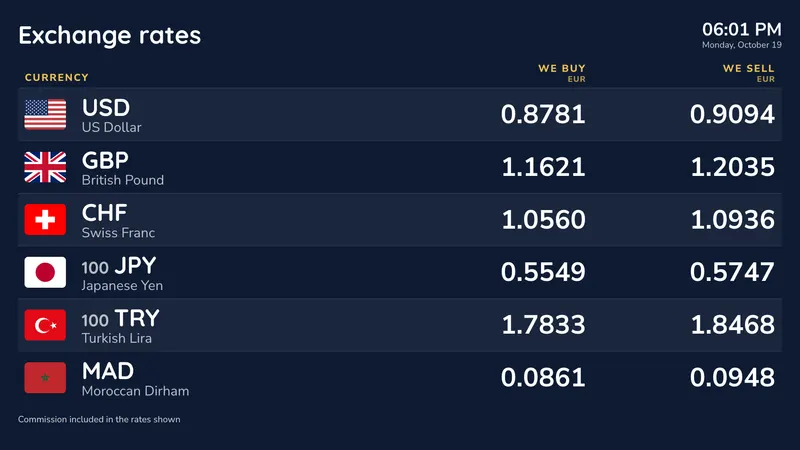 Mur vitrine Big rates for the shop window Exchange rates
 -
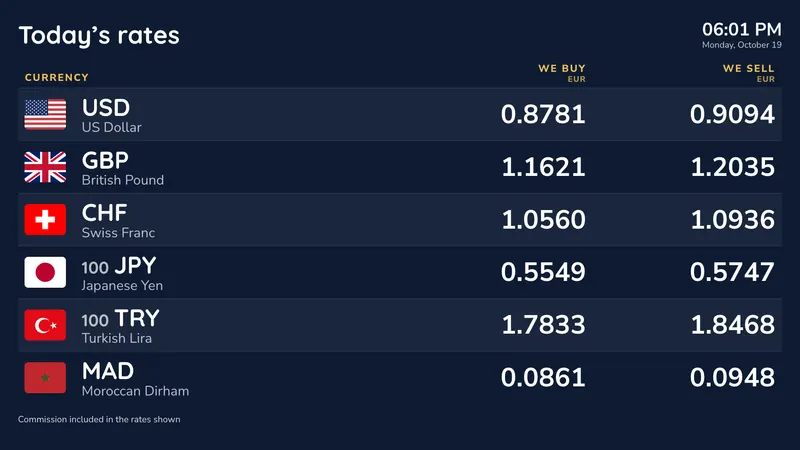 Grille comptoir Every currency, two columns Exchange rates
 -
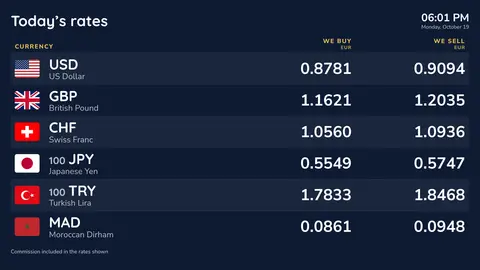
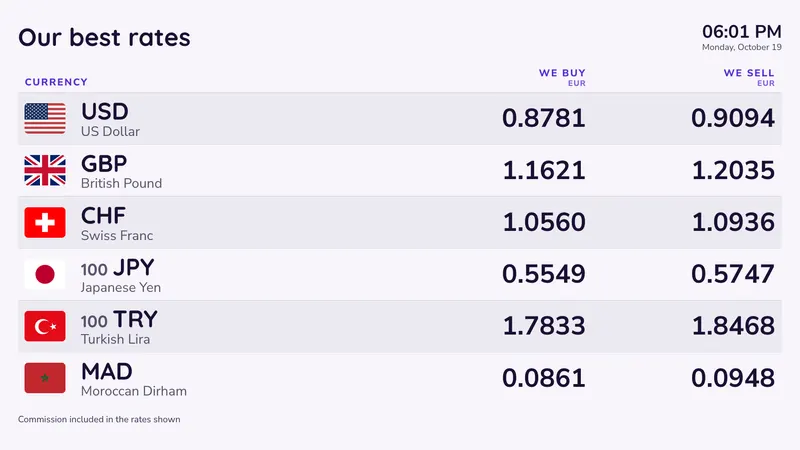 Top currencies Six currencies, large Exchange rates
 -
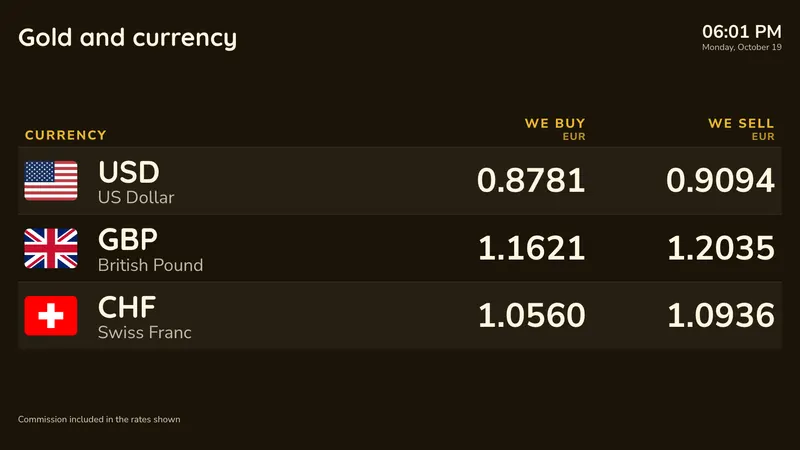 Or et devises Gold and silver per gram, with the main currencies Exchange rates
 -
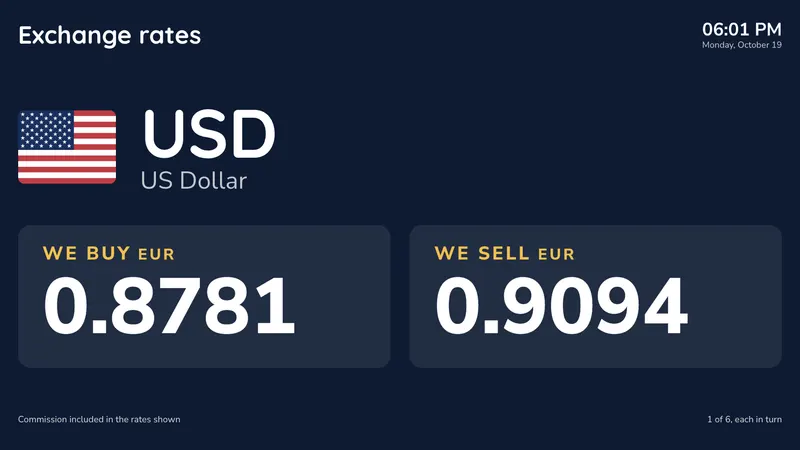 Projecteur Une devise à la fois, en très grand Exchange rates
 -
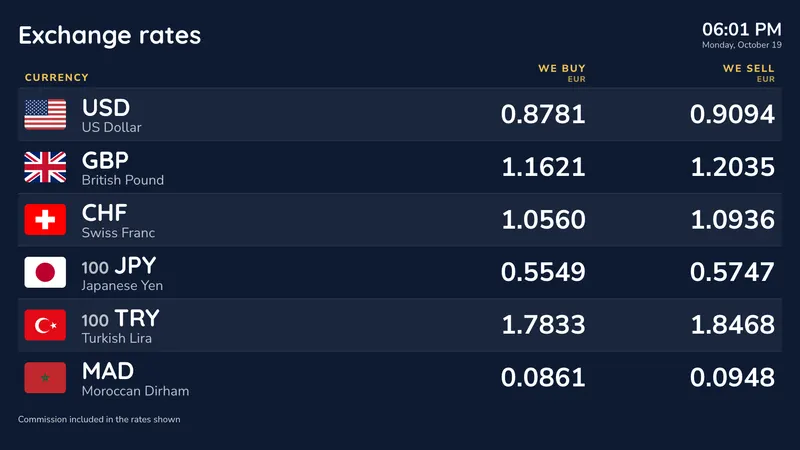 Pour les touristes Labels in English and Chinese, taking turns Exchange rates
 -
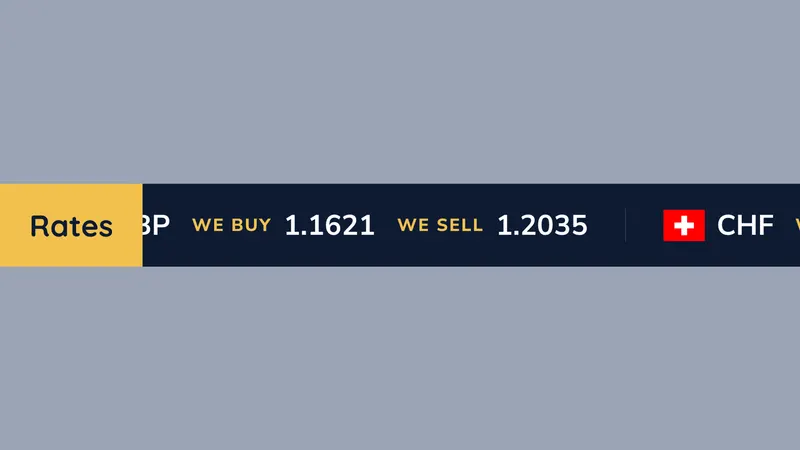 Bandeau défilant des cours For an LED strip or a thin screen Exchange rates
 -
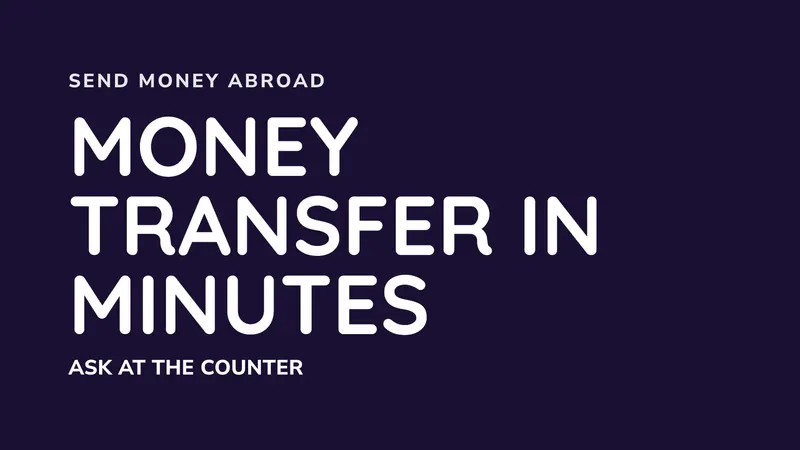 Money transfer Send money abroad Promotions
 -
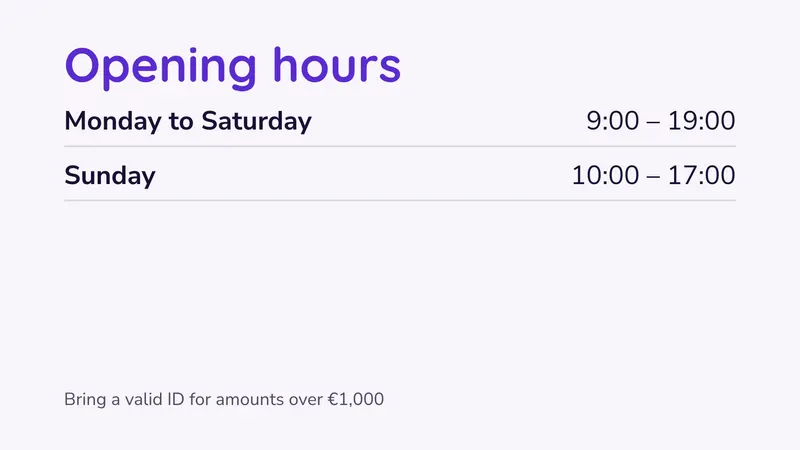 Opening hours Including Sundays Hours & lists
 -
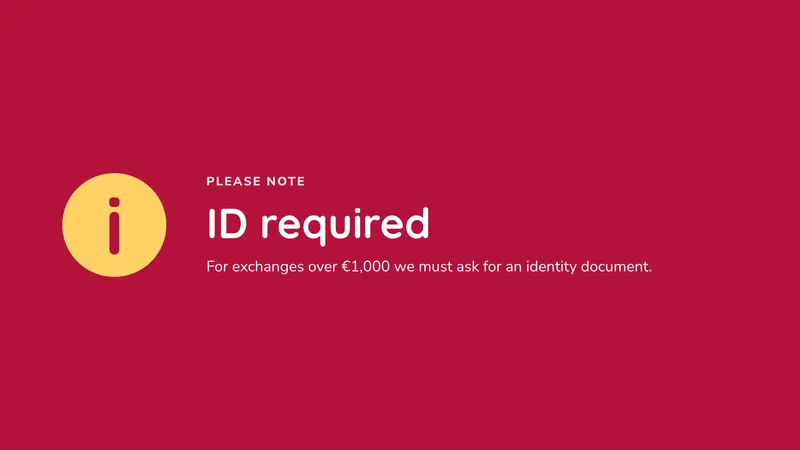 ID required A notice for large amounts Notices
Sets for more than one screen
- Window and counter 2 side by side: the window wall and the counter grid
- Rates and transfers 2 stacked: top currencies and money transfer
Général
-
 Bienvenue Your name and a line below Bienvenue
 -
 Announcement One message, big and clear Promotions
 -
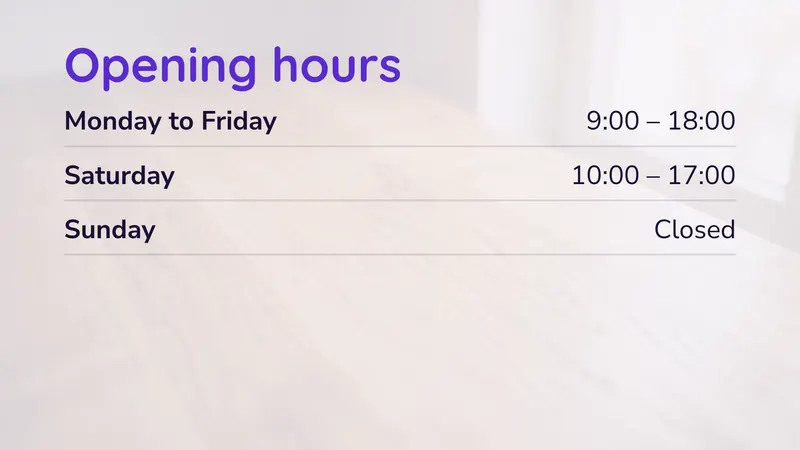 Opening hours Your week at a glance Hours & lists
 -
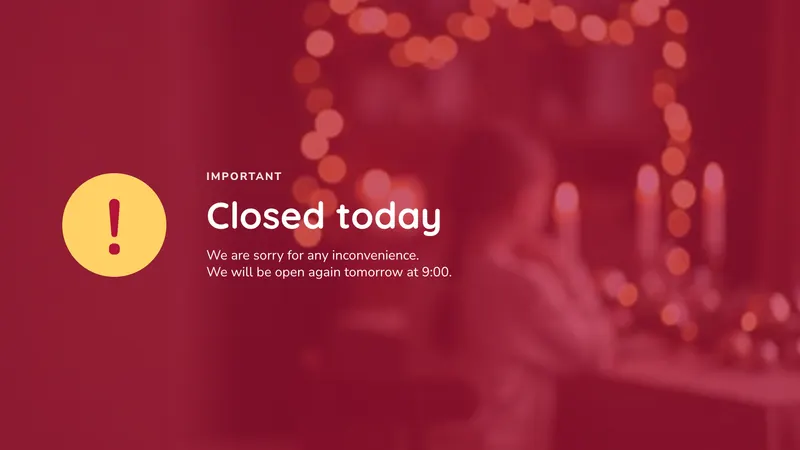 Notice An announcement or a warning Notices
 -
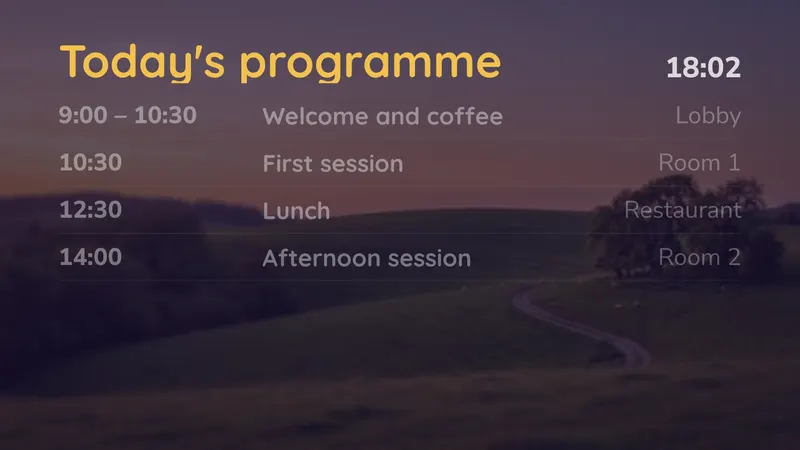 Today's programme Now and next, by itself Timetables
 -
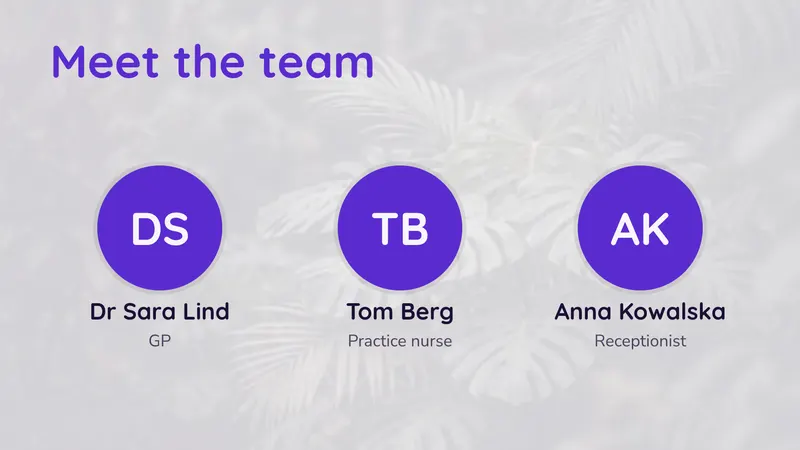 Our team Faces, names and roles People
 -
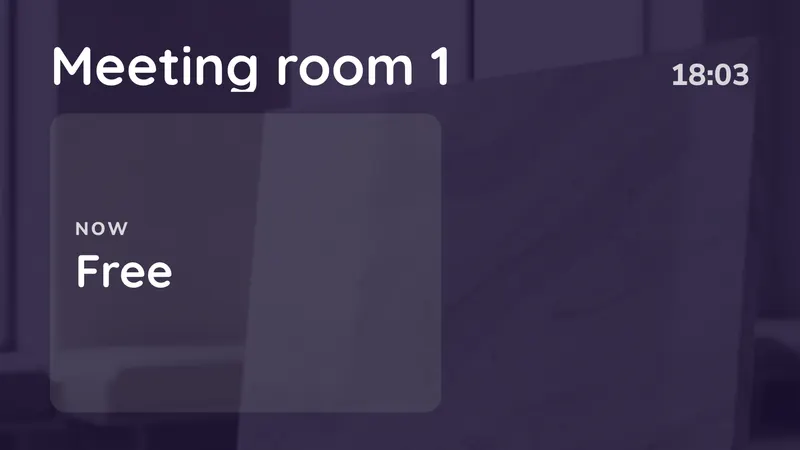 Door sign On now, and next Timetables
 -
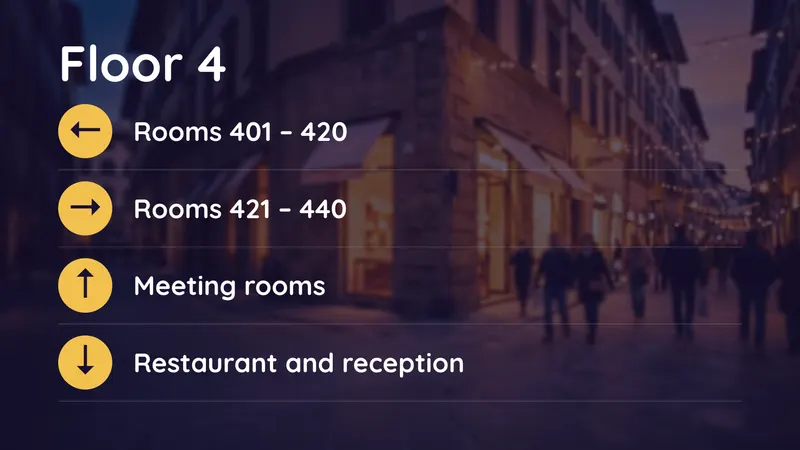 Directions Which way to go Directions
 -
 Photo slideshow Your photos, one after another Photos & video
Sets for more than one screen
- Reception 2 stacked: welcome and opening hours
From template to screen in three taps
Studio works the same on a phone and on a computer. There is nothing to install.
-
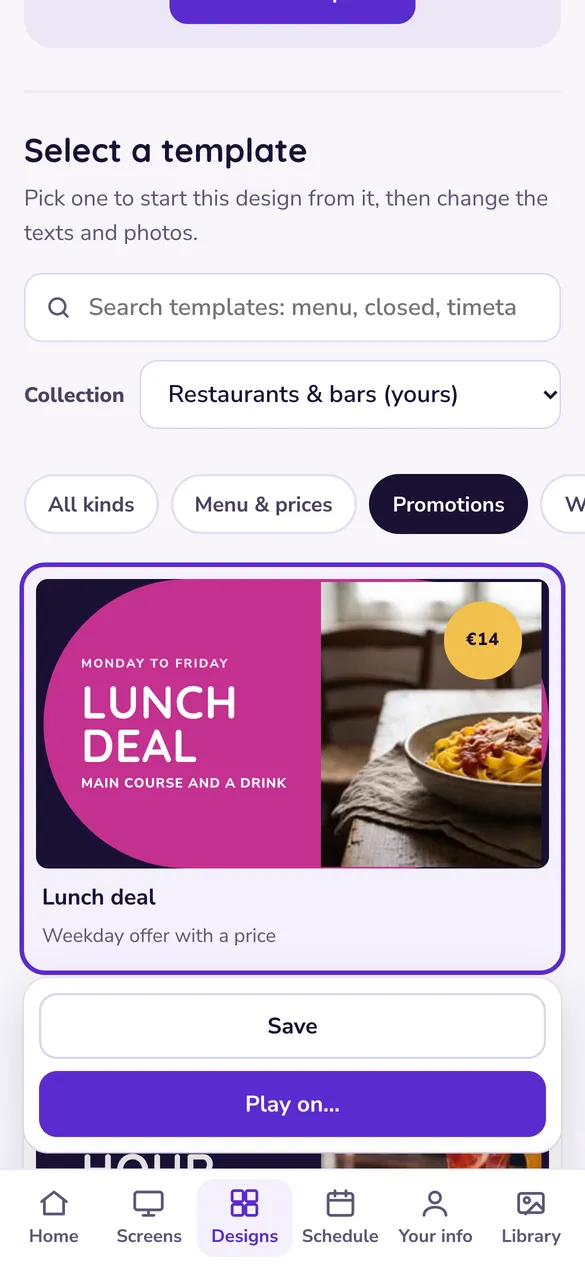
Pick a template
Studio asks once what kind of business you are and shows your collection first. Search across every template, or filter by kind.
-
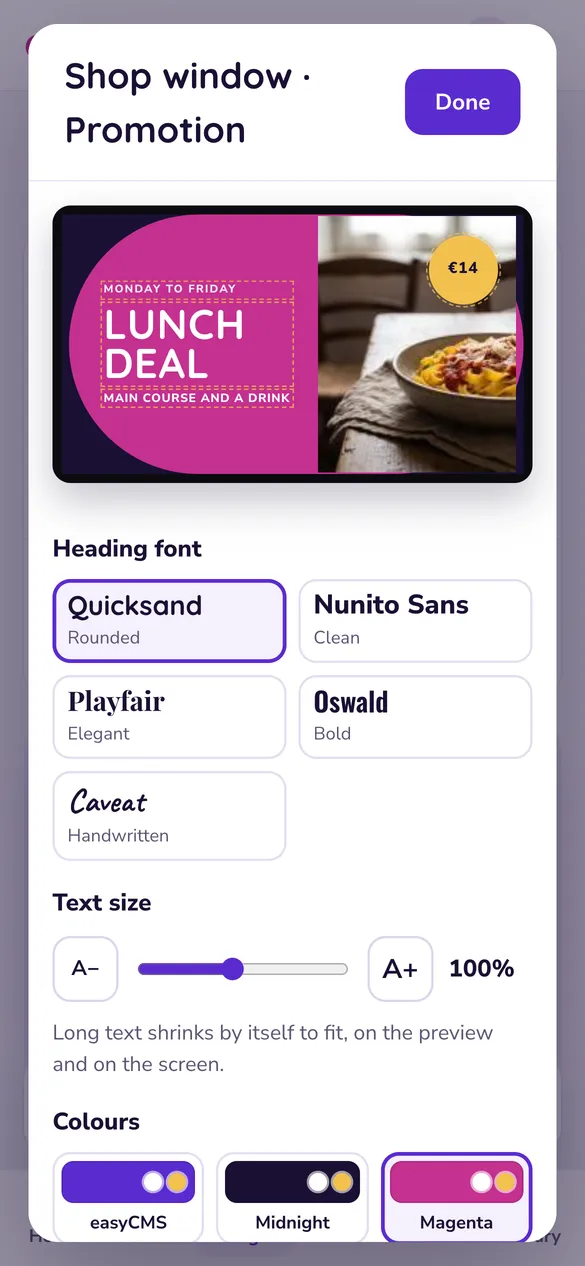
Make it yours
Change the words on the preview itself, then the font, the colours and the photo. What you see is what plays.
-
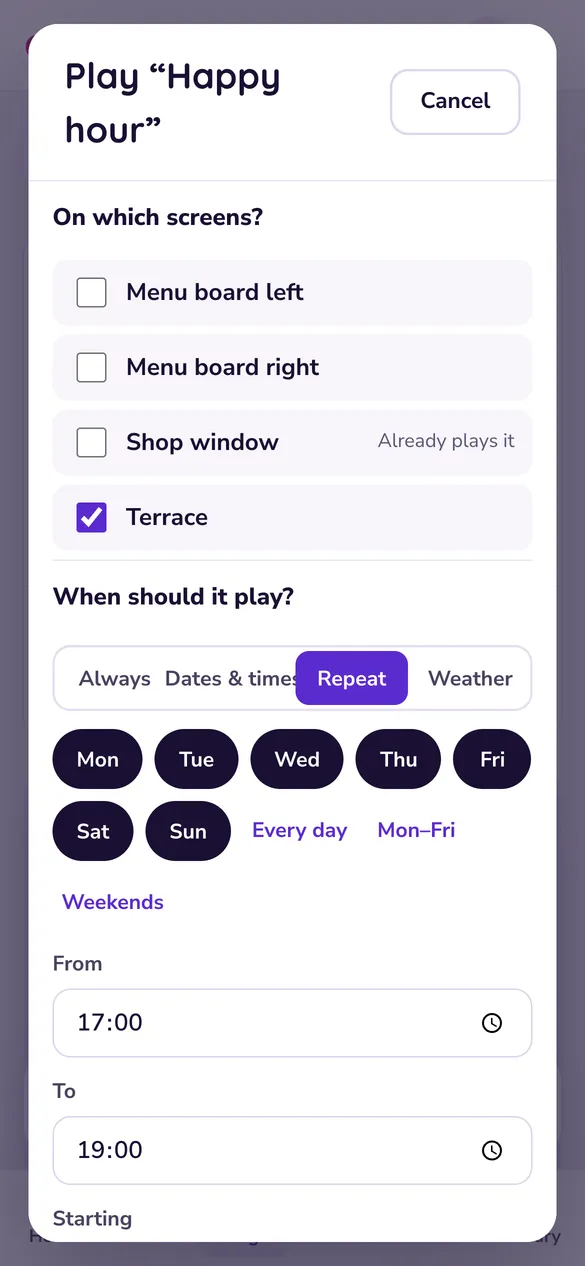
Play it on your screens
Choose the screens, and when: always, on dates, every weekday at lunch, or only when it rains.
About the templates
Do the templates cost extra?
Non. Tous les modèles, les ensembles multi-écrans et les designs vierges font partie d’easyCMS Studio, inclus avec chaque compte, dès celui à 49€. Il n’y a aucun pack de modèles à acheter et aucun abonnement mensuel.
Can I change the colours, fonts and photos?
Yes. Type over any text on the preview, pick one of five heading fonts and a colour palette, set the text size, and swap the sample photo for one of yours or one from the free stock photos for your kind of business. Long text shrinks by itself to fit the screen.
Do the templates work on portrait screens and LED walls?
Most templates rearrange themselves when you switch a screen to portrait. For LED walls and unusual screens you can type the exact size in pixels, for example 1024 × 512, and the design is built at that size.
Which templates keep themselves up to date?
Menu boards read your dishes and prices from Menu & prices, so a price changed once updates every screen. Countdowns and "days since" counters change every day, timetables highlight what is on now and next, exchange rate boards show your current rates, and welcome screens, opening hours and team boards read the details you typed once in Your info.
Can I start from a blank screen instead?
Yes. Every design type is also available blank, without sample texts. If you need something no template covers, the advanced editor is still there for free-form layouts, and we can build a design for you with an Expert Support Hour.
Can I try a template before I buy?
There is no free trial, but every template on this page is shown exactly as Studio draws it on the screen. If you are not sure one fits your screens, send us a message and we will tell you honestly.
Already a customer? Open Studio and every template is under Designs.
Your first screen, with every template
One payment of 49€: your account, your first display licence and all of easyCMS Studio. Nothing renews.