
Most money wasted on digital signage is wasted choosing the screen: a TV that gives up in eighteen months, a panel too dim for the room, or a screen hung in portrait that was never made for it. Three questions decide it: commercial panel or TV, how bright, and what size. easyCMS has partnered with LG for professional screens, and our bundle arrives with the player set up.
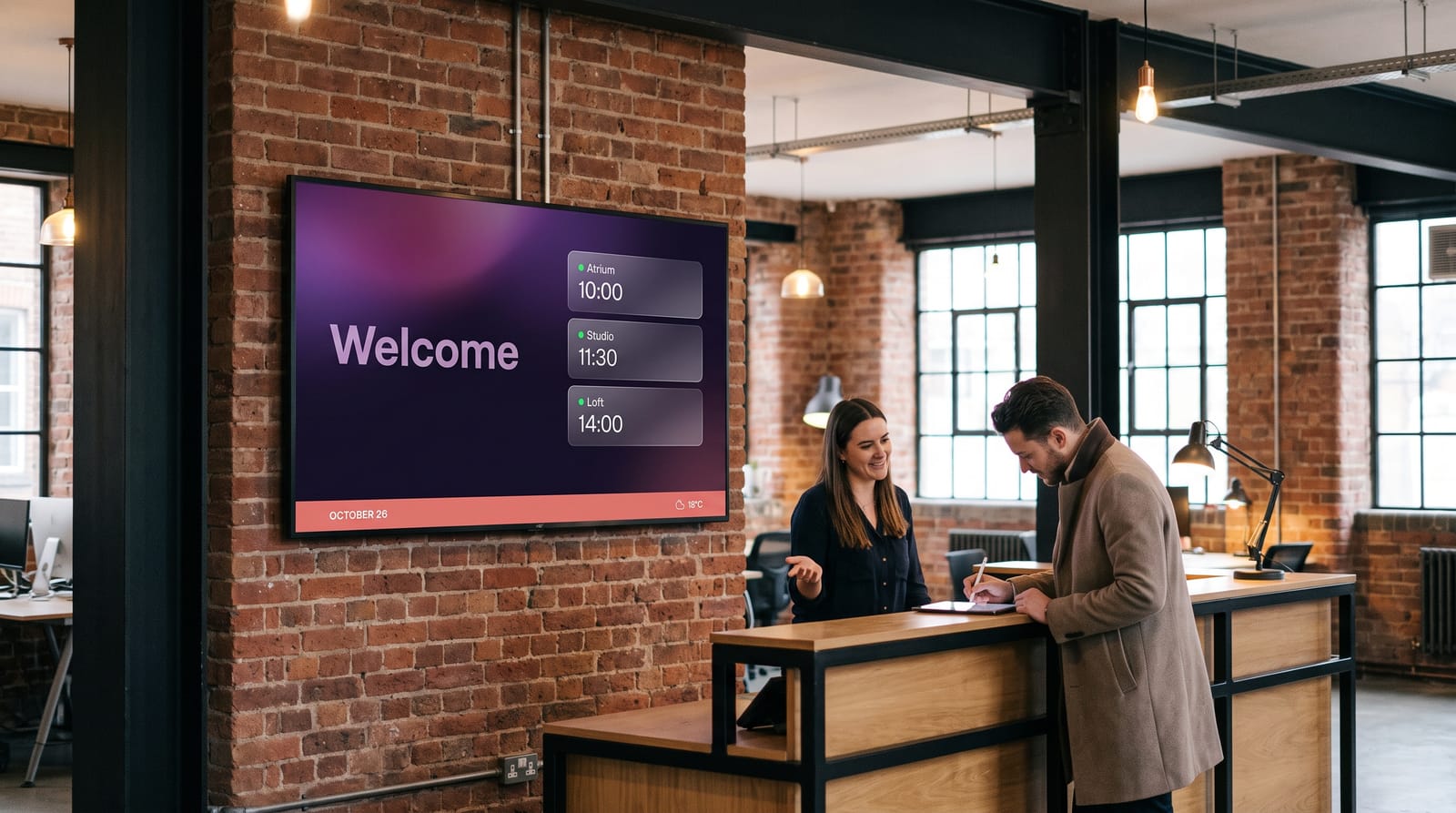
Good to know The screen size calculator gives the right size for your farthest viewer and the smallest text that stays readable.
Commercial panel or TV?
They look alike in a shop and behave very differently on a wall for five years.
| Home TV | Commercial panel | |
|---|---|---|
| Hours a day | 4–6 | 16 or 24 |
| Portrait mounting | Rarely allowed | Normally allowed |
| Warranty | Business use often voids it | Covers signage use |
| After a restart | Its own home screen, pop-ups, updates | Goes straight to your content |
A TV that wakes up on its own home screen, or shows an update notice over your menu, is a visit you did not plan for. For a trial or a quiet staff room, a TV is fine; here is how with a Samsung TV.
How bright does it need to be?
Buying too dim is the most common mistake. Brightness is given in nits on the spec sheet.
| Where the screen goes | What to buy | On the spec sheet |
|---|---|---|
| Office, corridor, meeting room, waiting area | A standard commercial panel | 300–400 nits |
| Shop, reception, restaurant, classroom | A brighter commercial panel | 400–700 nits |
| Shop window, facing the street | A high-brightness window display | 1,500–2,500 nits, up to 4,000 in direct sun |
| Outdoors | An outdoor display in a sealed housing, or an LED wall | The brightest available |
Glass costs light and adds reflections, so a window needs far more than the same spot indoors.
Size and viewing distance
Size follows from how far away people stand, not from how much wall you have.
| Furthest viewer | Screen size |
|---|---|
| 1–2 m | 24”–32” |
| 2–4 m | 43” |
| 4–6 m | 49”–55” |
| 6–9 m | 65”–75” |
| 9 m and beyond | 86” and up, or LED |
Hang the centre of the screen at about 1.6 m for people standing. Above a queue, go higher and tilt it down a little.
Portrait or landscape?
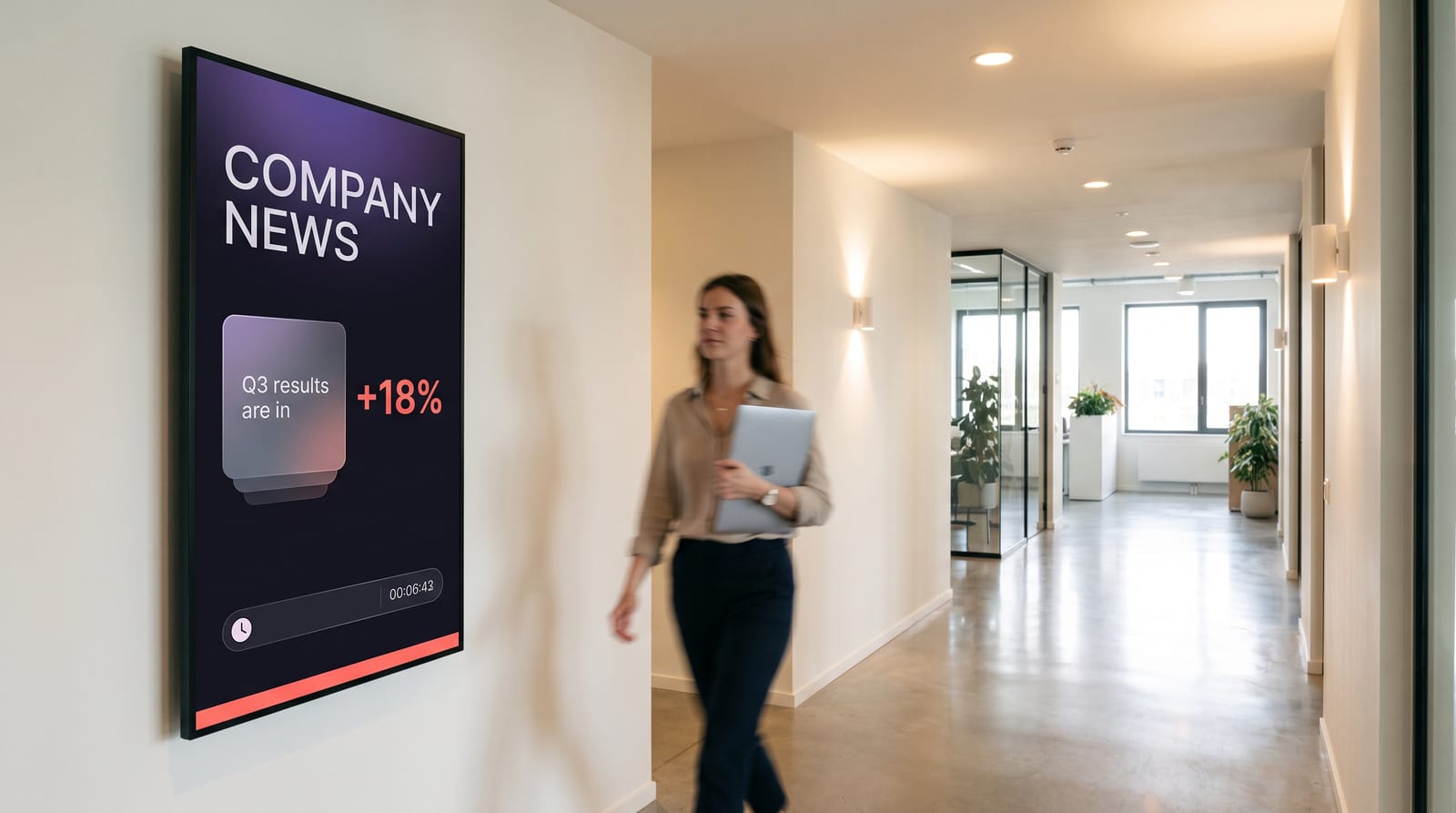
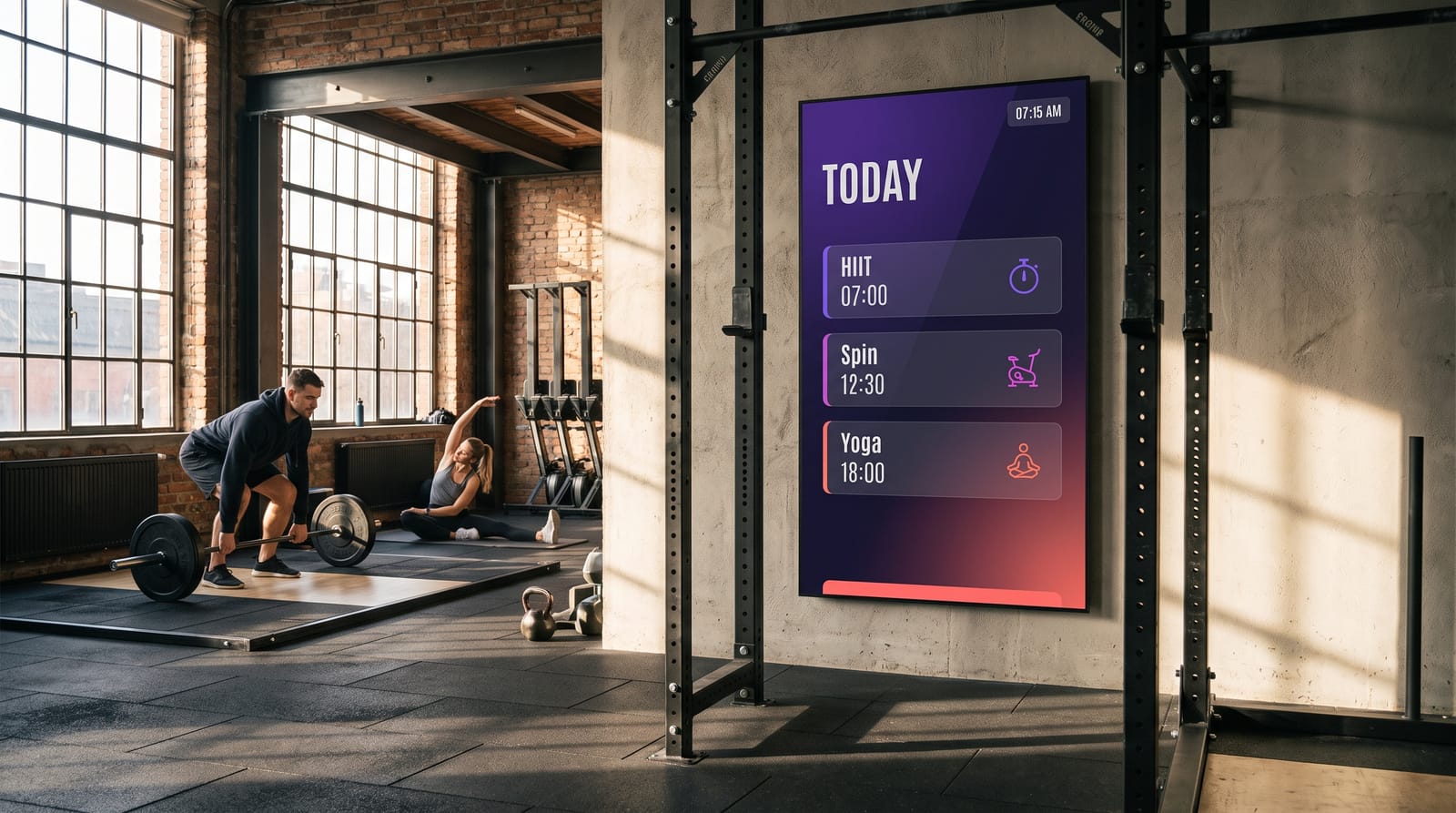
Portrait suits lists and posters: menus, price lists, directories, welcome boards and window offers, and narrow pillars. Landscape suits dashboards, wayfinding and video. Only hang a screen in portrait if it is made for it; switch the screen to portrait in easyCMS Studio and most templates rearrange themselves.
Do you need a separate player?
Player built in
LG webOS and Samsung Tizen commercial displays run the easyCMS player on the screen itself. No box, no HDMI cable. See LG webOS support.
A player behind the screen
Any other screen needs a player. Our Android player is 499€, arrives set up and includes the licence for its screen.
Keeps playing offline
Either way the content is stored on the player, so the screen keeps playing when the internet drops.
The players page helps you choose.
Our LG screens
We offer professional LG screens from the UT640S range, made to run 24 hours a day in halls, waiting rooms, restaurants, receptions and schools. Bought as a bundle, the player comes set up and the screen comes with its standard wall mount: you connect it and it plays.
What goes on the screen
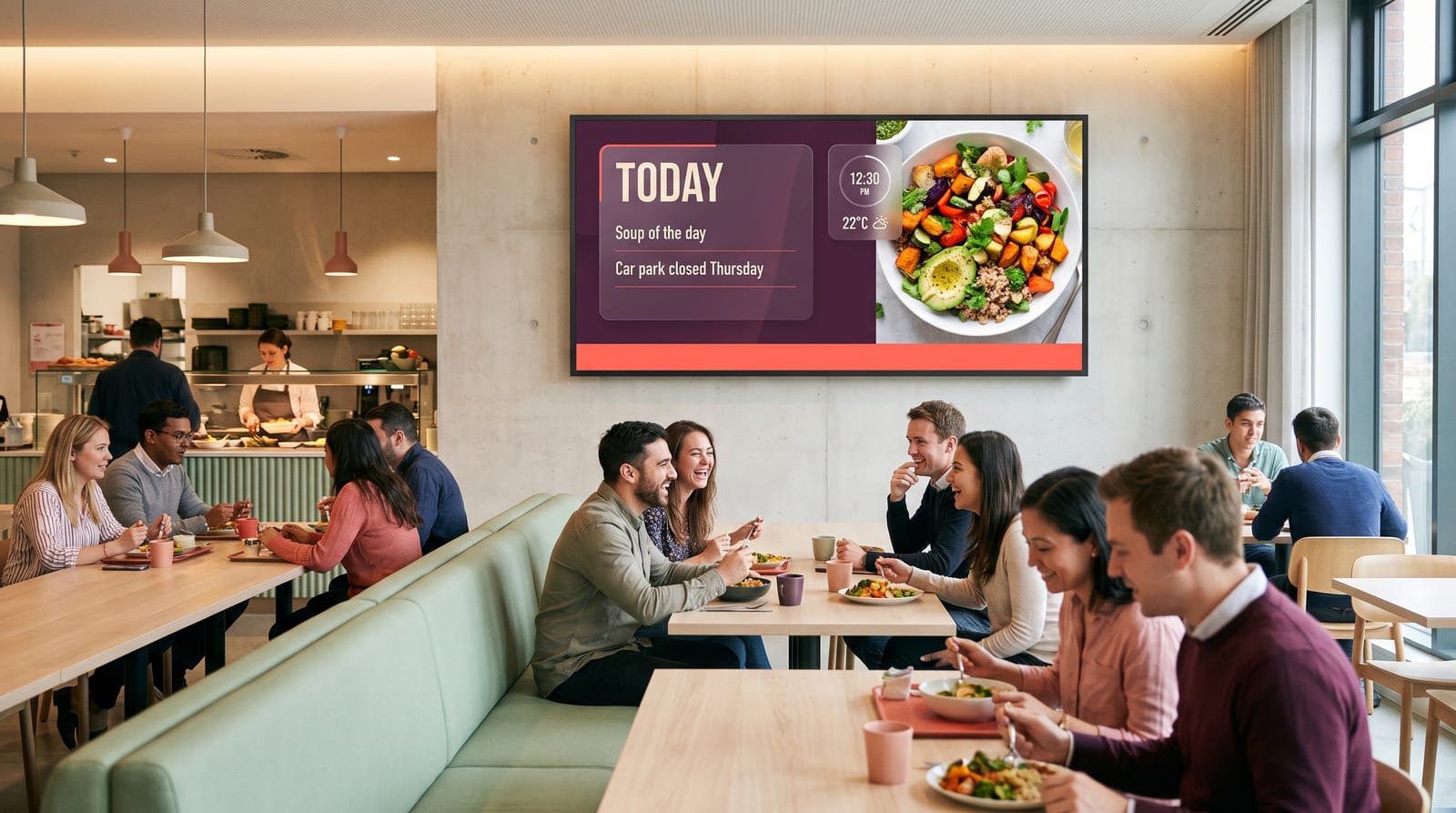
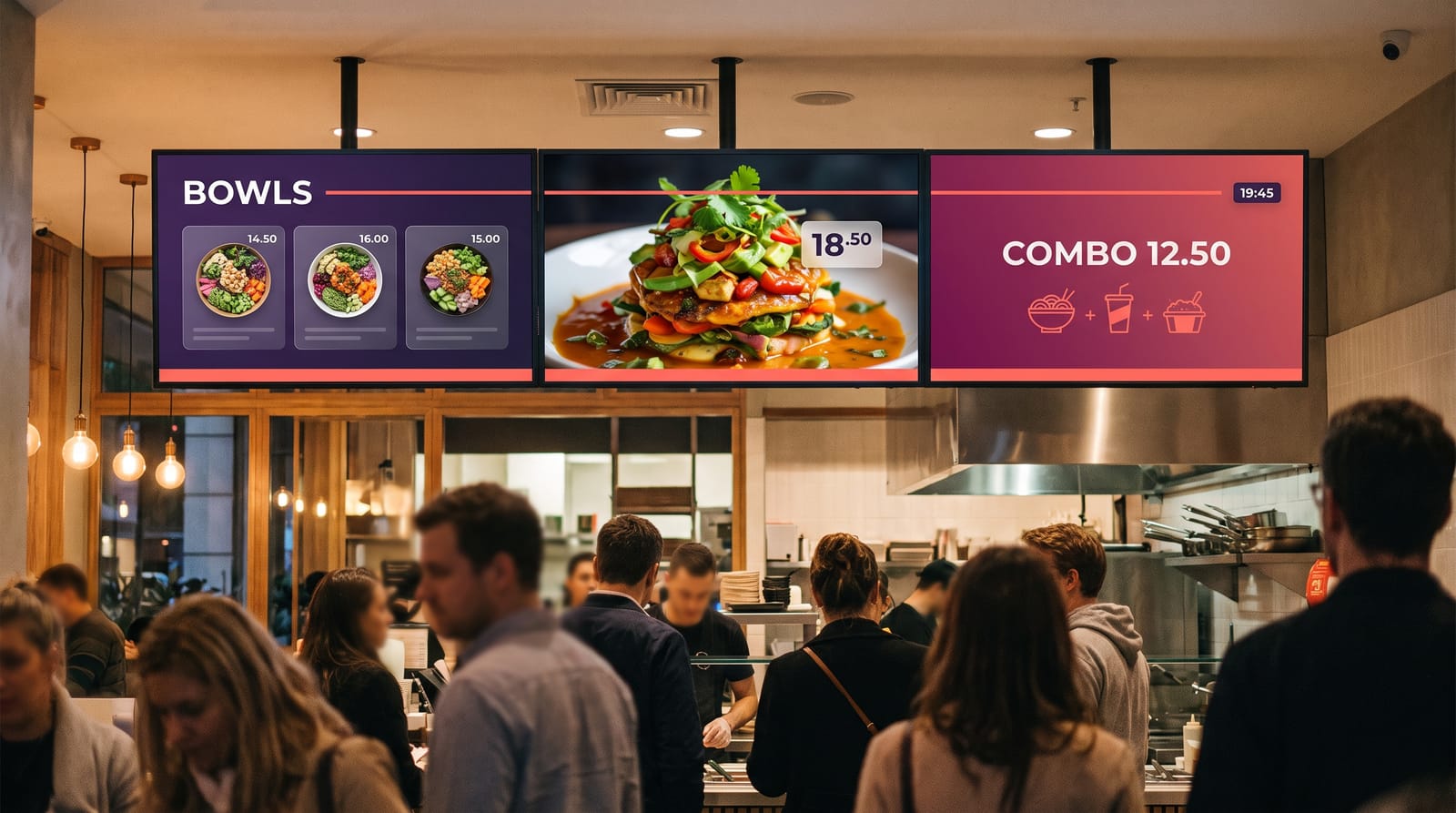
Studio has more than 200 ready-made templates for menus, offers, notices and welcome boards, in landscape and portrait, so the screen looks finished on day one. Keep text large and high in contrast; grey text over a photo is unreadable at five metres. When you want something entirely your own, the advanced editor builds any design, or we can design it for you.
What it costs
An easyCMS account is 49€ once, includes the first display licence and runs up to five screens. More licences are 99€ once each, or 66€ in the same order as the account. No monthly fee. Over five years the screens and electricity are the real cost; a commercial panel is typically rated around 50,000 hours, and switching screens off overnight saves real money.
LCD or LED?
Most indoor signage is LCD: it is sharp close up and costs less. Choose LED when the screen must be very large, an unusual shape, without joins, or readable in direct sun.
Questions buyers ask
Can I use a TV I already own?
For a trial or a quiet internal screen, yes. For a screen running all day in public, a commercial panel costs less over five years: it is built for the hours, brighter and warranted for business use.
Do I need one licence per screen?
Yes, one per screen. The 49€ account includes the first; more are 99€ each once, or 66€ in the same order as the account.
Will the screens keep playing if the internet drops?
Yes. Content is stored on the player, so it keeps playing, and changes arrive when the connection returns.
Can I mix portrait and landscape screens?
Yes, on one account. Each screen shows designs in its own shape. Start with connecting your first display.
Get a screen recommendation
Tell us the room, the viewing distance, the light and how many screens you need, and we will tell you what to buy. Email info@myeasycms.com, call +48 509 937 137, or use the support request form. See screens at work in restaurants and bars, schools and offices.