A menu board is the hardest screen in a venue to get right. It is read at four metres, by someone queuing, deciding and slightly impatient, and it has to be correct on price. That is a different job from a lobby screen looping brand video, and it needs different software.
This page covers that specific job: what a board has to do, how easyCMS builds one, and what a three-screen counter costs over five years. For the wider picture, terrace screens, waiting areas, social feeds, read digital signage for restaurants and bars instead.
What a menu board has to do that a slideshow does not
Legibility at distance. A queue forms three to five metres from the counter. As a rule of thumb the smallest text should be around 1/25 of the screen height, roughly 27 mm on a 55” screen. That constraint decides how many items fit, and it is why boards showing forty products end up unreadable. Fewer items, bigger type, more panels.
Price alignment. Prices belong in one column, right-aligned, with the same decimal places on every line. That is the difference between a board someone scans in eight seconds and one they read line by line, and it is why a menu board should be built from a structured list rather than typed into free-form text boxes.
Category structure. Customers read by category first, then by item: coffee, then flat white. A board that respects that is read faster than a prettier one that does not.
Tip Design for the worst case: a person at the back of the queue, at an angle, with somebody’s head in the way. If it works there it works everywhere.
Menu & prices: categories, dishes and prices in one place
easyCMS Studio keeps your menu in one list, Menu & prices, built around the structure above rather than around free text.
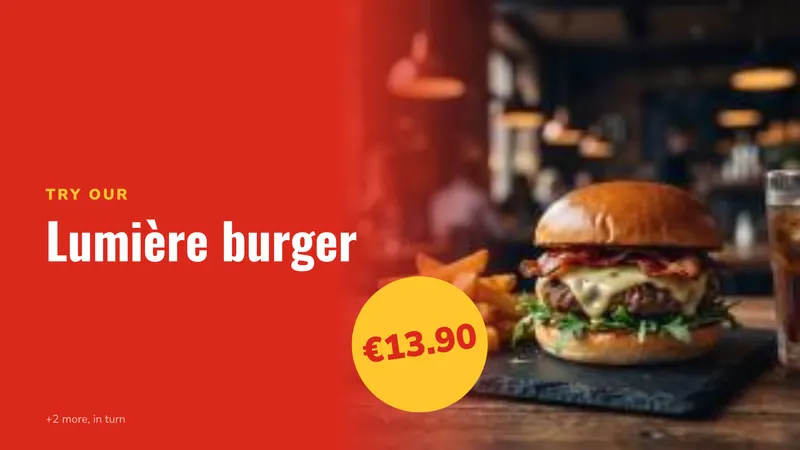
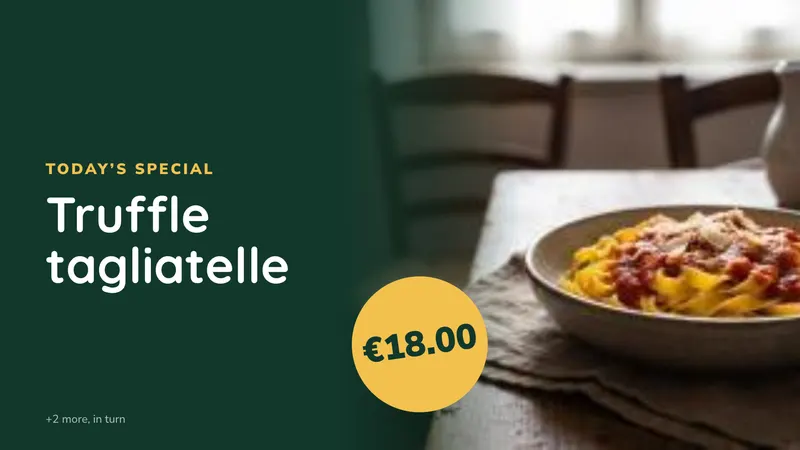
You define a menu once: parts such as Starters or Drinks, and dishes inside each part with a name, a description, sizes, allergens and a price. You can even import it from a PDF, a photo of your printed menu or a spreadsheet. Then pick a menu template, choose the part it shows, and it lays the dishes out so every price lands in the same column at the same type size.
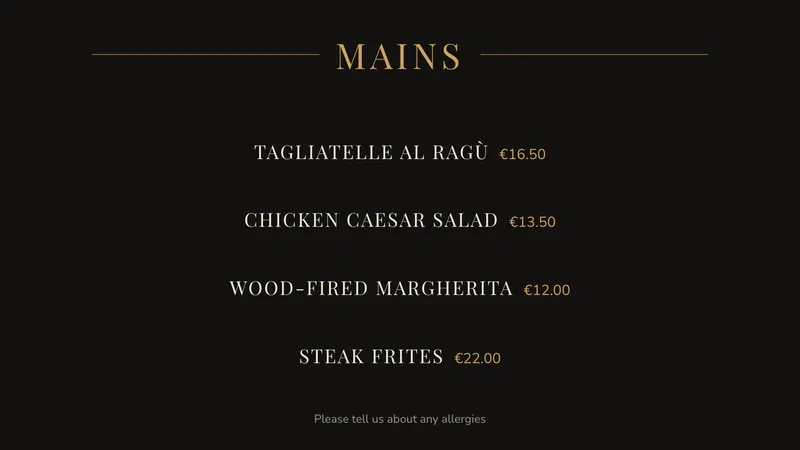
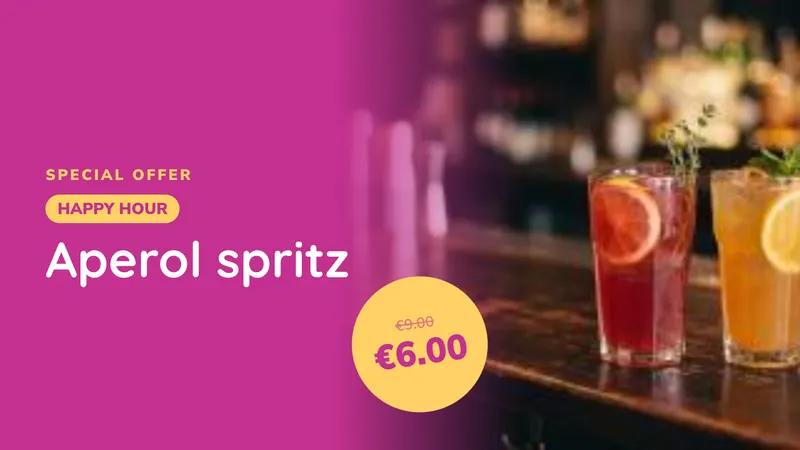
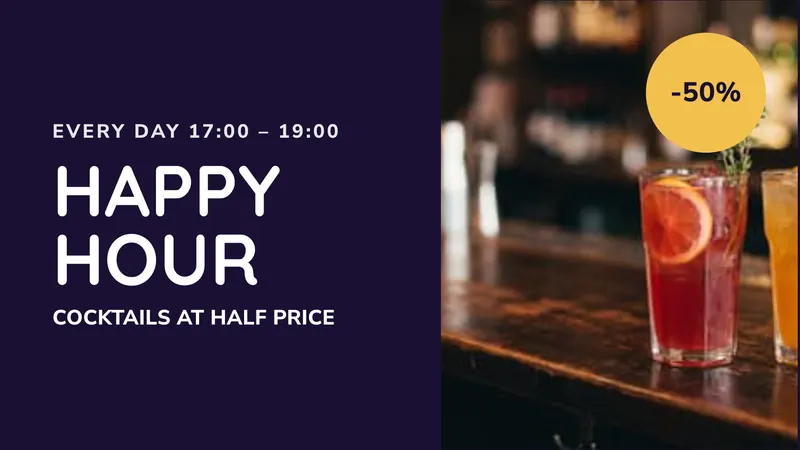
The menu therefore lives in one place, not in twelve text boxes across four screens. Change a burger price once and every board showing that part picks it up at the next check-in. Mark a dish sold out and it stops appearing. Star the dish of the day, or give a dish a happy-hour price for set hours, and the boards follow by themselves. Creating a menu board shows the whole setup step by step, including the ready-made easyCMS template with your logo.
DataSets for prices, specials and 86’d items
easyCMS also has DataSets: simple tables you fill in by hand or import from a CSV. A DataSet suits a menu that already lives in a spreadsheet, one table driving several differently designed panels, or a manager who would rather edit a spreadsheet. Give it columns for category, item, price and available, and the counter manager edits the sheet while the boards read it. Nobody opens a design tool to take the sea bass off at 19:30. See dynamic content and DataSets.
Good to know Both approaches update the same way: the player pulls changes at its next check-in, seconds to a couple of minutes, with no manual redeploy to each screen.
Templates for your kind of food
Studio has ready-made menu boards for 19 kinds of food business, from kebab and döner shops to pizzerias, friteries, ice cream parlours, burger restaurants, bakeries and bars, each with its own colours and offers. See all menu board templates.
Dayparting: one board, five menus
Dayparting is the feature that repays the hardware. Rather than one menu compromising between a 07:30 coffee run and a 21:00 dinner service, you schedule a different layout to appear on its own.
| Time | What the board shows |
|---|---|
| 07:00–11:00 | Breakfast, coffee, pastries, takeaway meal deal |
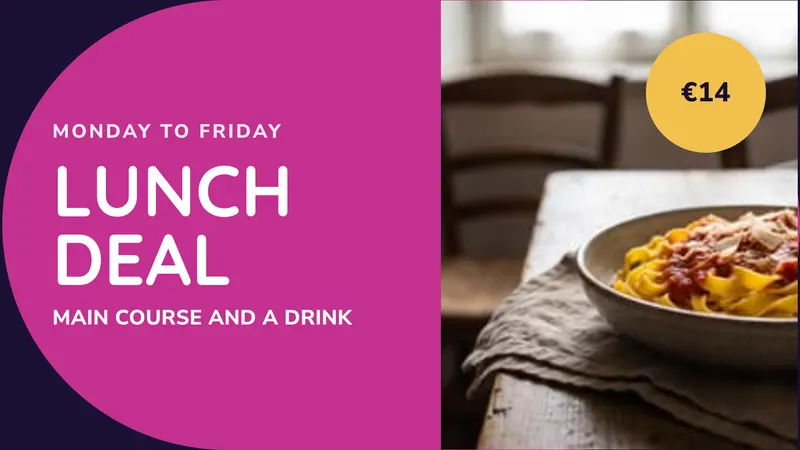
| 11:00–15:00 | Lunch menu, set-lunch price, dish of the day |
| 15:00–18:00 | Afternoon menu, cakes, cold drinks, quieter loop |
| 18:00–22:00 | Dinner menu, wine and cocktails, dessert board |
| 22:00–close | Late menu, last orders, tomorrow’s opening hours |
You build the schedule once and the player switches over seven days a week without anyone touching a laptop. Events can be one-off, repeating or always-on, so a bank holiday menu can be set weeks ahead. See scheduling content, and timezones and dayparting for the detail that catches people out: the schedule follows the timezone you set, not the one your laptop is in.
Counter, drive-thru and window layouts
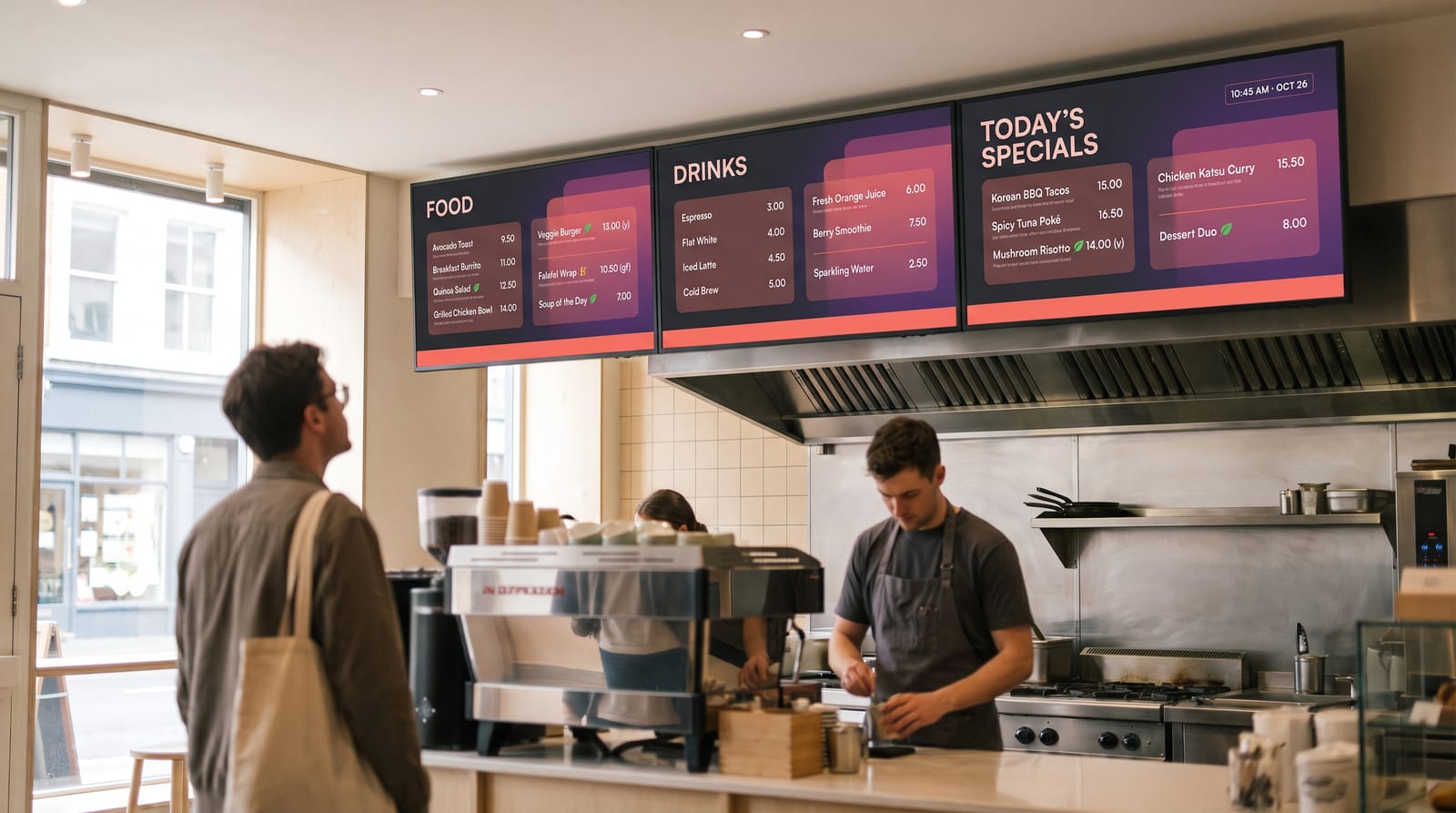
Counter boards. The standard fit is two or three landscape panels above the pass running as one board. Splitting by category, food / drinks / specials, lets you redesign one panel without touching the others and put the highest-margin category at eye level.
Drive-thru boards. A lane wants a tall board, often portrait or two stacked panels, with a short item list and very large type: the reading distance is longer and the reading time shorter. Outdoors you are into brightness territory, so see LED displays if the board faces direct sun and LCD displays for covered lanes. Note the limit covered further down: easyCMS drives the menu board, not an order confirmation screen fed by your till.
Window boards. A single portrait panel facing the street with today’s offer, the set-lunch price and opening hours. This is the screen that converts passing trade, so give it the brightest panel you own.
Running two or three panels as one board
Two ways, and the cheaper one is usually right. The simple approach is one player and one licence per screen, each running its own layout designed as part of a set: same background, same type scale, same price column, different content. Most counters do this, because a menu board rarely needs frame-accurate synchronisation and nobody notices if one panel is a second behind. The other approach is a synchronised video wall, several screens playing as one surface in step. easyCMS supports that on Android players only, so plan for Android hardware if you want a single image spanning three panels.
Portrait or landscape
Landscape suits counter boards with two or three categories side by side. Portrait suits drive-thru lanes, window screens, narrow walls and long single-category lists such as a drinks board. Both are fully supported: rotate the screen on its mount, build the layout at 1080 × 1920 for portrait, and tell us if the player’s output orientation needs changing, because that lives on the settings profile your account shares. Screen resolution and orientation covers it, and note that only commercial panels are usually rated for portrait mounting.
Allergens and dietary information
Screens are a good place for vegetarian, vegan, gluten-free and allergen markers, because you have space to make them legible in a way a printed board rarely does. Use consistent icons in a fixed position next to each product name, keep the key on the same panel, and hold a static line pointing customers to the full allergen information and to a member of staff.
Be clear about what the screen is doing. It supports your existing process. It does not replace the printed allergen documentation your local rules require, and a menu board is not your compliance record. Keep the paper current, keep the screen consistent with it, and make one person responsible for both.
What a three-screen counter costs
Take a takeaway with three panels above the counter.
| Line | Cost |
|---|---|
| easyCMS account, includes 1 display licence, manages up to 5 displays, 1GB storage | 49 EUR one-time |
| 2 × extra display licence at the same-order price of 66 EUR | 132 EUR one-time |
| Software total, paid once | 181 EUR |
Compared with two subscriptions, at their own list prices checked September 2026:
| easyCMS | Yodeck Basic at 8 EUR | OptiSigns Standard at 7.50 EUR | |
|---|---|---|---|
| Year 1 | 181 EUR | 288 EUR | 270 EUR |
| Year 2 | 0 EUR | 288 EUR | 270 EUR |
| Year 3 | 0 EUR | 288 EUR | 270 EUR |
| Year 4 | 0 EUR | 288 EUR | 270 EUR |
| Year 5 | 0 EUR | 288 EUR | 270 EUR |
| Five-year total | 181 EUR | 1,440 EUR | 1,350 EUR |
You pay once, and after about eight months easyCMS is the cheaper of the three.
- Licences added later are 99 EUR each instead of 66 EUR.
- Hardware: an easyCMS Android player is 499€, arrives set up and includes the licence for its screen. A Windows PC works too, or an LG webOS or Samsung Tizen screen with a 129€ licence.
- Several sites: the PRO account is 299€ once and manages up to 25 screens.
- Free options exist. OptiSigns runs three screens free with their logo on your board, and Yodeck one. easyCMS has no free plan.
Every price is on the pricing page.
What easyCMS will not do
Three limitations worth knowing before you buy rather than after.
No POS integration. easyCMS does not connect to your till. Prices and availability are changed in the CMS or in a DataSet, not synchronised from your point-of-sale system, and there is no order confirmation display fed by live order data. If you need a board that mirrors your POS automatically, easyCMS is the wrong tool. In practice most independents and small chains change prices a few times a year and pull items daily, which a DataSet handles fine.
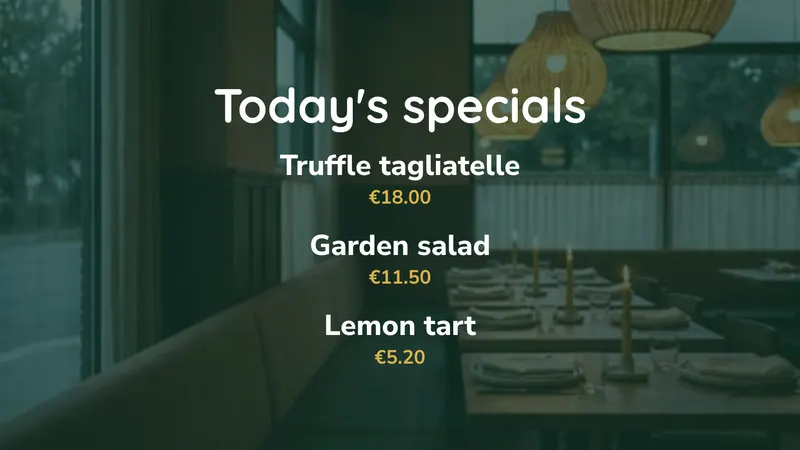
A dozen menu templates, not hundreds. easyCMS Studio has ready-made menu boards (fine dining, burgers and combos, photo cards, dish of the day, today’s specials, a big menu wall and more) that read your dishes from Menu & prices, but it is not a gallery of hundreds of designs. If none of them fits your brand, a fully custom board means the advanced editor: place your zones, set your type and build it. Expect that first custom board to take an afternoon. Creating layouts is the guide.
If you would rather not spend that afternoon, an Expert Support Hour is 25€ and buys up to an hour of hands-on work by an easyCMS engineer, with a written diagnosis and a fixed quote approved before anything further happens. It is refunded if the problem turns out to be a bug in easyCMS.
No charts widget. Planning a sales dashboard beside the menu? There is no charts widget. Dashboards such as Power BI are an add-on, and the full list of what exists is on the features page.
Running it day to day
One person usually owns the boards, and it takes minutes a week once the design exists. Build the layouts so daily edits are text or DataSet edits and only seasonal changes need design work. Fritapapa runs a promotional screen in each of its 20 fast-food restaurants on easyCMS, next to a printed menu, which is the shape of estate this suits: many sites, similar content, one place to change it.
Content is cached on the player, so a board keeps playing through a Wi-Fi outage mid-service and picks up changes when the connection returns. More on that in digital signage without internet. Display monitoring shows each board’s last check-in and takes an on-demand screenshot, so you can confirm from the office that the lunch board switched at 11:00. The assistant and the guides are free to everyone, and an expert hour is 25€ when you want a person on it.
Questions we get asked
Can I change a price from my phone?
Yes. The CMS runs in a browser, so you can edit a price or mark an item unavailable from a phone and the boards pick it up at the next check-in.
Do I need one licence per panel?
Yes. Three panels above a counter are three displays, even when they read as one board. The 49€ account includes the first licence. Extra licences bought in the same order as the account are 66€ each, paid once. A screen you add later is 99€.
Is there a free trial?
No. There is no free plan and no free trial. The account is 49€ once, and the AI assistant, the 25 support guides and the FAQ are free to read before you decide.
Where to start
Send us the number of panels and roughly where they go, and we will tell you what it costs, including whether your own hardware will do or whether pre-configured players make more sense. If you already have an account, connect your first display and build the breakfast board first: it is the simplest, and it teaches you the editor.
Email info@myeasycms.com, call +48 509 937 137, or use the support request form.