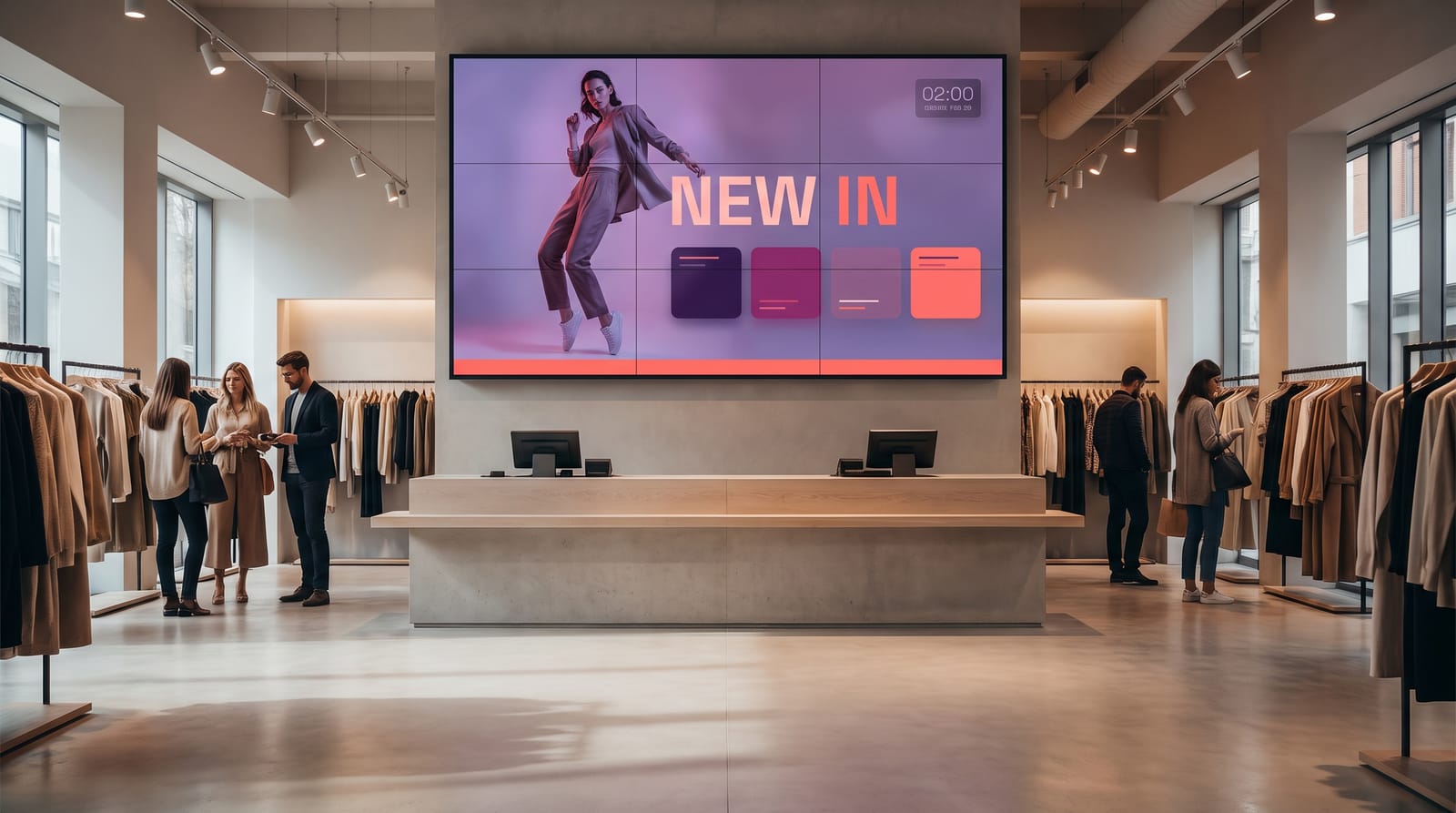
A shop has more competing surfaces than almost any other kind of space: the window, the shelf edge, the queue, the till, the stockroom door. Retail signage works when each screen has one job and one audience, and stops working the moment it becomes a slideshow nobody has updated since opening week.
This page covers what earns its place on a retail screen, how to beat daylight in a shop window, how to change a price without opening a design tool, and what a three-screen shop and a twenty-store chain pay over five years. For the shorter background read, see our overview of digital signage for retail.
The advantages
- Change a promotion in every store in one action
- Swap window content by time of day without staff involvement
- Drive prices and offers from a table, not from a redesigned layout
- Cut the cost and lead time of printed point-of-sale material
- Keep playing when the shop broadband drops
- Buy the licences once and keep them
What actually goes on retail screens
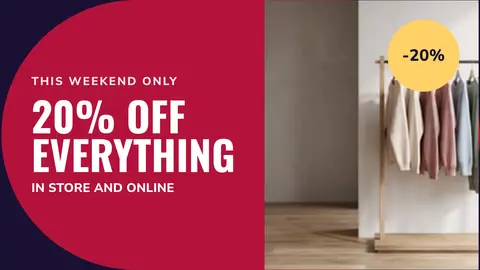
The window
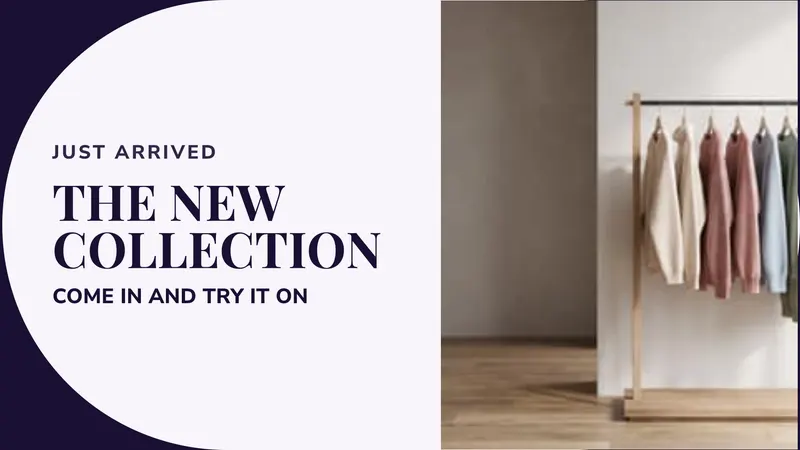
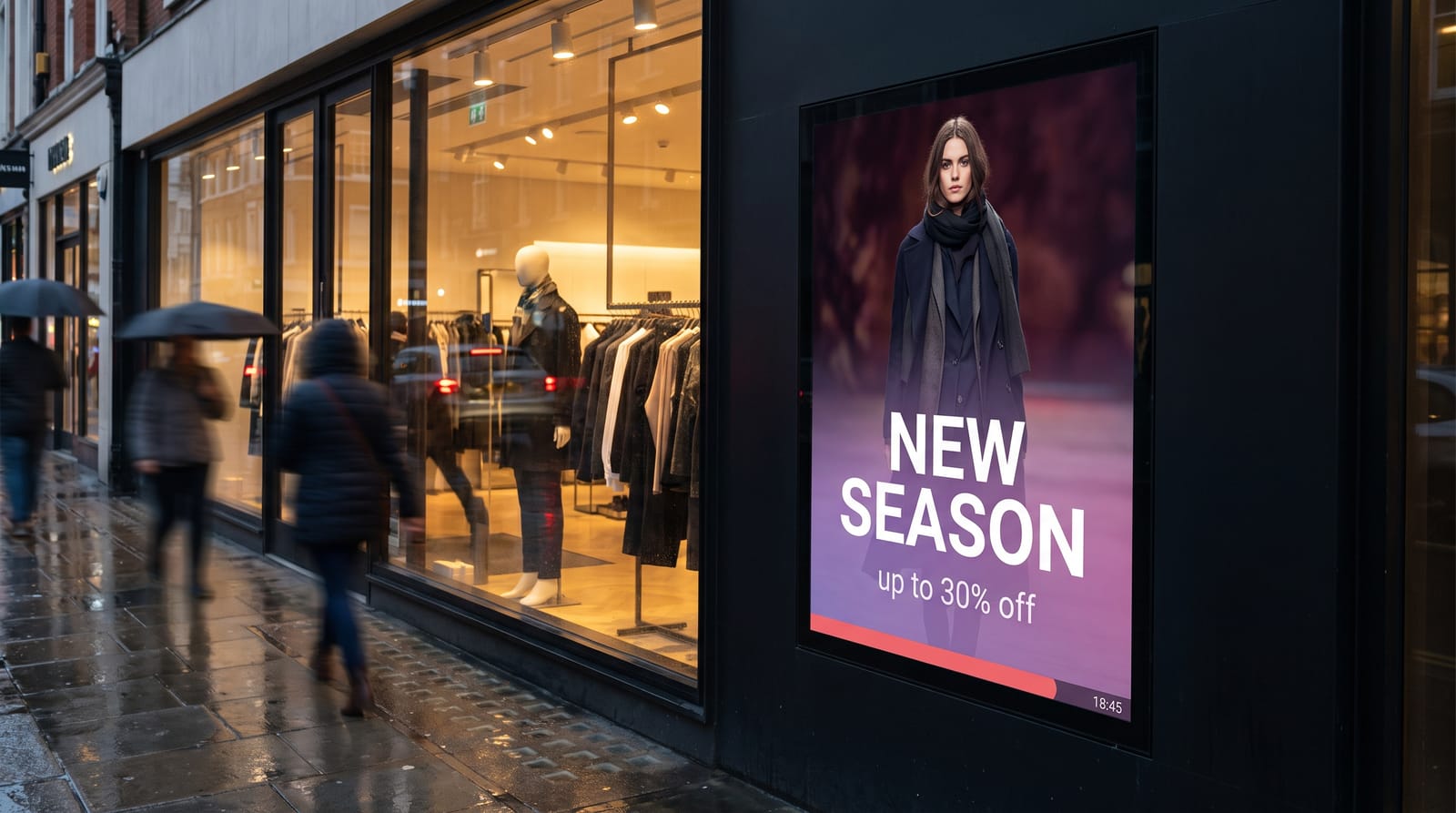
One big message at a time, with a price or an offer. People read a window in about two seconds as they walk past.
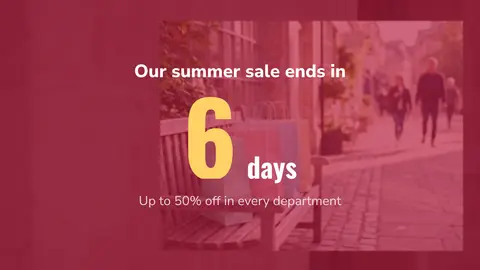
Promotions at the shelf and the end of the aisle
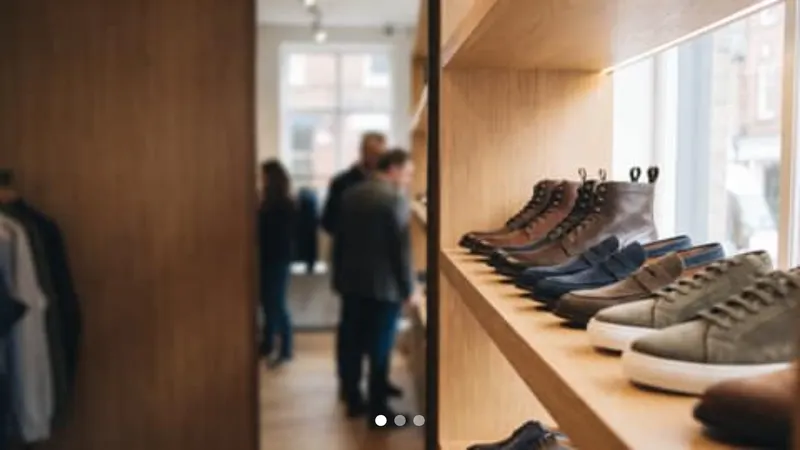
Two or three products from that shelf, with the price and one reason to buy. Not a brand video.
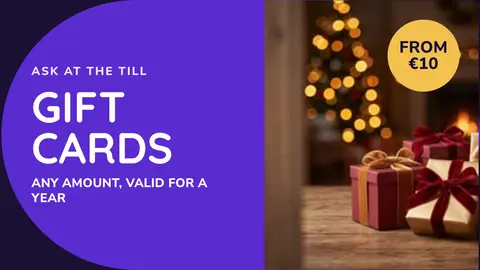
The queue and the till
A captive audience: add-ons, the loyalty scheme, returns and gift cards. It also makes the wait feel shorter.
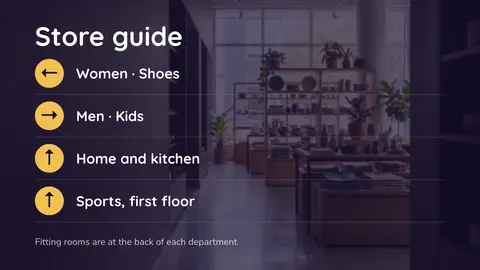
Wayfinding in larger stores
When customers start asking staff where things are, a clear directory screen at each decision point pays for itself.
The back office
Targets, deliveries, rota changes and what the shop screens are promoting this week, on screens only staff see.
Tip What does not belong: long brand films, dense paragraphs, unmoderated social walls, and anything duplicating a printed sign that is already legible. A useful test before adding a slide is whether a customer can act on it in the next five minutes, in this shop.
The shop window problem
Most retail projects get this wrong, so it is worth being blunt. A screen in a window fights daylight, often direct sun, and an ordinary television looks grey and washed out from the pavement at exactly the hours you want it working.
There are two honest answers. A high-brightness commercial LCD, built for long duty cycles and rated for the heat that builds up behind glass: the detail is on our page about LCD displays for digital signage. Or, for a large window or a shopfront fascia, an LED display, which wins outright on brightness and on size flexibility.
Two easyCMS customers work in this field, which helps if you are sourcing hardware. Artixium is an LED display manufacturer that resells easyCMS to its own customers, and HTV LED is an LED specialist that outsources the CMS side to us. The MediaMarkt LED banners in Belgium and Luxembourg are HTV LED’s work, and the Santa Lucia checkout screens show the same CMS at the till of a supermarket.
Watch out A consumer TV in a sunlit window is the most common false economy in retail signage. It will look poor for half the trading day, and its warranty usually excludes commercial use.
Where to put screens, and what size
| Location | Suggested size | Orientation | Job it does |
|---|---|---|---|
| Shop window | 49”–75” high brightness, or LED | Portrait | Offer of the moment, passing trade |
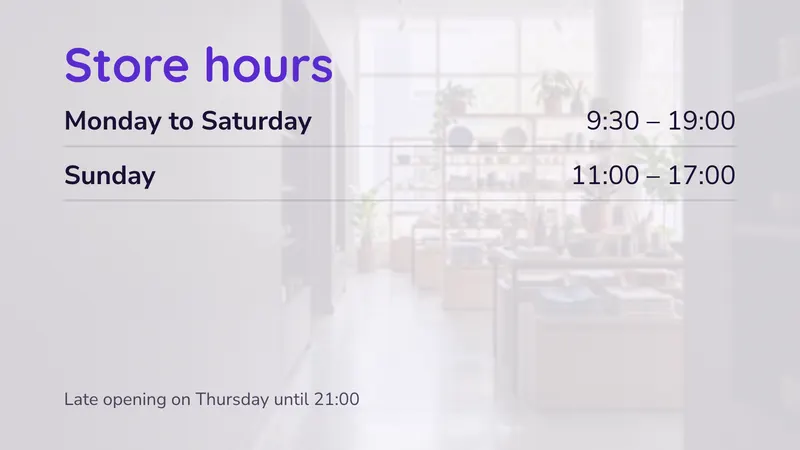
| Entrance, inside | 43”–55” | Portrait | Welcome, current campaign, opening hours |
| End of aisle | 32”–43” | Portrait | Category offers, product detail |
| Above the queue | 43”–55” | Landscape | Add-ons, loyalty, policies |
| Till point | 24”–32” | Landscape | Payment options, returns information |
| Wayfinding point | 43”–55” | Portrait | Departments, floor plan, services |
| Stockroom or staff room | 32”–43” | Landscape | Targets, rota, deliveries, notices |
Keep the smallest text at roughly 1/25 of the screen height, which reads comfortably from three to five metres. Mount above head height wherever a crowd forms: a screen at eye level in a queue is a screen blocked by the person in front.
Dayparting: the same screen, four jobs
A window that shows one thing all day is doing a quarter of the work you paid for. Schedule it instead:
| Time | What plays in the window |
|---|---|
| Before opening | Opening hours, click-and-collect information, brand loop |
| 09:00–12:00 | Morning offer, new arrivals, quieter product loop |
| 12:00–14:00 | Lunchtime offer aimed at passing office trade |
| 14:00–18:00 | Main campaign, category promotion, sale messaging |
| After closing | Opening hours, website, delivery and returns |
You build this once and the player runs it seven days a week. Sale periods and seasonal campaigns can be scheduled weeks ahead and simply appear. Our guide to scheduling content covers dayparting, repeating events and campaigns.
Changing a price without redesigning anything
The failure mode in retail signage is that every price change becomes a design job. Somebody opens the layout, edits the text, saves it wrong, and three months later nothing is current.
DataSets fix this. A DataSet is a table inside the CMS, filled in by hand or imported from a CSV, with columns such as product, price, offer and end date. The layout points at the table, so when a price changes someone edits one cell and every screen showing that table updates on its next check-in. Head office maintains one table and every store shows it. The walkthrough is in dynamic content with DataSets.
Tag-based playlists do the same for images. Tag a set of product images “autumn-sale” and the playlist picks up anything you tag later, with no layout edit. Export each image at the pixel size of the zone it plays in: an oversized file costs storage and download time for no visible gain.
Rolling out across several stores
Be honest about which of these you are.
One shop, up to five screens. The easyCMS account is enough. One login, shared by a manager or a small team, is fine at this size.
A few shops, up to 25 screens. The PRO account manages up to 25 displays with 5GB of storage. Group the displays by store and push a campaign everywhere in one action.
A chain, or separate logins per branch. If the area manager for the north should publish to the north only, or store staff should edit one panel and nothing else, you need users and permissions, which come with the Enterprise account. It also brings white label on your own domain, useful for franchises.
Measuring it
Proof-of-play reporting, included on every plan, records what played on which display and when. That gives you a log for a supplier who has paid for placement, and it tells you whether the screen at the back has been dark for a fortnight.
Display monitoring shows each screen’s last check-in, its connectivity, and an on-demand screenshot of what is playing. For a chain that screenshot is the feature you will use most: it answers “is the Manchester window showing the new campaign” without phoning Manchester.
What it costs
Take an independent shop with three screens: one in the window, one at the end of an aisle and one above the till.
| Line | Cost |
|---|---|
| easyCMS account, 1 licence, up to 5 displays, 1GB storage | 49 EUR one-time |
| 2 × extra licence at 66 EUR, same order as the account | 132 EUR one-time |
| Software total, paid once | 181 EUR |
Against a typical subscription:
| Three screens | Year 1 | After 5 years |
|---|---|---|
| easyCMS | 181 EUR | 181 EUR |
| Subscription at 8 EUR per screen per month | 288 EUR | 1,440 EUR |
You pay once and nothing renews. Licences added later are 99 EUR each instead of 66 EUR.
A chain of twenty stores with sixty screens and logins for regional managers goes on the Enterprise account: 1,290 EUR a year, plus 49 EUR once for each Android screen. Windows and Linux screens have no licence charge on Enterprise.
If you only need one screen, Yodeck’s free plan may be enough; easyCMS has no free plan. Every price is on the pricing page, and the full comparison is on digital signage with no monthly fee.
What you need to buy
- A display. Commercial LCD indoors, high brightness for the window, LED for large or sun-facing frontage.
- A player, unless the screen has one built in. easyCMS runs on Windows, Android, LG webOS and Samsung Tizen, and an LG or Samsung commercial screen runs the player inside the panel. See players for easyCMS and the player buying guide.
- A licence, one per screen: 66€ in the same order as the account, 99€ afterwards. Prices on Enterprise are on the pricing page.
- A mount, rated for the panel weight and for portrait if you mount portrait.
- Power and network behind the screen. Ethernet where you can, Wi-Fi where you cannot.
If you would rather not source it, an easyCMS Android player is 499€, or 299€ on Enterprise, arrives set up and includes the licence for its screen. A premium HDMI cable is 29€ and a wireless keyboard is 39€.
What easyCMS will not do
Retail buyers ask for these, and the answer is no. Better here than after you have spent money.
- No till or POS integration. Prices reach the screens through a DataSet someone maintains or imports as a CSV, not from a live EPOS feed.
- Proof of play is not sales attribution. It records what played and when. Comparing that against till data is a manual job.
- No charts widget. You can embed a dashboard such as Power BI as an add-on, or show a webpage, but there is no native chart builder.
- No app marketplace, and a modest template library. Studio has more than 200 templates, eight of them for shops. Anything beyond them you build in the advanced editor, or we build it with you.
- No multi-user access below Enterprise.
- Synchronised video walls are Android only.
- No app in the app stores. easyCMS Studio is built for the phone’s browser, and you can add it to your home screen, but there is nothing to download.
Running it day to day
Who updates it
The manager in a single shop, about ten minutes a week. In a chain, one marketing person runs the campaigns and the prices.
Storage
1GB on the 49€ account, 5GB on PRO, 20GB on Enterprise. Compress videos and delete what you no longer show.
Network
Players only connect out, encrypted, with no ports to open on the shop router. If the broadband drops, the window keeps playing.
Getting going
Connect your first display, then pick a template from the shop collection.
Questions retailers ask
Can I run the same promotion in every store at once?
Yes. Group displays by store or by screen type, then schedule to the group. One action changes every window in the estate.
How do I change a price?
Edit one cell in a DataSet. The layout reads the table, so nothing is redesigned and no image is re-exported.
Do I need a licence for every screen?
Yes, one per screen, one time. Two panels side by side showing halves of one window design still need two licences.
Is there a monthly fee?
No. Accounts and licences are one-time and lifetime. The only recurring plan is Enterprise, and that is billed yearly.
Is there a free trial?
No. There is no free plan and no free trial. The entry point is the 49€ account, a one-time payment that includes one display licence and manages up to five displays. Further screens bought in the same order as the account are 66€ each, and 99€ each if you add them later.
Can we put it on our own domain with our branding?
That is white label, part of the Enterprise account. Franchises and resellers usually want it.
Where to start
Count your screens, mark which ones face daylight, and decide whether you need one login or several. Those three answers settle your tier and most of your hardware. Send us the list and we will come back with a figure, and a VAT invoice for your finance team. Email info@myeasycms.com, call +48 509 937 137 Monday to Friday 09:00 to 17:00 CET, or use the support request form.