
A screen in a shop does the job of a poster, but you can change it from your phone in seconds. One offer in the window, new arrivals on the shop floor, an add-on by the till: each screen has one job, and it is always up to date.
This is the short overview. For the full guide, with screen sizes, the shop window problem, prices and running several stores, read digital signage for retail.
Why shops use screens
Printed posters cost money, take days to arrive and are out of date the moment a price changes. A screen changes the moment you do, and moving pictures catch the eye of people walking past. If a sign never changes, keep it printed.
Ideas for your shop
One offer in the window
People read a window in about two seconds. One big message and a price, readable from the street.
New arrivals
A slideshow of what just came in, with a photo and a price, near the door or the shelf.
At the till
Customers in the queue have time to read: an add-on, gift cards or your loyalty scheme.
Sale countdown
“3 days left”, counting down by itself every day, so nobody has to remember to change it.
Store guide
In a bigger shop, which way to each department, so staff get asked less often.
Every store at once
Run a chain? Send the same promotion to every store in one go, or a different one to each.
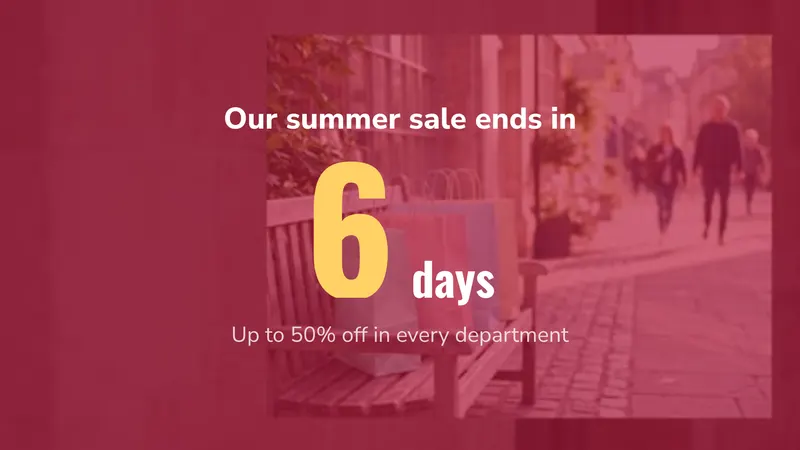
All of these are ready-made templates in easyCMS Studio. Pick one, change the words on your phone and tap Play on….
Real shops running easyCMS
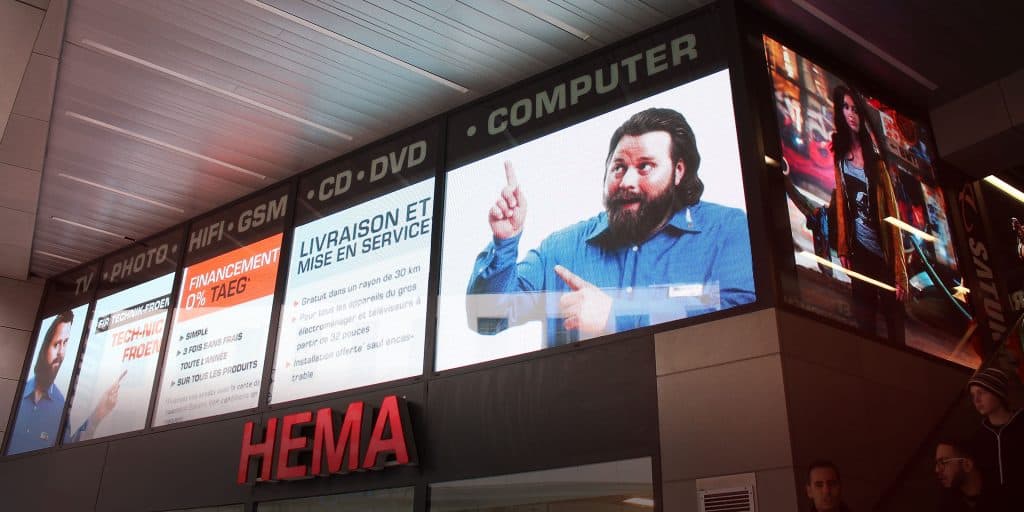
A large LED display powered by easyCMS in Luxembourg, installed by our partner HTV LED.
See the MediaMarkt LED banners in Belgium and Luxembourg, and the Santa Lucia checkout screens in Cameroon.
What it costs
You pay once, with no monthly fee per screen. An easyCMS account is 49€ and includes your first screen; the pricing page has the rest. The retail guide works through what a small shop and a chain actually need.