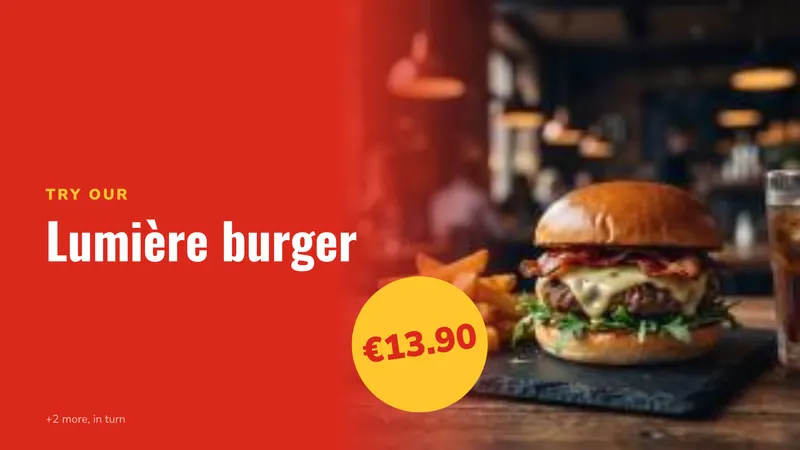
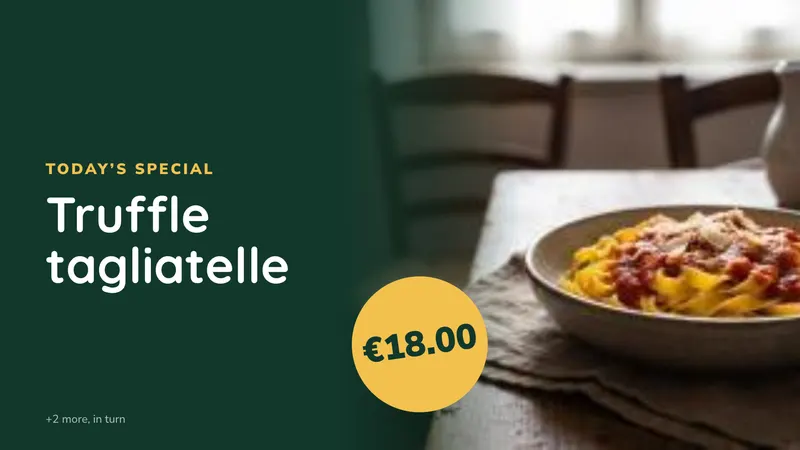
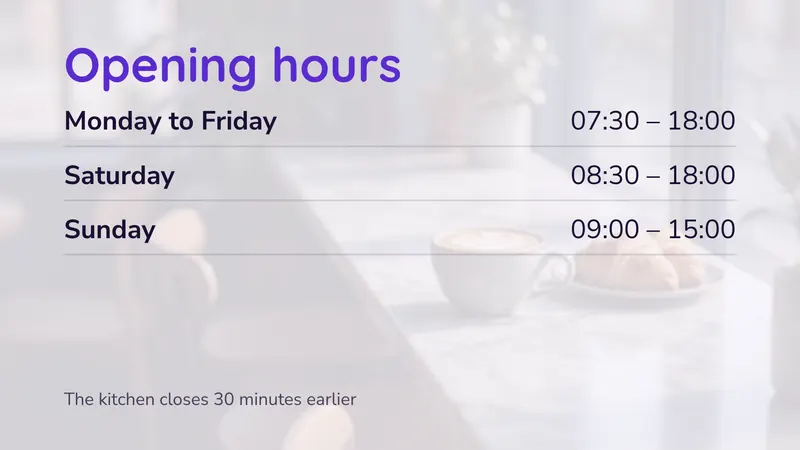
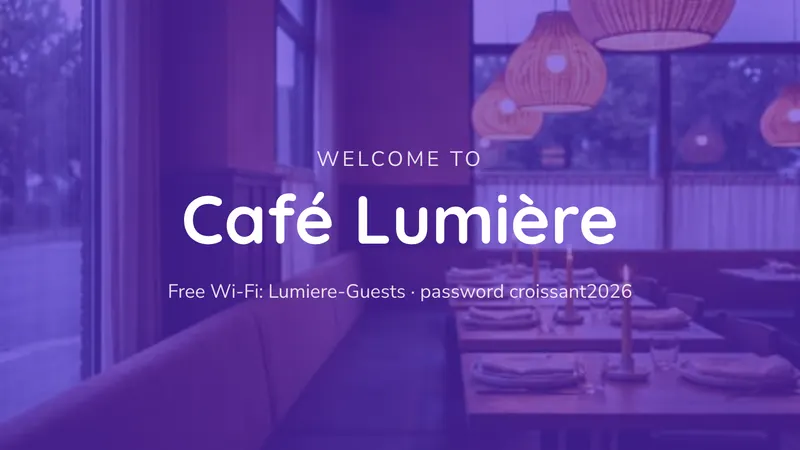
Our digital signage software is perfect for restaurants and bars. It allows you to easily and quickly broadcast multimedia content. Use it for showing off promotions, the dish of the day, full menus and your social feeds, and change any of it from your phone between services.
This page is a practical guide: what to put on screen in a food and drink venue, where to hang the screens, what a typical site actually costs over five years, and how to keep the whole thing running without adding a job to anyone’s shift.
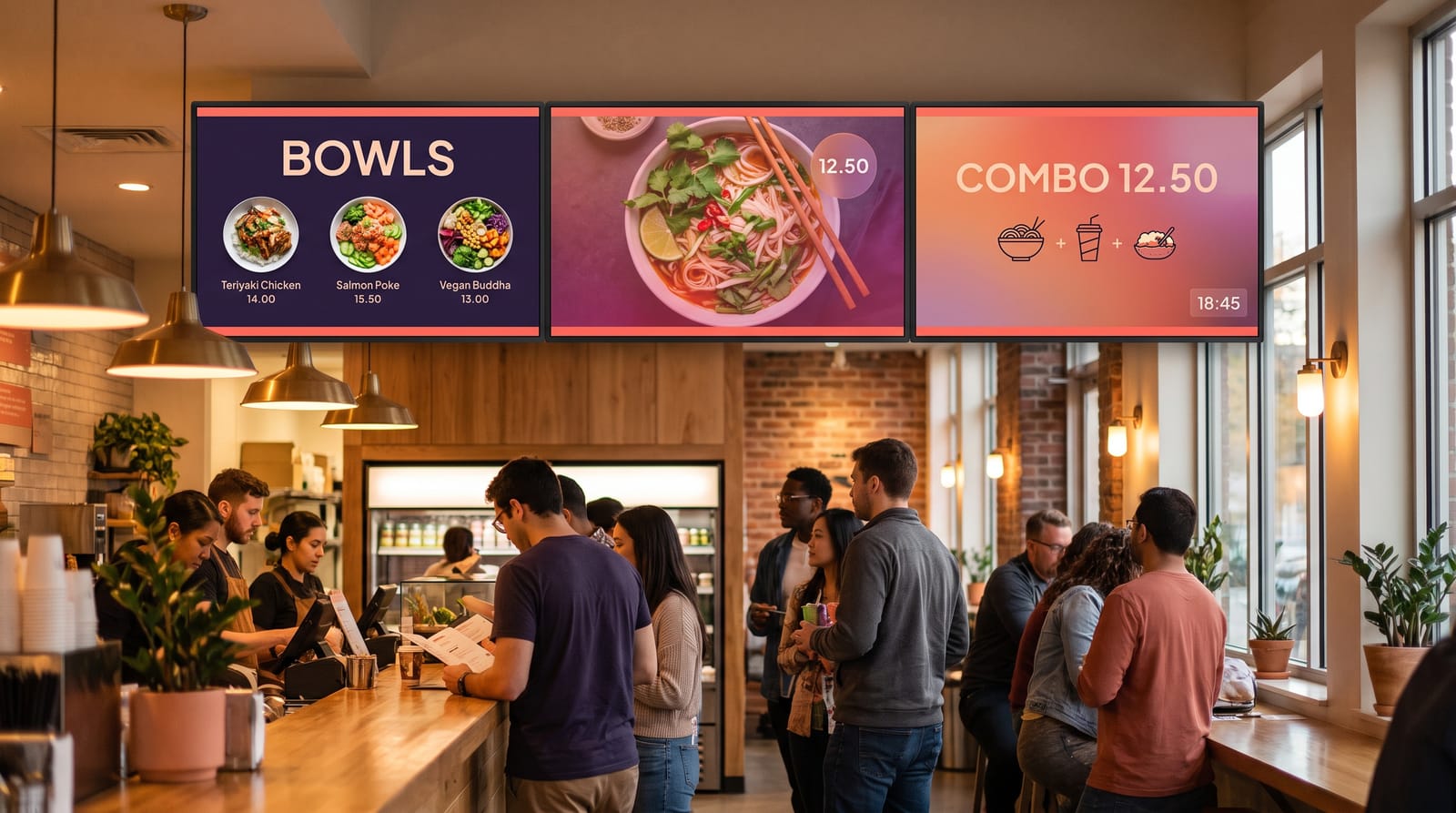
The advantages
- Give a modern image to your restaurant
- Reduce the perception of customers waiting
- Inform your customers about the promotions of the day
- Highlight your products easily
- Reduce paper printing costs
- Schedule promotions in advance
What actually goes on the screens
The mistake most venues make is treating a screen as a slideshow. A screen earns its place when it does a specific job at a specific moment of the day.
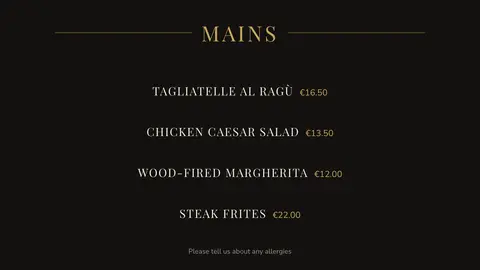
Menu boards
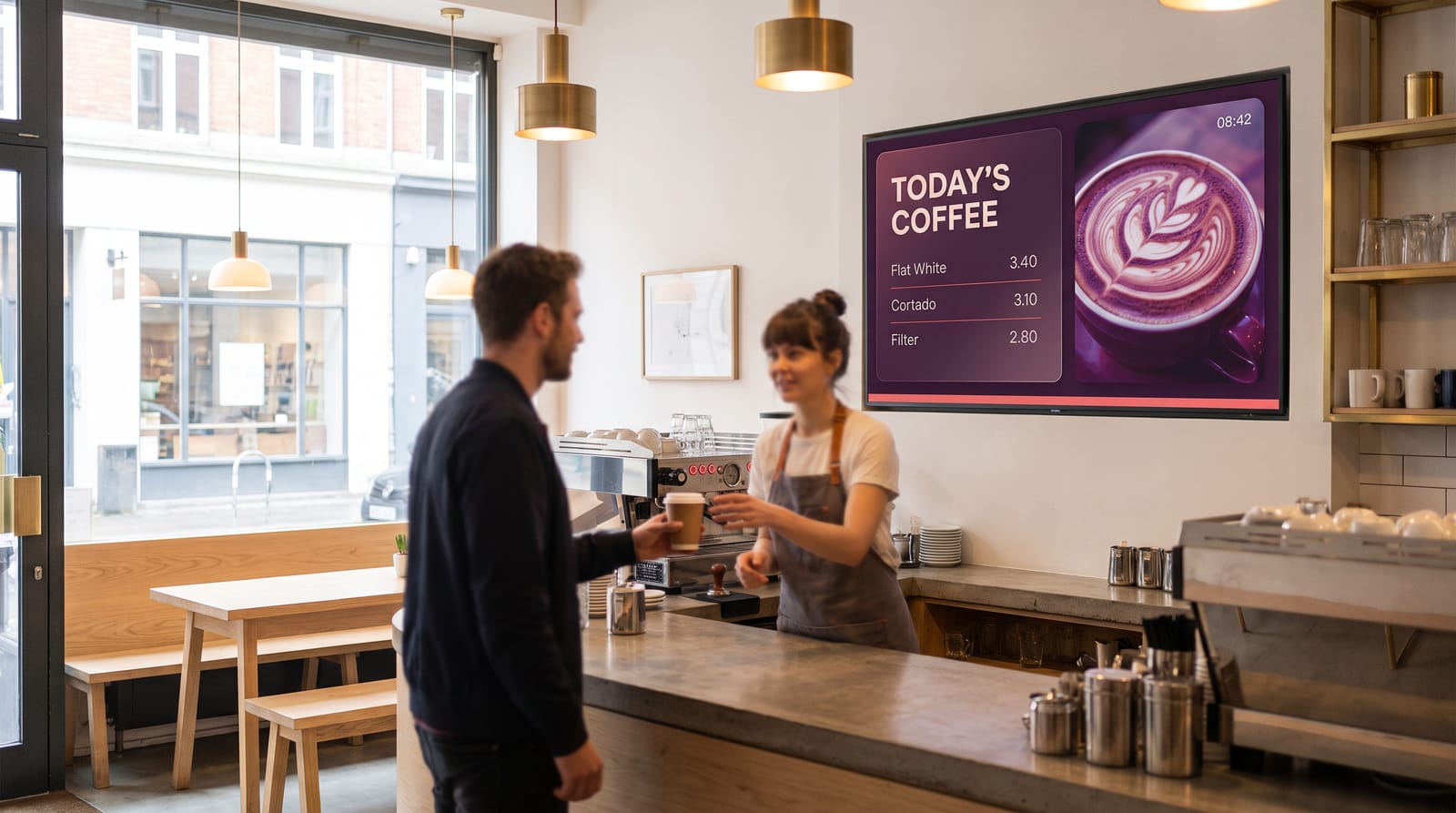
Two or three screens side by side above the pass or the bar, with prices in one clean column. Studio has menu board templates for 19 kinds of food business.
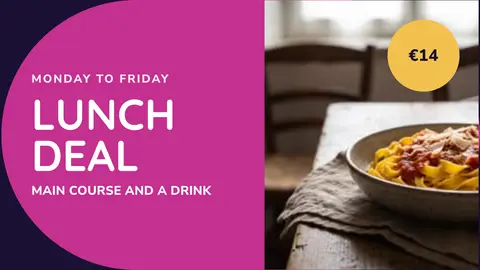
Dayparting: breakfast, lunch, dinner, late
Breakfast in the morning, lunch at noon, the wine list at night. Set it once and the screens switch by themselves.
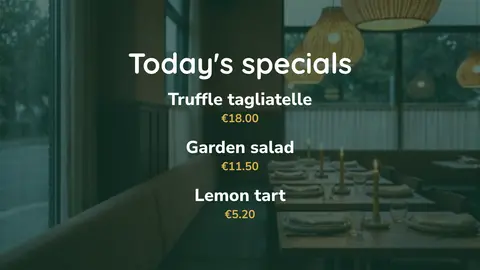
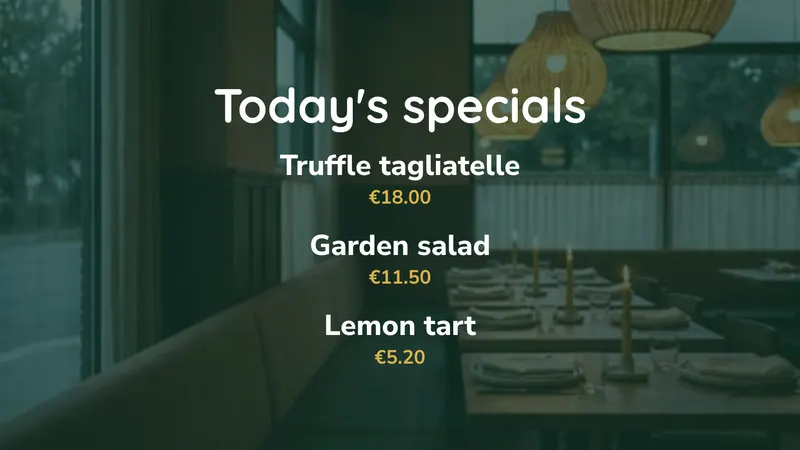
Specials, 86’d items and price changes
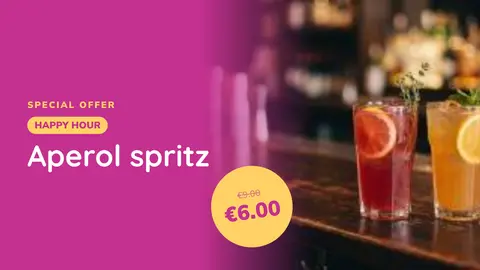
Sea bass sold out? Hide it from your phone in seconds. The same for a new dish, a price change or a happy-hour price.
Allergen and dietary information
Clear vegetarian, vegan and allergen icons next to each dish. It supports your printed allergen information, it does not replace it.
Upsells and margin
Give the most screen time to sides, desserts, coffee and cocktails. Try it for two weeks, then check the till.
Wait times and queue management
Order numbers or the current wait above the counter make a queue feel shorter.
Terrace, weather and atmosphere
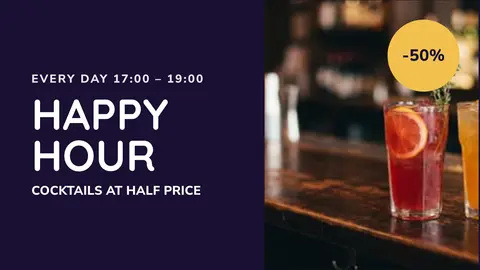
The weather, today’s cocktail or tonight’s match facing the terrace, and something calmer inside the bar.
A typical day:
| Time | What plays |
|---|---|
| 07:00–11:00 | Breakfast board, coffee menu, takeaway offers |
| 11:00–15:00 | Lunch menu, dish of the day, set-lunch price |
| 15:00–18:00 | Afternoon menu, cakes, aperitivo teaser, quieter loop |
| 18:00–23:00 | Dinner menu, wine list, dessert board |
| 23:00–close | Late drinks, last orders, opening hours for tomorrow |
You set this once. The player switches over on its own, seven days a week, without anyone touching a laptop. Our guide to scheduling content walks through building a daypart schedule step by step.
Where to put screens, and what size
Digital signage for restaurants and bars is an effective solution to improve your communication. You can place several screens in your establishment and then manage the content in groups or separately according to your needs. Some screens can display drinks, others dishes depending on their location in the establishment.
| Location | Suggested size | Orientation | Job it does |
|---|---|---|---|
| Above the counter / pass | 2–3 × 43”–55” | Landscape | Main menu board |
| Entrance or window | 43”–55” | Portrait | Today’s offer, opening hours, passing trade |
| Behind the bar | 32”–43” | Landscape or portrait | Drinks, cocktails, happy hour |
| Terrace-facing | 49”–55” high brightness | Landscape | Weather, specials, fixtures |
| Waiting area | 43” | Portrait | Wait times, brand video, social feed |
Two rules of thumb worth applying. First, the smallest text on screen should be roughly 1/25 of the screen height for comfortable reading at three to five metres, on a 55” screen that is about 27 mm tall. Second, mount so the middle of the screen sits at about 1.6 m from the floor unless people will be looking up from a queue, in which case go higher and tilt down.
Almost all restaurant work is indoor LCD. If you want the technical detail on panel choice, see our guide to LCD displays for digital signage; if you are putting something in a window or facing a car park, LED displays are the other option.
What it costs
Take a 60-cover restaurant with a bar and five screens: three menu boards above the pass, one in the window and one behind the bar.
| Line | Cost |
|---|---|
| easyCMS account, includes 1 licence, up to 5 displays, 1GB storage | €49 one-time |
| 4 × extra licence at €66, bought in the same order | €264 one-time |
| Software total, paid once | €313 |
Most platforms charge per screen per month instead. At €20, a common price:
| easyCMS | Subscription at €20/screen/month | |
|---|---|---|
| Year 1 | €313 | €1,200 |
| Year 2 | €0 | €1,200 |
| Year 3 | €0 | €1,200 |
| Year 4 | €0 | €1,200 |
| Year 5 | €0 | €1,200 |
| Five-year total | €313 | €6,000 |
You pay once and there is nothing to renew.
- Screens added later are €99 each instead of €66.
- More than five screens, or two or three sites: the PRO account is €299 once and manages up to 25.
- Hardware: an easyCMS Android player is €499, arrives set up and includes the licence for its screen.
Every price is on the pricing page.
Running it day to day
Who updates it
One manager, about ten minutes a week. Boards read your dishes and prices from one list, so you edit a list, not a design.
How often
Specials daily, menus each season, prices rarely. Star the dish of the day or mark a dish sold out in Menu & prices.
Who needs access
Managers get full access, shift supervisors only the specials and sold-out dishes, so nobody can break the menu board at 19:30.
Multi-site
Push one campaign to every venue and let each site run its own specials. Fritapapa runs twenty restaurants this way.
Templates
Start from Studio’s restaurant templates: menus, dish of the day, lunch deal, happy hour, Wi-Fi.
Hardware notes for kitchens and bars
Food service is a hostile environment for electronics, and it is worth spending five minutes on this before you buy.
Heat and grease
Never hang a screen straight above a fryer or grill. Hot, greasy air clogs the vents and shortens its life.
Commercial panels, not TVs
Made to run all day, and bright enough near a window. A home TV is built for a few hours an evening, and its warranty usually excludes a restaurant.
Portrait mounting
Only hang a screen upright if it is rated for portrait. Commercial panels usually are; home TVs often are not.
Cleaning
Screens in food areas get wiped. Choose panels that can take it, and keep the player behind the screen, away from splashes.
Power and cabling
Run power and network behind the wall where you can. On Wi-Fi, menus keep playing even if the connection drops mid-service.
Players
easyCMS runs on Windows, Android, LG webOS and Samsung Tizen. A commercial LG or Samsung screen needs no separate box. See the player buying guide.
Your own design
Content is king! Buying a screen is only the beginning; what you put on it is what sells. Studio’s templates cover the everyday jobs, from the menu to the happy hour. When you want something entirely your own, the advanced editor builds any layout you can draw, or we can design it for you with an Expert Support Hour.
Questions restaurants ask
Can I change the menu from my phone?
Yes. easyCMS Studio is made for the phone: open Menu & prices to change a price, star the dish of the day or mark a dish sold out, from the office or from home, and the screens update the next time the player checks in.
What happens if the Wi-Fi goes down mid-service?
Nothing visible. Content is cached on the player, so whatever is scheduled keeps playing. When the connection returns the player picks up any changes you made in the meantime.
Do I need one player per screen?
One licence per screen, yes. If two screens sit side by side showing halves of the same menu board, each still needs its own licence. Some commercial screens with webOS built in run the player inside the screen, so there is no extra box.
Can I run different menus in different rooms?
Yes. Group your displays, bar, restaurant, terrace, and schedule content per group. The same account manages all of them.
Is there a monthly fee?
No. Licences are one-time and lifetime. There is no recurring cost at all unless you move up to the yearly Enterprise account.
Get your menus on screen
Work out how many screens you need, tell us where they are going, and we will tell you what it costs, including whether you are better off with your own hardware or with pre-configured players. There is no subscription to talk you out of later.
Email info@myeasycms.com, call +48 509 937 137, or use the support request form. You can also read what digital signage is, look at what other customers have built, browse the full feature list, or read up on free digital signage software.