A plant already has its numbers. They are on a whiteboard by the line, in a spreadsheet on the shift manager’s laptop, and in a system three people have a login for. Screens do not create those numbers. They carry them to the people who can act on them, without anyone walking the floor with a marker pen at the end of every hour.
This page covers what earns a screen in a factory, warehouse or depot, the two honest ways to get a changing number onto one, how the network side behaves on a segmented plant network, and what six or thirty screens actually cost.
What goes on the screens
Production and OEE boards
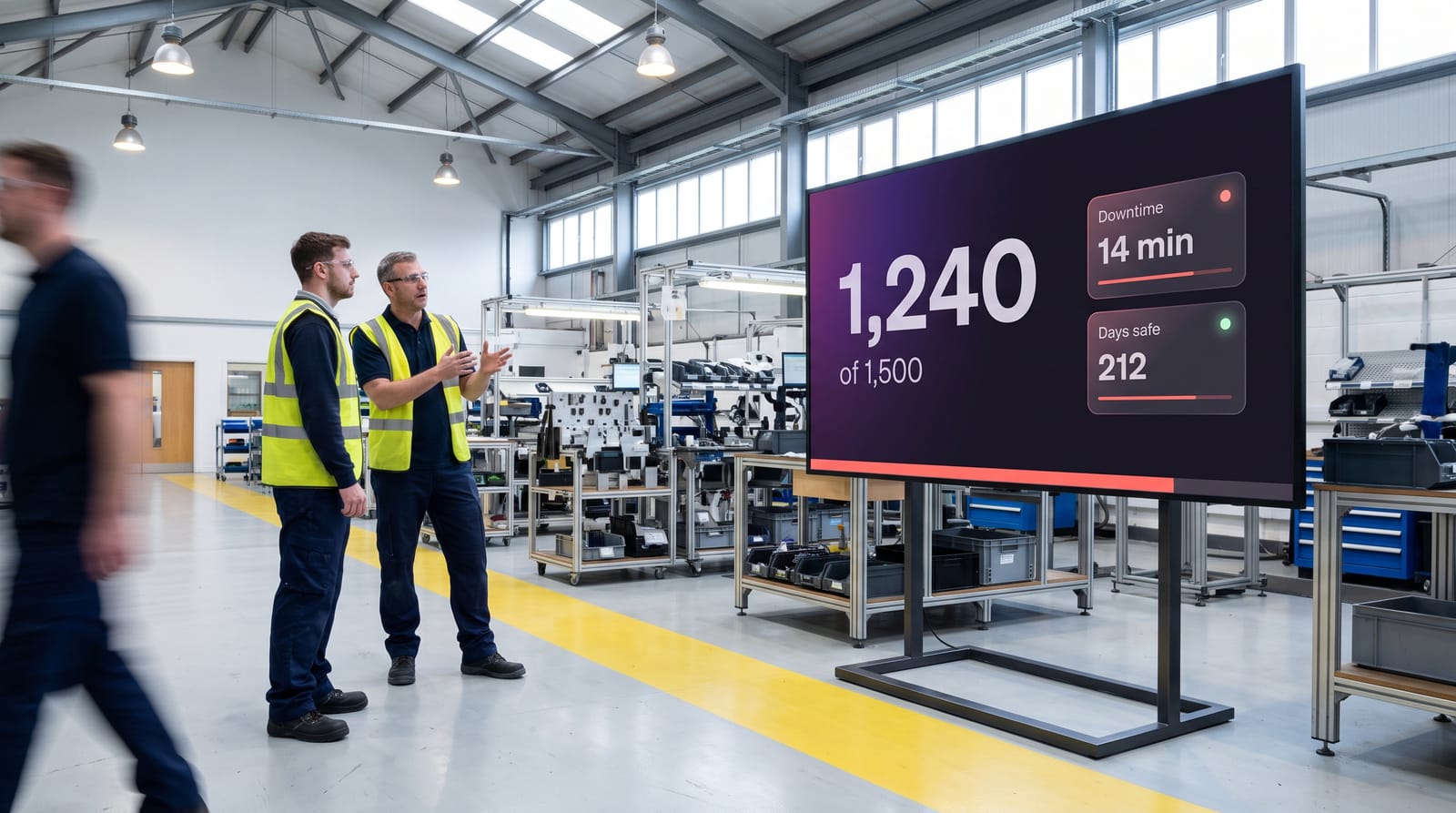
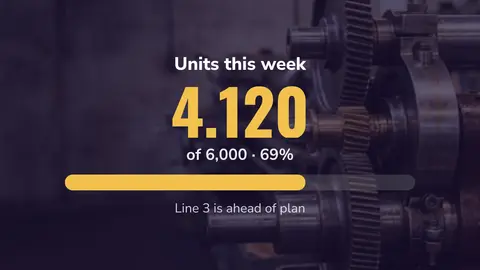
Target against actual, units per hour, the current downtime. One number is the number: make it readable from the far end of the cell.
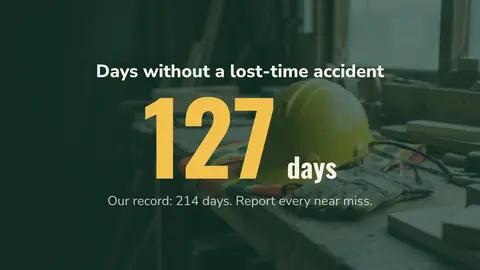
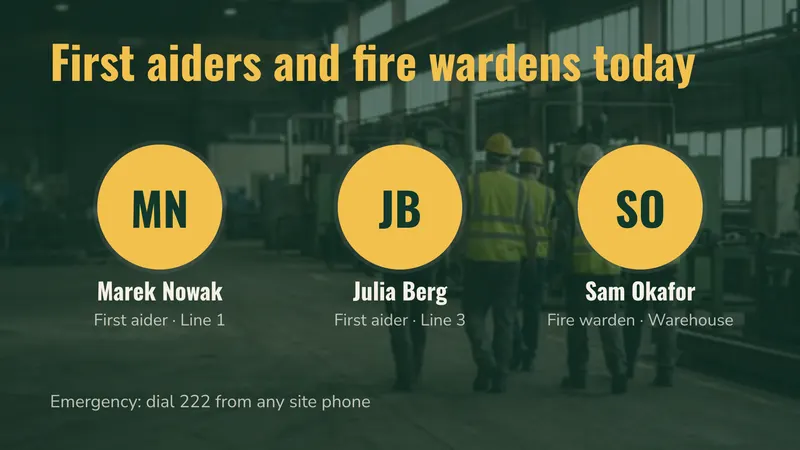
Safety and days since last incident
A days-since counter, this month’s near-miss theme and the PPE rules for the area. Change the message monthly.
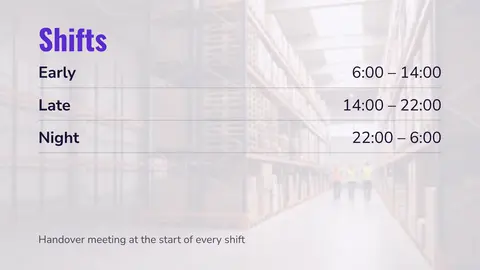
Shift information and handover
Who is on which cell, cover, overtime and notes from the last shift. A screen at clock-in reaches everyone.
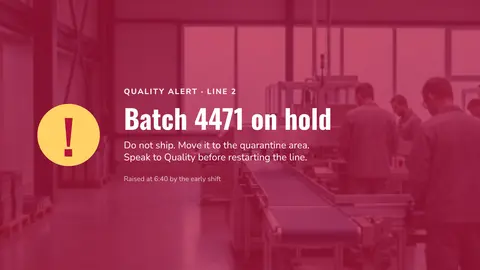
Quality alerts
A batch on hold or a rework instruction, on the right screens within minutes and gone when the issue closes.
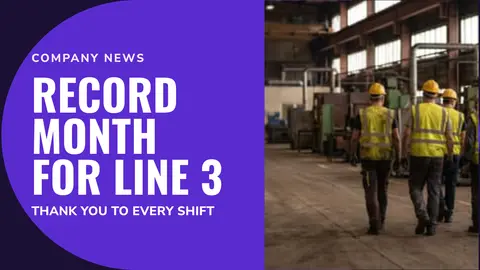
Canteen and welfare areas
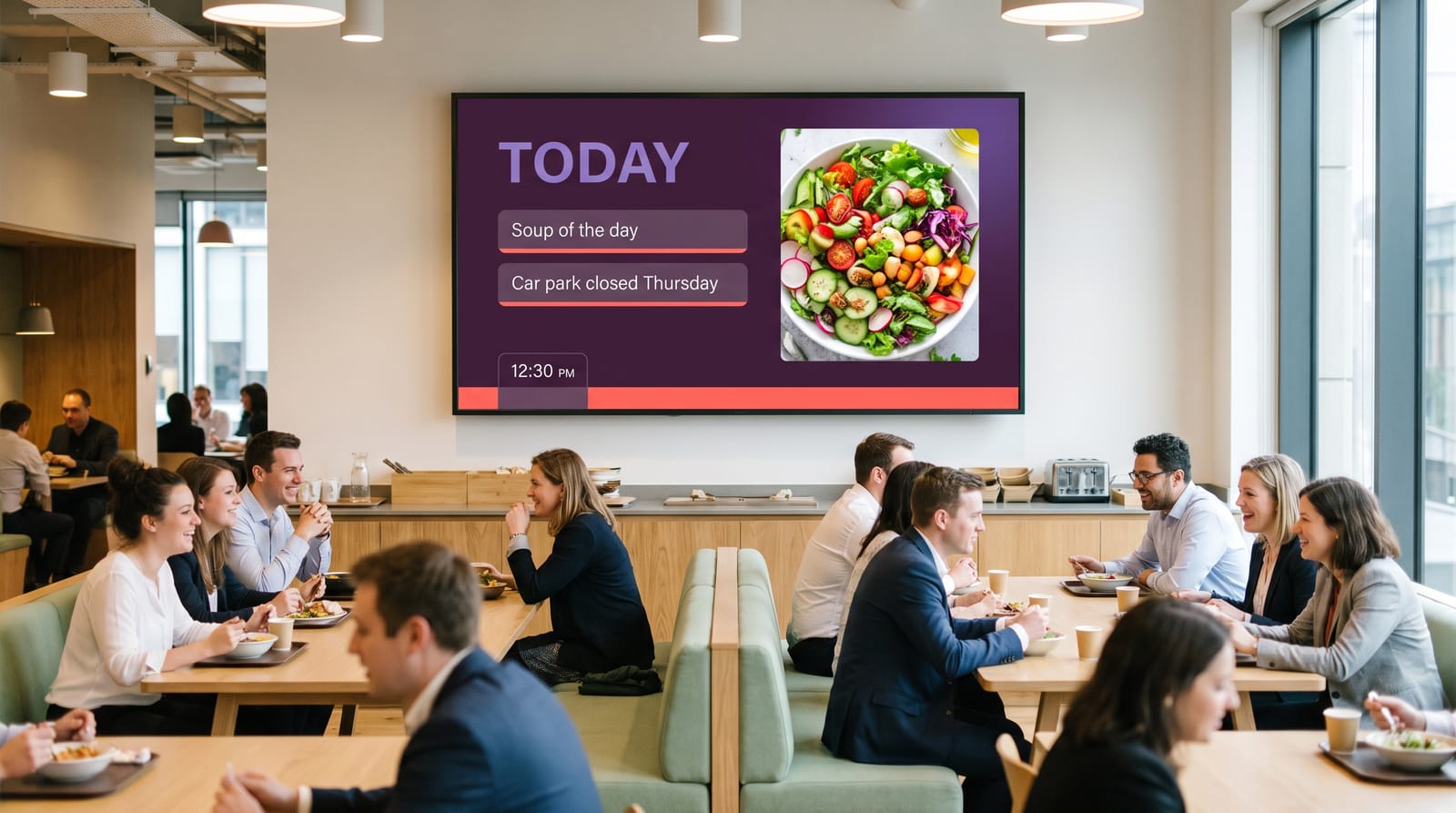
Company news, new starters, training dates and menus, in the languages your team speaks. More in internal communication.
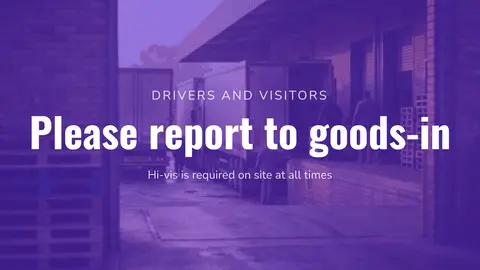
Goods-in and reception
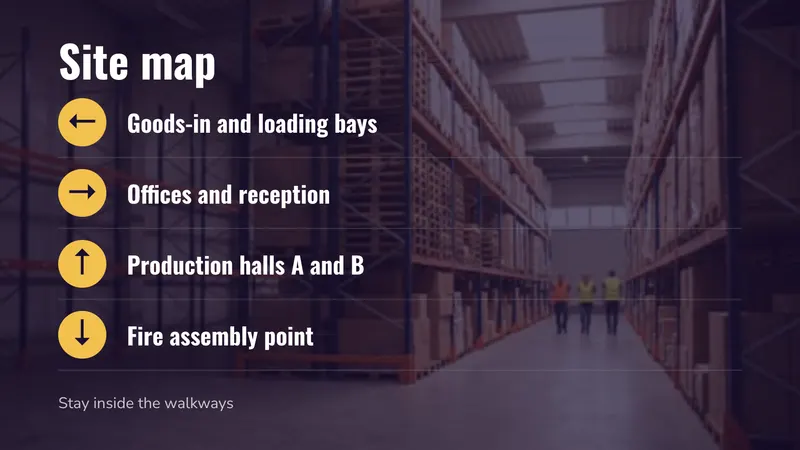
Site rules, PPE, the sign-in steps and today’s deliveries. Almost every visitor is a first-time visitor.
All of that is ordinary scheduled content. The next two sections decide whether a plant project works.
Getting a live number onto a screen, honestly
There are two routes with easyCMS. Both are real, and both have a catch worth knowing before you buy screens.
Route one: a DataSet
A DataSet is a table inside the CMS. You define the columns, such as line, target, actual and downtime reason, and the layout points at that table. When the values change, the screen changes. Nobody edits a layout and nobody redesigns anything, and one layout can serve six lines by filtering on a column.
Values get into the table one of two ways: someone types them in, or you import a CSV. That CSV can come from whatever produces your numbers today, an export from a production system, a shared spreadsheet the team leader keeps, or a small script. The walkthrough is in dynamic content with DataSets.
Tip Keep the DataSet flat and boring. One row per cell, one column per value, no merged concepts. The moment a column holds “1,240 of 1,500 (83%)” as text, you can no longer colour the cell red when it falls behind.
Route two: show a dashboard you already have
If your managers already trust a dashboard, the webpage widget puts it on screen, and the HTML package widget hosts a small self-contained page you supply. Power BI dashboards are available as an add-on. This is the fastest route when the reporting work is already done. See webpages and embedded content.
The part nobody documents: authenticating an unattended player
A player is a browser with nobody sitting at it. If the dashboard needs a login, an identity-provider redirect, or multi-factor authentication, then sooner or later the session expires and the screen above the line spends the night showing a sign-in page. This is what kills most factory dashboard projects. The workable answers, in order of preference:
- A read-only “publish to web” or anonymous view URL, if your reporting tool offers one.
- A page served inside the plant network that trusts the player’s IP address, with no login.
- A tokenised URL. Treat the token as a password, because anyone reading the address bar has your data.
- A read-only account whose session does not expire, agreed with IT as an exception.
Watch out easyCMS has no SSO or SAML support and no public API portal. If your dashboard can only be reached through your corporate identity provider with MFA, an unattended screen cannot reliably hold that session. Settle this before you commit to route two.
The network reality of a factory floor
Plant networks are segmented, monitored and often deliberately unfriendly, and easyCMS fits that because of how the player behaves. Players pull: each one opens an outbound connection to the CMS, collects what it has been scheduled, and closes it. Nothing connects inwards, so there is no inbound port to open and no service exposed on the production VLAN. Traffic runs over an encrypted connection, and every display must be authorised in the CMS by you before it receives anything. The detail your network team will ask for is in network requirements.
Good to know Players accept no inbound connections. Put them on their own VLAN with outbound access to the CMS and nothing else, and your production network stays as closed as it was before the screens arrived.
Then the part that matters on a bad day. Content is cached on the player, so if the link drops or the Wi-Fi in the high-bay racking fails at 02:00, the scheduled loop keeps playing and the player collects what it missed when the connection returns. That is the difference between a screen going black in front of the whole shift and one carrying on. More in digital signage without internet.
Two practical notes. Run Ethernet to the screen position at first fix if you can, because steel racking, moving plant and RF noise make warehouse Wi-Fi unpredictable. And use display monitoring rather than walking the site: last check-in, connectivity and an on-demand screenshot of what is playing, which is worth a lot when the screen is at the far end of the warehouse.
Emergency and evacuation messages
Studio’s Urgent notice puts a full-screen message on every screen in one action, with ready-made wording such as “Please leave the building” and “Fire alarm test”, and Stop reverts just as quickly. Or feed the emergency alert widget from a CAP feed, so an alert raised in a system that already speaks CAP reaches the screens without anyone opening the CMS.
Neither is a life-safety system. Signage supports your alarm, sounders and muster procedure rather than replacing them, and a screen only shows an alert once the player has checked in and collected it.
Screens, mounting and ruggedness
| Location | Suggested size | Orientation | Job it does |
|---|---|---|---|
| Line-side or work cell | 43”–55” | Landscape | Target against actual, takt, downtime reason |
| Clock-in and shift entrance | 55” | Portrait | Shift brief, safety message, cover |
| Warehouse aisle end or dispatch | 55”–65” high brightness | Landscape | Pick rates, dock status, dispatch schedule |
| Canteen and welfare area | 55” | Landscape | Company news, menus, HR notices |
| Quality lab or rework bench | 43” | Landscape | Defect alerts, batches on hold, scrap by cause |
| Goods-in and reception | 43”–55” | Portrait | Visitor rules, PPE, expected deliveries |
Mount above traffic
Keep the bottom of the screen above any moving load, and fix the mount to the wall, not the racking.
Dust, vibration and washdown
Dust kills fans, vibration loosens screws, washdown areas get hosed. A sealed enclosure costs less than a new panel.
Commercial panels, not TVs
Plant screens run all shift. Choose a commercial panel, brighter under roof lights, and check it is rated for portrait.
Site the player behind the screen
Fix it to the bracket, not on a shelf that collects dust. See players for easyCMS.
What it costs
Take one plant with six screens: two line-side, one at clock-in, one at dispatch, one in the canteen and one at goods-in. Above five screens you need the PRO account.
| Line | Cost |
|---|---|
| easyCMS PRO account, up to 25 displays, 5GB storage, includes 1 licence | 299 EUR one-time |
| 5 × extra licence at 66 EUR, bought in the same order | 330 EUR one-time |
| Software total, paid once | 629 EUR |
Compared with two subscriptions, at their own list prices checked September 2026:
| Six screens | Year 1 | After 5 years |
|---|---|---|
| easyCMS PRO | 629 EUR | 629 EUR |
| Yodeck Basic at EUR 8 per screen per month | 576 EUR | 2,880 EUR |
| OptiSigns Standard at EUR 7.50 per screen per month | 540 EUR | 2,700 EUR |
In the first year a subscription is a little cheaper. From the second year easyCMS is ahead, and stays ahead.
- Licences added later are 99 EUR each instead of 66 EUR.
- Several plants: if each plant runs itself, give each one a PRO account. If head office publishes to every site, take one Enterprise account at 1,290 EUR a year, with one login for everything and your own branding.
- Hardware: an easyCMS Android player is 499€ and includes the licence for its screen. The Windows player is free, so an industrial PC you already have can drive a screen.
Every price is on the pricing page.
What easyCMS cannot do
The limits matter here, because manufacturing buyers get sold integrations that do not exist.
- There is no MES, SCADA or ERP connector. The integration is a CSV, a table you update, or a web page you already publish. If a vendor claims their signage plugs straight into your MES, ask which version and who supports it after the pilot.
- There is no public API portal, so you cannot push values in over a documented endpoint.
- There is no charts widget. For a trend line, render it in the dashboard you embed or produce it as an image.
- Users, groups and permissions are Enterprise only. On the 49€ and PRO accounts everyone who publishes shares one login. See users and permissions.
- Synchronised video walls are Android only.
- There is no free plan and no free trial, no SSO or SAML, no app in the app stores (Studio runs in the phone’s browser), and no SOC 2 or ISO 27001 certification.
You are also not an administrator of the CMS. easyCMS hosts and maintains it for you in the European Union, in Falkenstein, Germany, which is the trade-off for not running a server yourself. How that hosting is set up is on security, GDPR and hosting.
Running it day to day
Who owns it
Usually continuous improvement or shift management, with IT involved once. Ten minutes a week keeps the boards current.
Data changes, design rarely
The numbers change every shift, the layout twice a year. Schedule around the shifts: handover, production, breaks.
Start narrow
One line, two screens, one board people argue about. Roll out once the numbers on it are trusted.
Questions manufacturers ask
Can it read our production data automatically?
Not directly. There is no MES, SCADA or ERP connector. What works is an export on your side that produces a CSV or updates a DataSet, or an existing dashboard shown through the webpage widget. The automation lives on your side of the fence, not ours.
What happens when the plant network drops?
The screens carry on. Content is cached on the player, so the scheduled loop keeps playing and changes are collected when the link returns. You lose fresh data during the outage, not the display.
Can one layout serve several lines?
Yes. Build one layout that reads a DataSet and filter it per display, so six cells share one design and each shows its own row.
Is there a monthly fee?
Only with Enterprise, at 1,290€ per year. The 49€ account, the 99€ licence and the 299€ PRO account are one-time and lifetime, and licences bought in the same order as the account are 66€ each instead of 99€.
Where to start
Send us a rough count of screens, where they would go, and one sentence about where your production numbers live today. That last part decides whether yours is a DataSet job or an embedded dashboard job, and it is worth settling before anyone orders a panel. Email info@myeasycms.com, call +48 509 937 137, or use the support request form. You can also browse the full feature list or read connecting your first display.