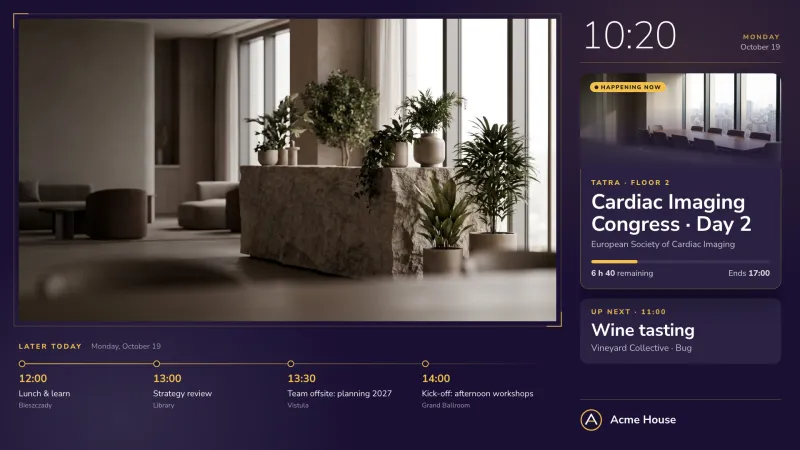
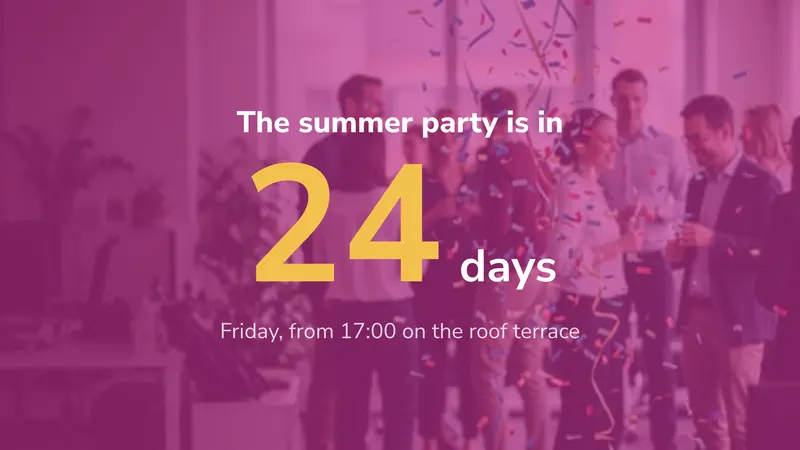
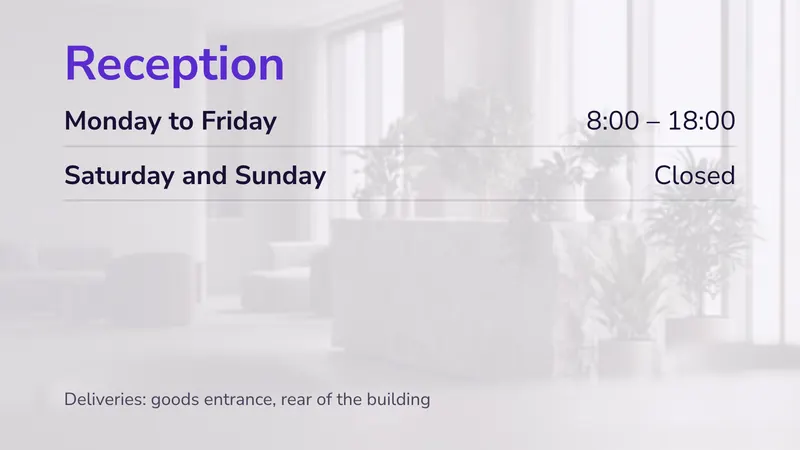
easyCMS has no monthly recurring fees on the one-time plans. Once you have purchased the account, the licences and the player, there is no other software cost. It is a perfect solution for companies wishing to go digital. Offices, meeting rooms, waiting rooms, cafeteria and canteen, … Dynamic signage in companies is a major asset for informing your employees and customers. Our all-in-one pack contains an LCD screen, an Android Player and a wall mount. These are specially selected to offer lasting performance at the best price.
Internal communication has a distribution problem, not a content problem. Email reaches people at desks. Intranets reach people who go looking. A screen in a corridor, a canteen or a warehouse reaches everyone who walks past it, including the two thirds of a typical workforce who do not sit in front of a computer all day. This page covers what to put on those screens, where to hang them, and what a real deployment costs over five years.
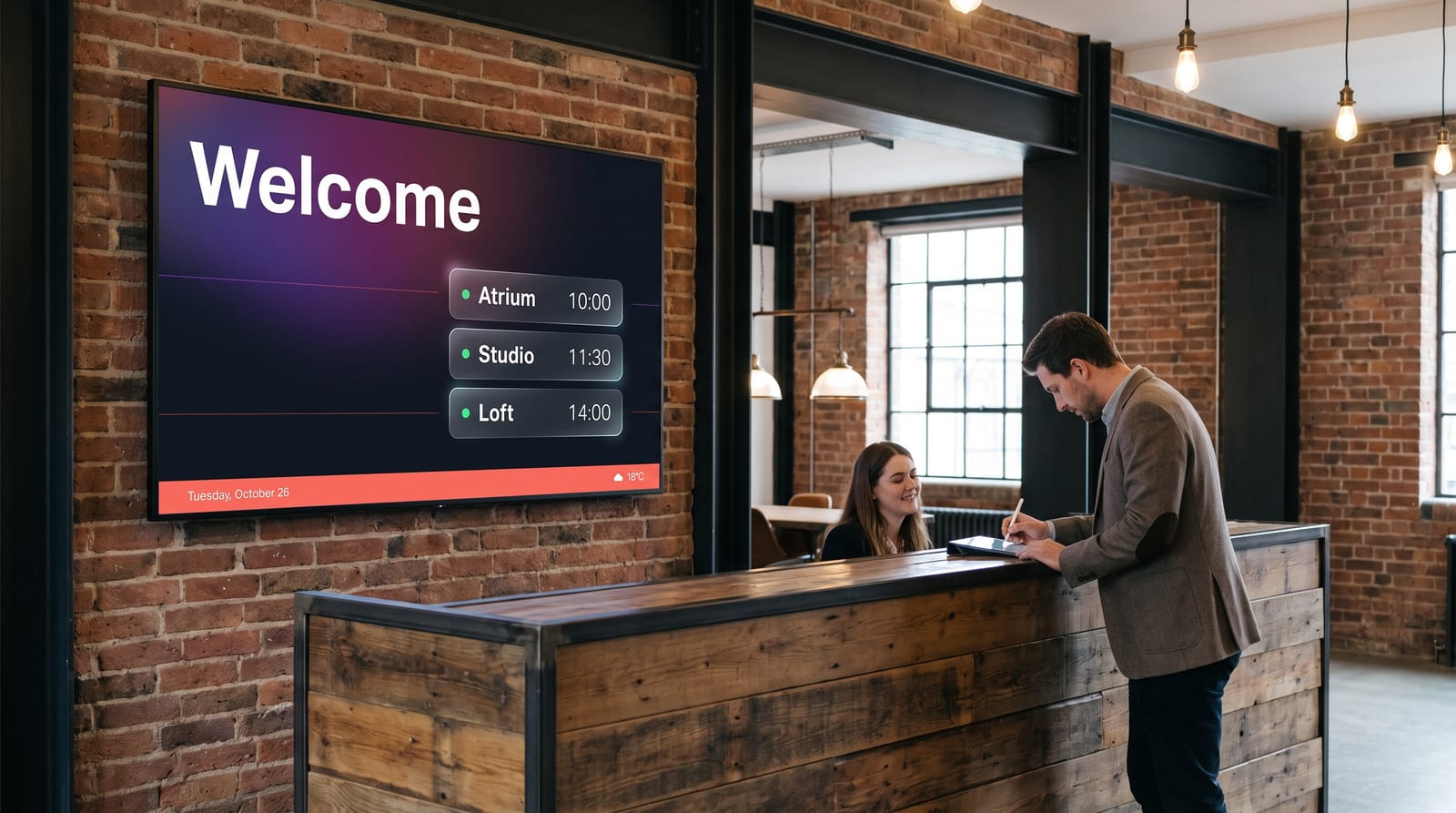
The advantages
- Inexpensive & affordable Digital Signage Solution
- All-in-one solution easy and quick to integrate
- Inform your employees and customers easily
- Communicate in a dynamic and modern way
- Easily distribute information and promotions
- Manage one or more screens from a central point
What actually goes on the screens
Screens reach the people who never read the all-staff email. Here is what works.
Performance and KPI boards
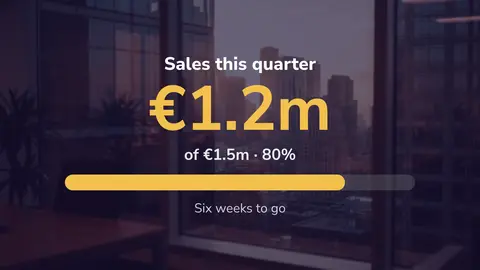
Sales against target, tickets in the queue, orders shipped. Pick numbers a team can move before the end of the shift. More in dashboards for digital signage.
Shift, rota and operational information
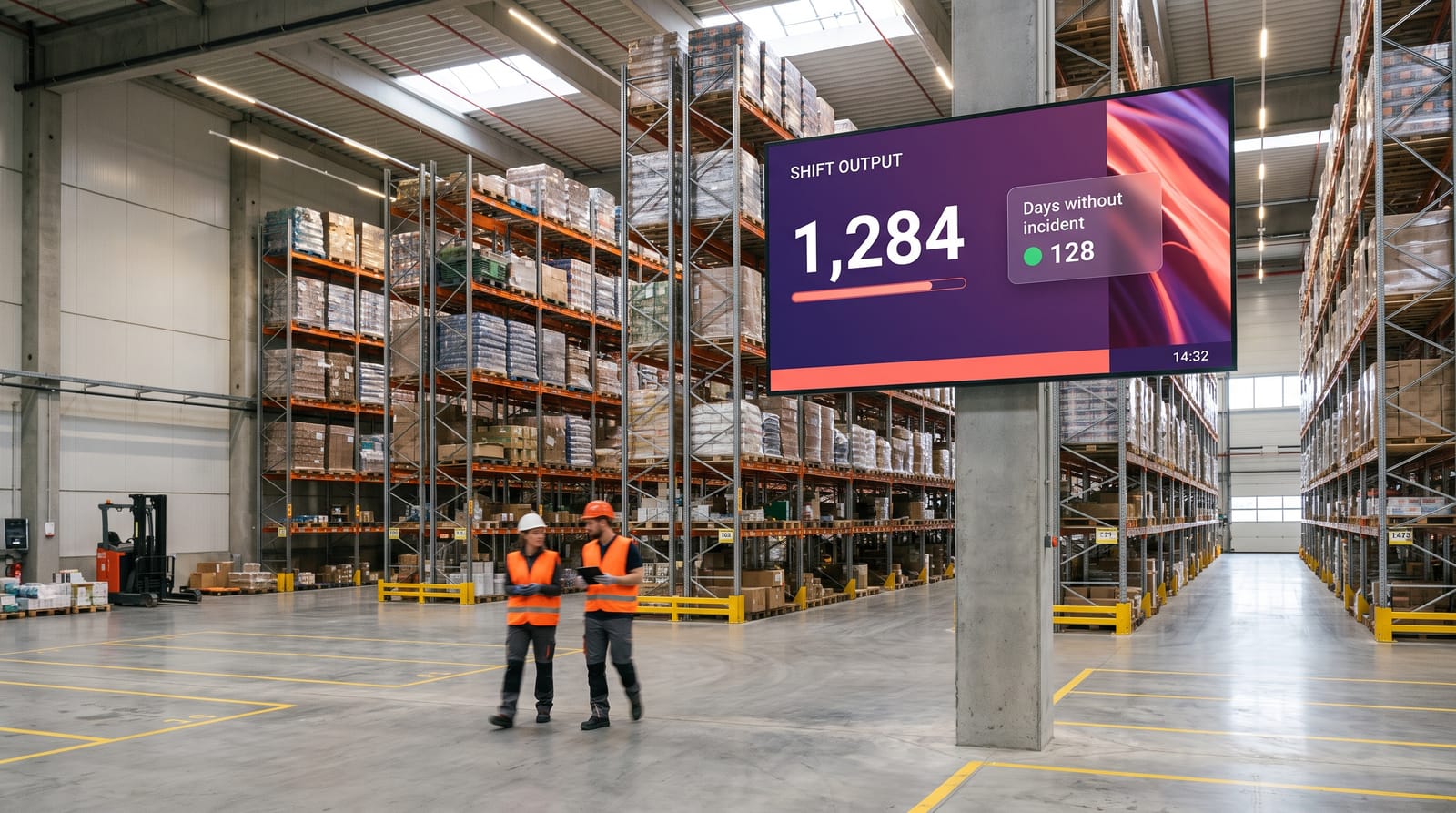
Who is on which line, today’s dispatch schedule, tomorrow’s rota. In a warehouse this is often the most useful screen in the building.
Safety and compliance
Days since the last incident, PPE for the area, this week’s safety topic. Change it often so it keeps getting read.
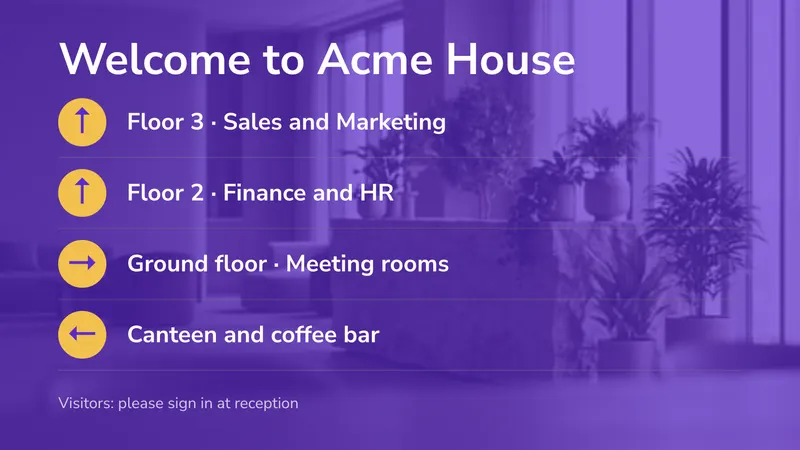
Meeting rooms and wayfinding
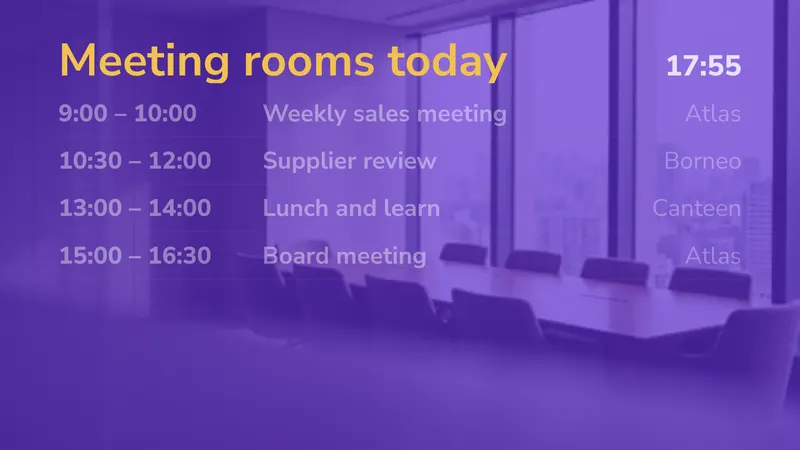
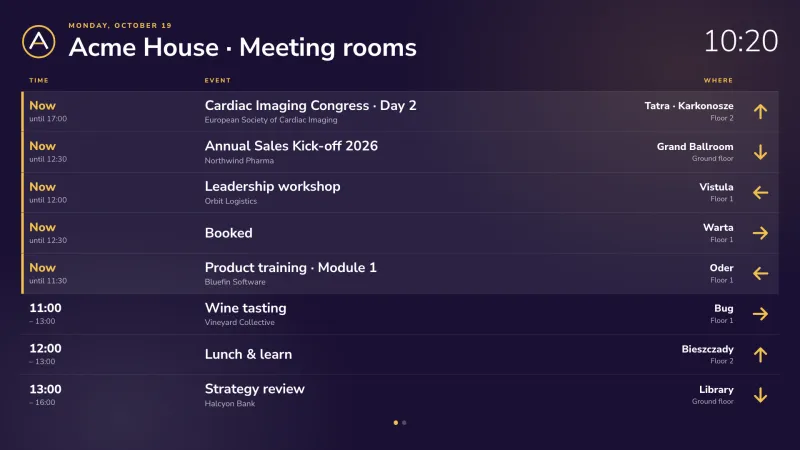
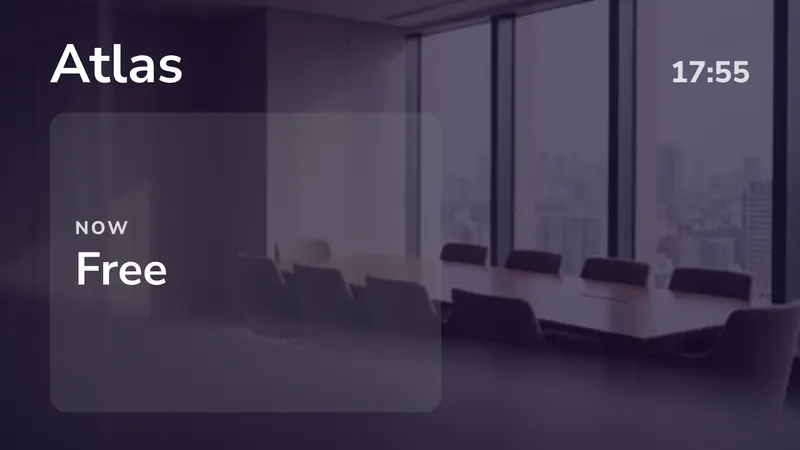
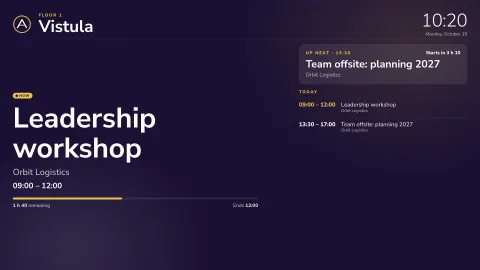
A small screen by each meeting room shows who has it booked, live from the room’s Outlook or Google calendar. See meeting room displays.
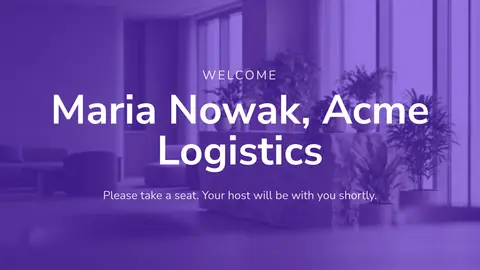
Visitor welcome
“Welcome, Maria Nowak, Acme Logistics” takes ten seconds to schedule and makes a lasting impression.
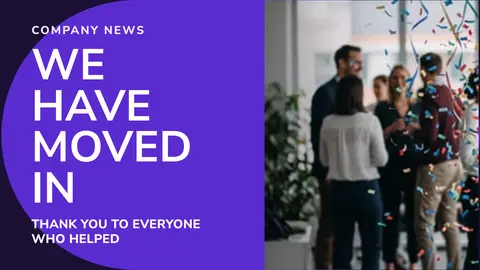
Internal news and culture
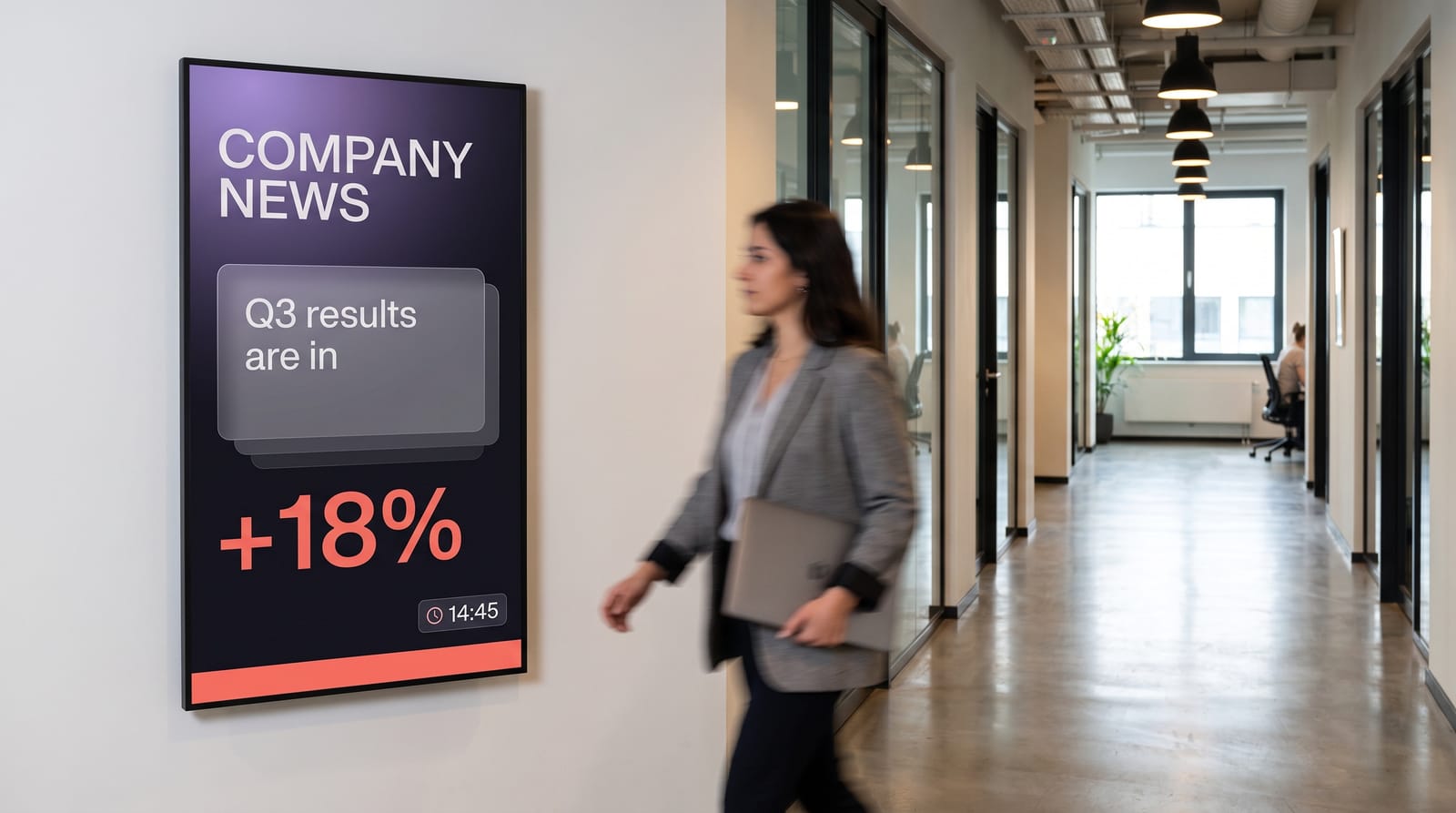
Policy changes, survey results, fundraising totals, long-service awards. The content people stop for, which earns attention for the rest.
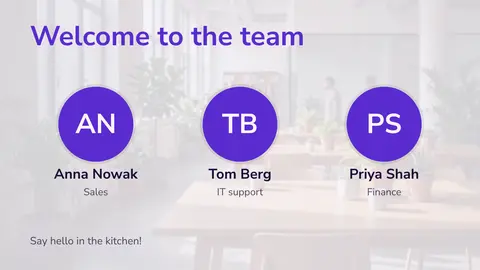
New starters and recruitment
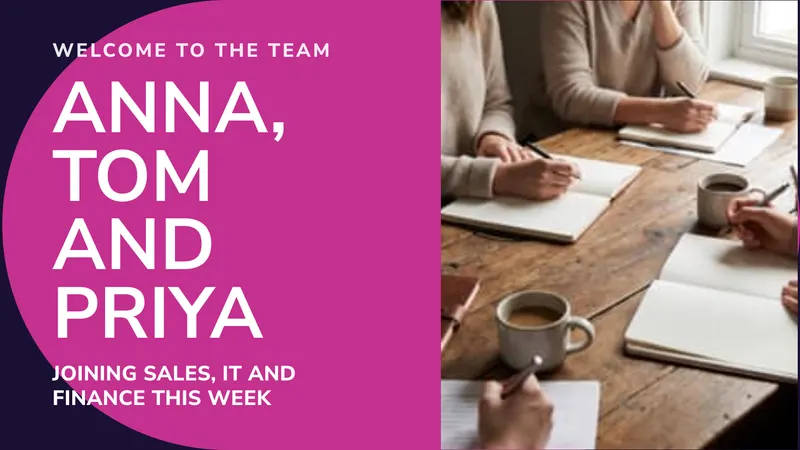
Name this week’s new joiners so people say hello on day one, and show open roles with the referral bonus.
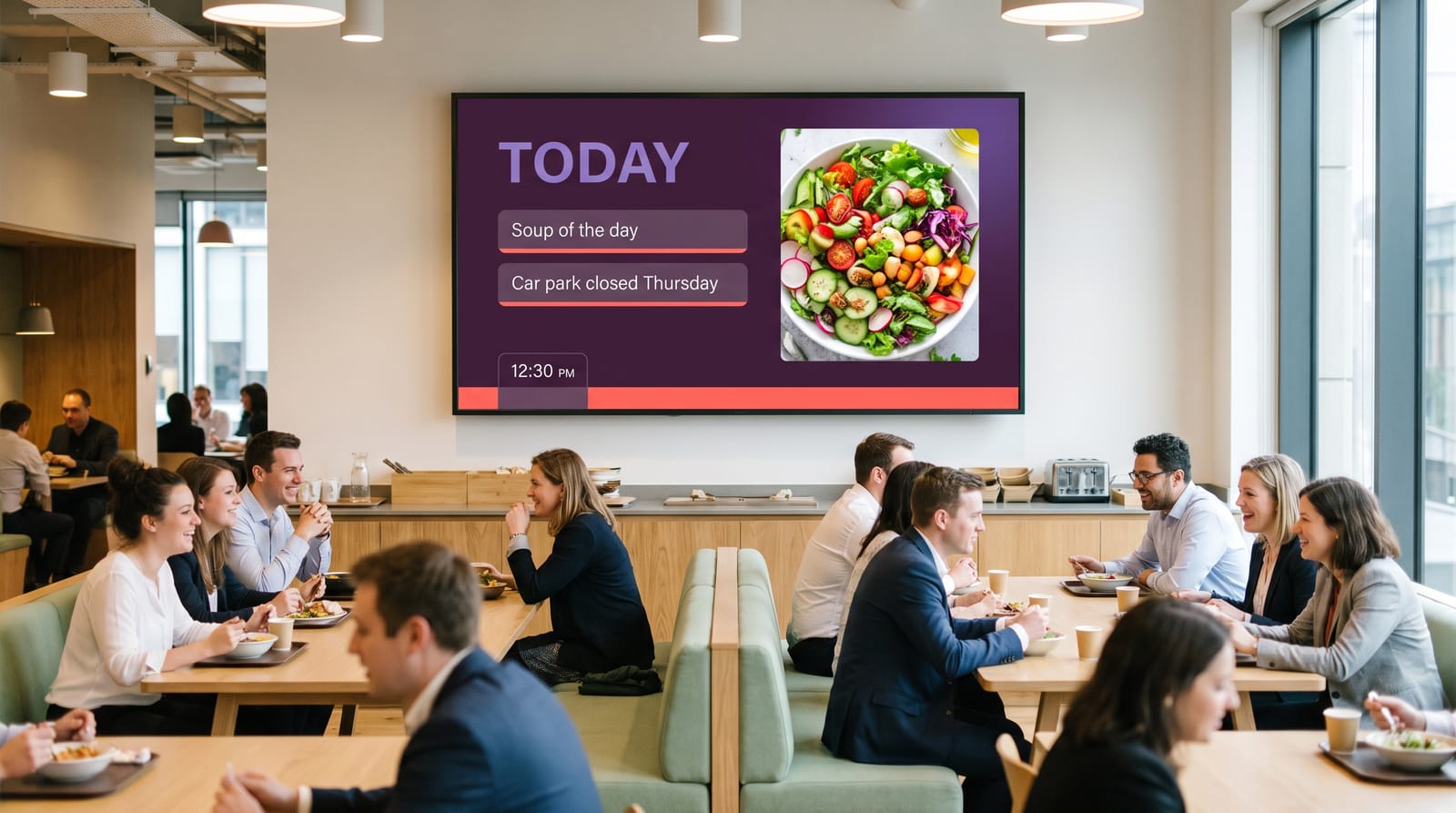
Canteen and facilities
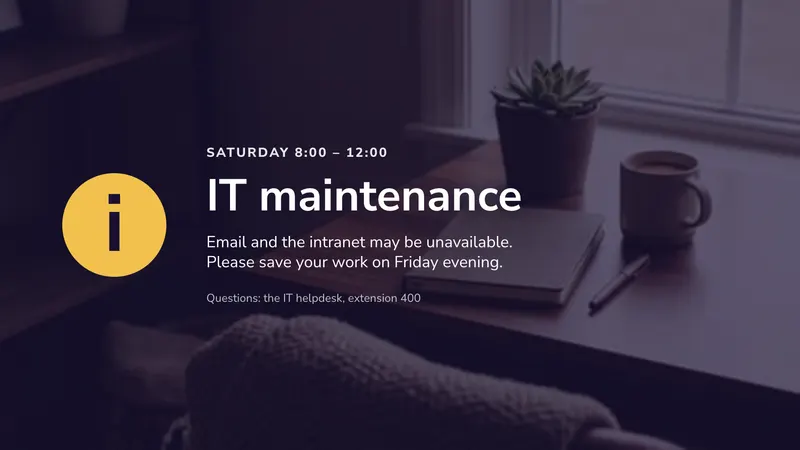
Today’s menu, the broken coffee machine, Thursday’s car park closure. Low-glamour content that saves a lot of email.
Where to put screens, and what size
| Location | Suggested size | Orientation | Job it does |
|---|---|---|---|
| Reception / lobby | 55”–65” | Landscape or portrait | Visitor welcome, brand, news, weather |
| Main corridor or stairwell | 49”–55” | Portrait | Company news, KPIs, safety |
| Canteen / break room | 55”–65” | Landscape | Menus, culture content, longer video |
| Beside a meeting room door | 10”–15” | Portrait | Room booking status |
| Warehouse / production floor | 55”–75” high brightness | Landscape | Output, safety, shift information |
| Open-plan team area | 43”–49” | Landscape | Team-specific dashboard |
Sizing rule of thumb: the furthest comfortable reading distance is roughly four to six times the screen height for text-heavy content. A 55” landscape screen is about 68 cm tall, so plan for readable text up to around three to four metres. In a canteen where people sit ten metres away, either go bigger or make the text bigger and put fewer things on the layout.
Portrait suits corridors and lobbies because it matches the shape of the wall and reads well as a single column of news. Landscape suits dashboards, side-by-side comparisons and anything with video.
What it costs
Take a company of 120 people with eight screens: reception, two corridors, the canteen, the warehouse, two meeting rooms and a team dashboard. Above five screens you need the PRO account.
| Line | Cost |
|---|---|
| easyCMS PRO account, up to 25 displays, 5GB storage, includes 1 licence | €299 one-time |
| 7 × extra licence at €66, bought in the same order | €462 one-time |
| Software total, paid once | €761 |
Most platforms charge per screen per month instead. At €20, a common price:
| easyCMS | Subscription at €20/screen/month | |
|---|---|---|
| Year 1 | €761 | €1,920 |
| Year 2 | €0 | €1,920 |
| Year 3 | €0 | €1,920 |
| Year 4 | €0 | €1,920 |
| Year 5 | €0 | €1,920 |
| Five-year total | €761 | €9,600 |
You pay once and nothing recurs.
- Up to five screens: the easyCMS account at €49 is enough, €313 for five screens.
- Licences added later are €99 each instead of €66.
- More than 25 screens, separate logins with permissions, or your own domain: the Enterprise account at €1,290 a year.
- Hardware: an easyCMS Android player is €499 and includes the licence for its screen. Windows PCs you already own work too, and so do LG webOS screens with a 129€ licence.
Every price is on the pricing page.
Running it day to day
Who owns it
Usually internal comms, HR or marketing, with about half a day a month. A screen with no owner quietly goes stale.
How often to change things
News weekly, KPIs automatically, safety monthly, menus daily. Anything unchanged for six weeks belongs on a poster.
Scheduling
Follow the working day: shift handover at 05:45 and 13:45, menus at lunch, screens off overnight. See scheduling content.
Who needs access
Internal comms publishes everywhere, each department only to its own screens. Nobody should reach the whole estate by accident.
Multi-site and multi-country
Run every building and country from one place, with local teams in charge of their own panels and languages.
Getting started
Connect your first display, then pick a template from the office collection.
Endless possibilities
Digital signage gives you the ability to broadcast many types of media such as videos and images. You can also use dynamically updated content like news feeds or weather forecasts. Your first custom layout is included for free with your logo, news feed and weather. If you have specific needs, such as viewing sources specific to your business, we can help. The features page lists what is available out of the box.
Hardware notes for office environments
Cable management first
A visible power lead spoils a reception screen. Plan a recessed socket behind the mount before the screen arrives.
Screen finish
Bright, glassy lobbies need an anti-glare panel of 400 to 500 nits or more. A home TV looks washed out on a sunny morning.
Commercial panels
Built to run all day, every working day, and to hang in portrait. A home TV’s warranty usually excludes office use.
Warehouse and production areas
Dust, vibration, forklifts. Mount high, consider an enclosure, and choose a fanless player.
Meeting room panels
Small door screens need power at the door. Ask about Power-over-Ethernet early; adding it later costs more.
Network
Ethernet where you can, Wi-Fi otherwise. Screens keep playing even if the network drops. See digital signage without internet.
Players
easyCMS runs on Windows, Android, LG webOS and Samsung Tizen. The player buying guide explains which to pick.
A complete solution
Our all in one solution reflects our philosophy of simplifying Digital Signage. When you buy our solution with LCD screen, everything is included. Your player is pre-configured with your content and adapted layout. The screen is delivered with its standard wall mounting. Installation is very simple, It’s Just Plug & Play!
Questions companies ask
Can we show live data from our own systems?
Yes. Screens can pull in dynamically updated content, feeds, data sources and web content, rather than being limited to images and video. If you have a specific source in mind, tell us what it is and we will confirm what is possible before you buy.
Can different departments manage their own screens?
Yes. Users and permissions let you scope people to specific display groups and content, so operations can publish to the warehouse board without being able to change reception. Multi-user management is included with the Enterprise account.
What happens to the screens if our network drops?
They keep playing. Content is cached on the player, so a scheduled loop continues through an outage and syncs any changes when the connection comes back.
Do we need one licence per screen?
Yes, one licence per display, paid once. Two screens showing the same content still need two licences.
Can we manage several offices in different countries from one account?
Yes. Displays are grouped, so you can push a group-wide announcement to every site at once and still let each office run its own local content and language.
Is there really no monthly fee?
For the account and licences, no, they are one-time and lifetime. The Enterprise account is the only tier billed annually.
Talk to us about your building
Tell us how many screens you are thinking about and where they will go, and we will come back with a straight answer on cost, including whether your existing hardware will do the job. We are a European company: DynamicDigital sp. z o.o., Warsaw, Poland, VAT PL5213678094, with a VAT invoice on every order.
Email info@myeasycms.com, call +48 509 937 137, or use the support request form. You can also read what digital signage is, see what other organisations have built, or read about the free digital signage software behind easyCMS. If your screens serve students rather than staff, see digital signage for schools; for food service, see restaurants and bars.