
Digital signage means screens that show your own messages: a menu, today’s offer, the timetable, a welcome for visitors. You change what they show from a phone or a computer, so nobody has to print, laminate or pin anything up again.
That is all it is. The rest of this page covers what it does better than paper, what it looks like in different businesses, and the three things you need to start.
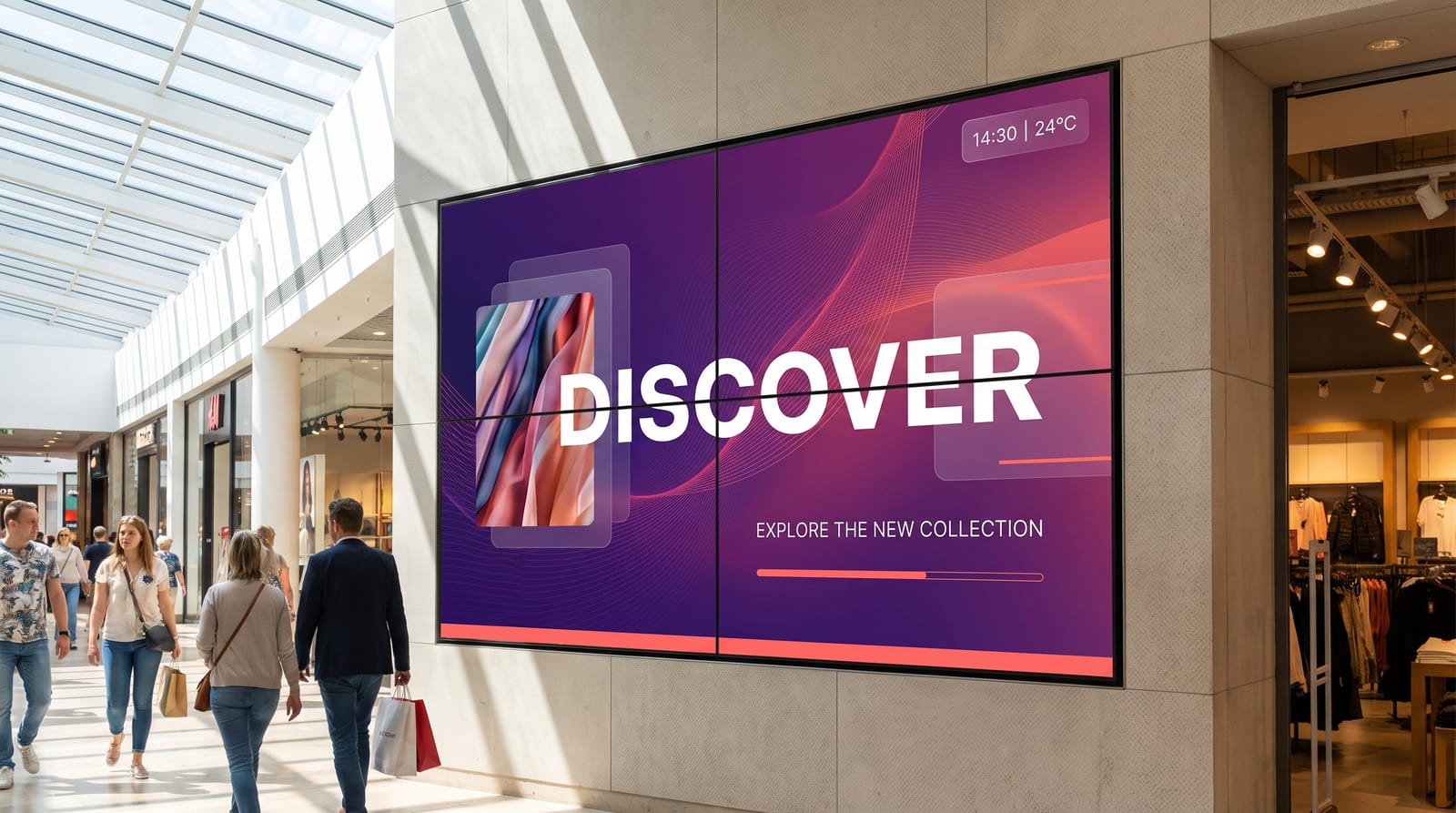
What screens do better than paper
Change it in seconds
A new price, a sold-out dish, a room change. Type it on your phone and the screen shows it a moment later.
One change, every screen
Ten screens in three buildings get the same update at once. No walking round with a stack of printouts.
The right message at the right time
Breakfast in the morning, lunch at noon, happy hour at five. The screen switches by itself, on the schedule you set once.
People actually look
Photos, video and a bit of movement catch the eye in a way a poster on a busy wall rarely does.
No more printing
No print runs, no out-of-date posters, no waiting for the printer. Your sign is always current.
Urgent news, straight away
A closure, a fire drill, a delay. With easyCMS, an Urgent notice goes to every screen in two taps.
To be fair to paper: if a sign never changes, like a fire exit or your opening hours on the door, print it. Screens earn their place where things change.
What it looks like in your business
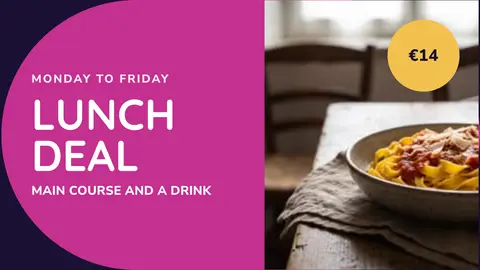
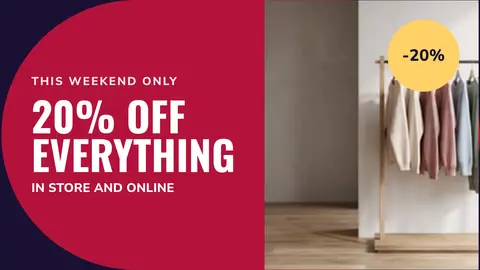
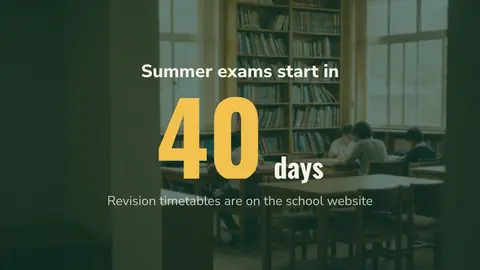
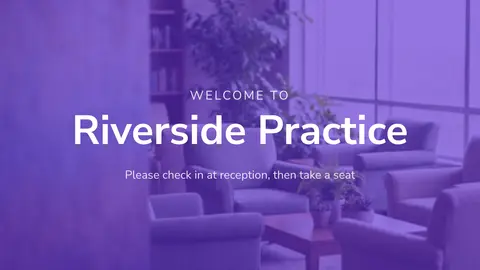
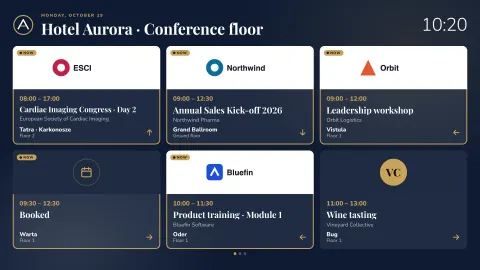
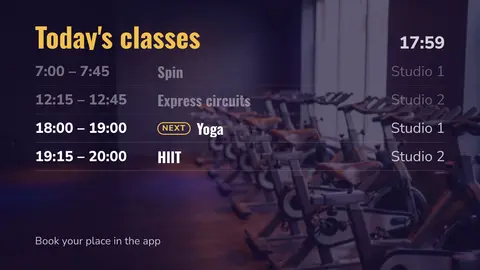
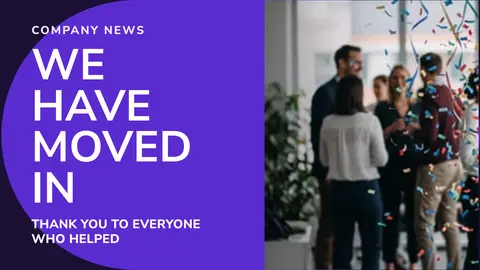
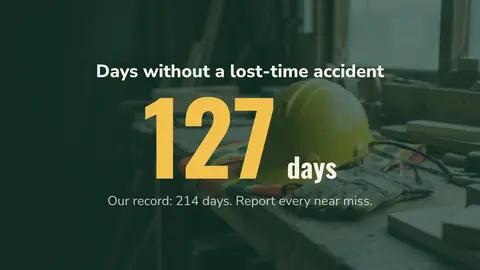
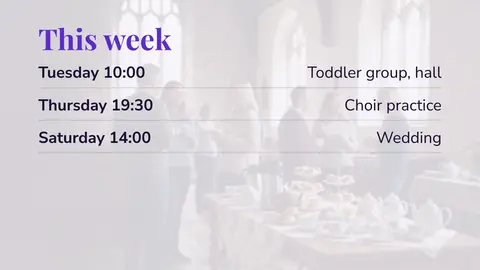
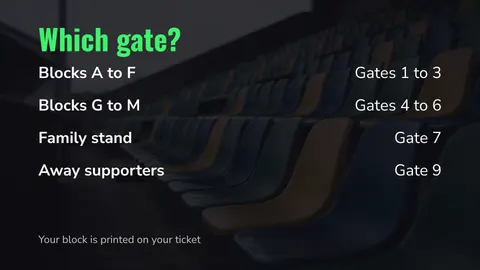
Every picture below is a real template from easyCMS Studio, ready to use. Tap a business to see more ideas for it.
What you need
Three things, and you may already own the first one.
A screen
Any screen with an HDMI input. For long hours or a sunny window, a commercial screen is brighter and lasts longer than a TV. For very large or outdoor signs, there is LED.
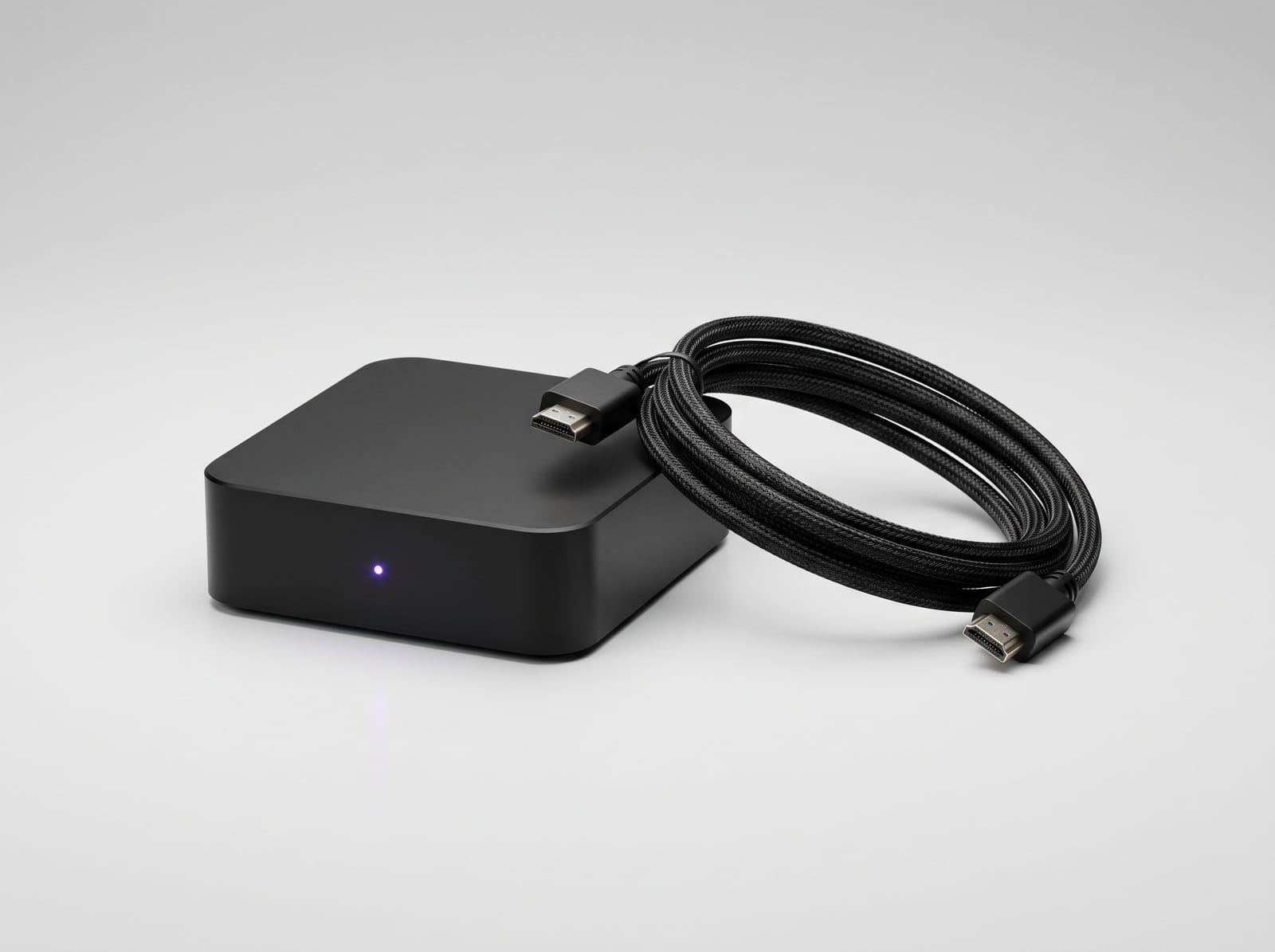
A player
A small box behind the screen, or built into LG and Samsung commercial screens. easyCMS runs on Android, Windows, LG webOS and Samsung Tizen. See players.
The software
Where you make your designs and choose what plays on which screen. With easyCMS that is Studio, on your phone or computer.
Can you use an ordinary TV? Often yes, for a few hours a day; our guide to LCD displays for digital signage explains when a commercial screen is worth it.
How easyCMS makes it simple
Most signage software was made for IT people. easyCMS Studio is made for the person who actually keeps the screen up to date: the café owner, the school secretary, the duty manager.
- Pick one of more than 200 ready-made templates for your kind of business.
- Change the words and the photo on your phone.
- Tap Play on… and choose the screen.
Screens keep a copy of everything, so they carry on playing if the internet drops. Studio works in English, French, German and Spanish, and is hosted in the EU. The features page shows the rest.
What it costs
You pay once, not every month. An easyCMS account is 49€ and includes your first screen; each extra screen is a one-time licence. There is no free plan and no trial.
Every option on one page, with one-time prices and no monthly fee.