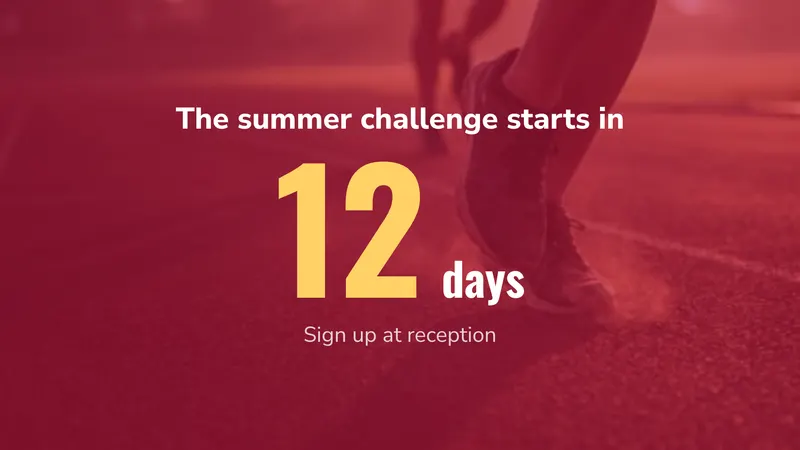
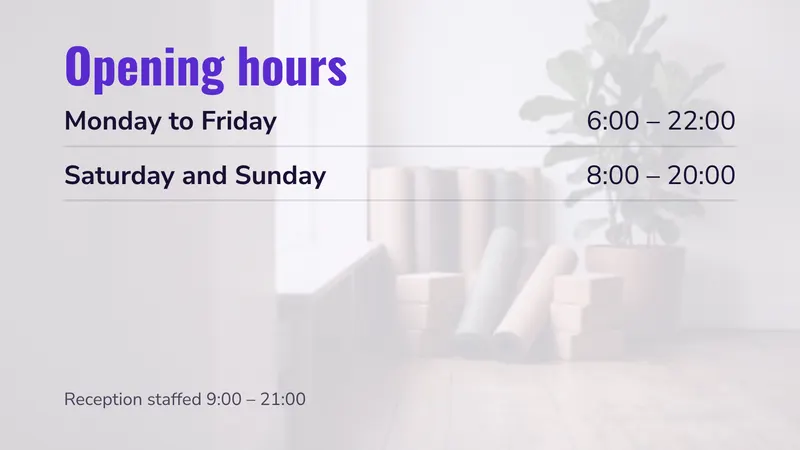
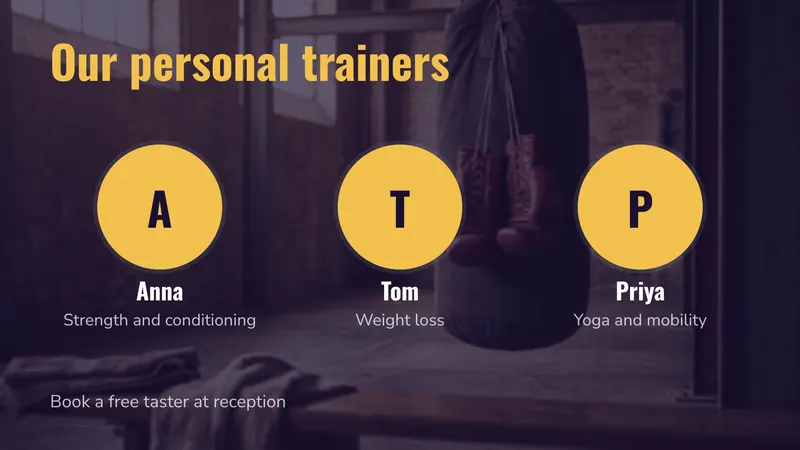
A gym already runs on a timetable. Spin at 06:30, a lunchtime express circuit, yoga at 18:00, and a studio that has to be relabelled three times before anyone gets home. Digital signage software is a scheduler underneath, which is why a fitness timetable is the one thing it handles natively rather than as a workaround.
This page covers what earns its place on a gym screen, where to hang screens in a building full of heat, mirrors and glass, what a three-screen studio and a ten-site chain pay, and what easyCMS will not do for you.
The advantages
- Timetables that change once and appear on every screen
- A different board in the morning and in the evening, automatically
- Studio doors that say what is on now and what is next
- Membership offers in front of the people already paying you
- Safety and closure notices published in seconds
- One-time licences, so screens are a capital purchase, not a monthly bill
What actually goes on the screens
Work backwards from the job, not the screen. Name what it has to do, then decide whether it beats a laminated sheet.
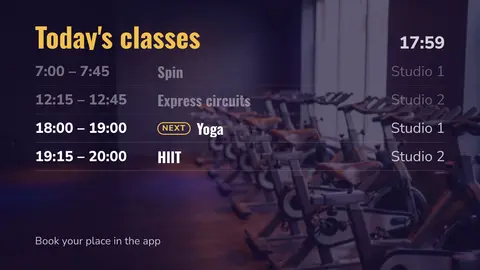
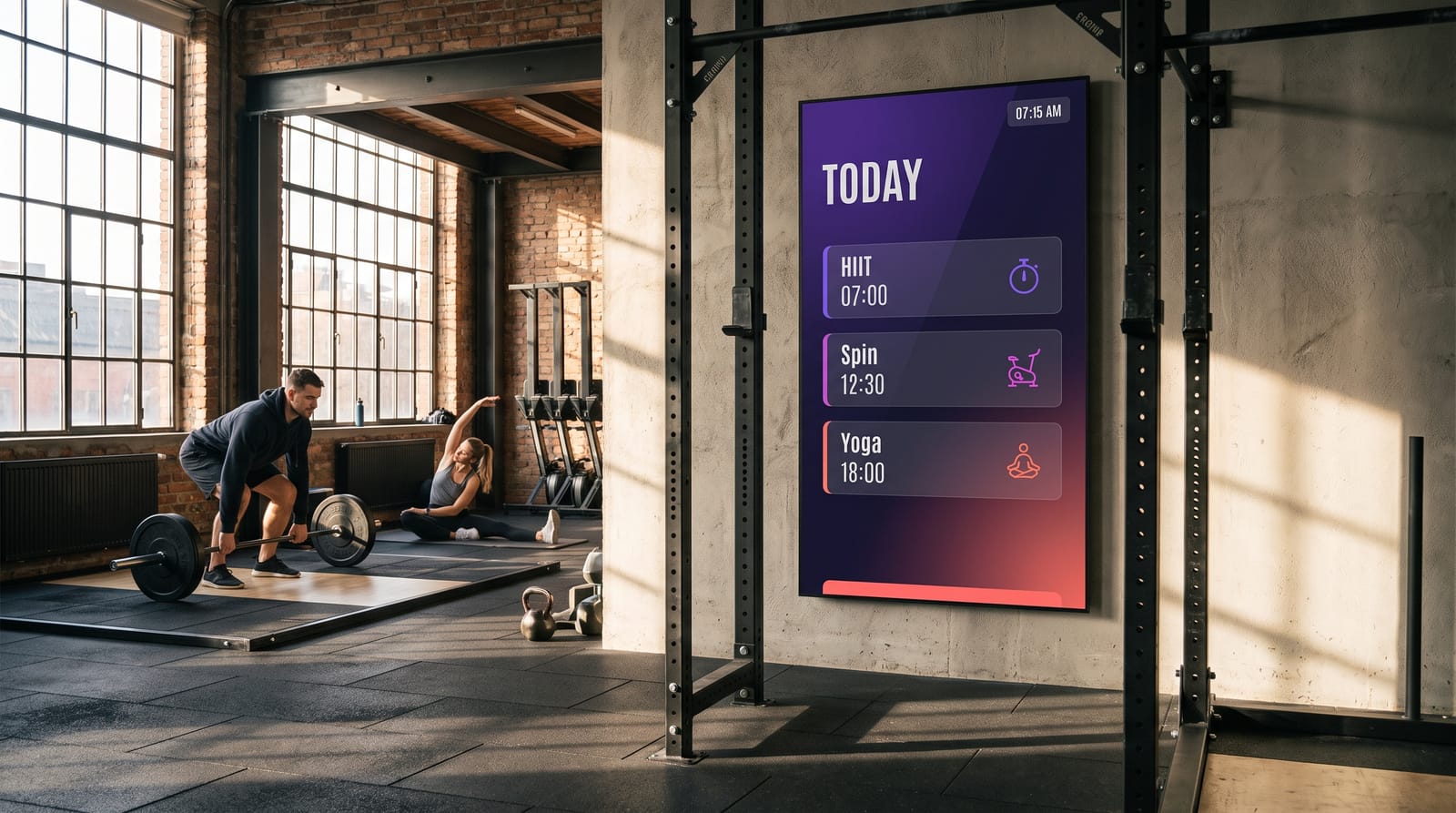
Class timetables that keep themselves current
Link the screen to your booking system’s iCal feed, or keep the timetable in a simple table. Show today and tomorrow, not the whole week.
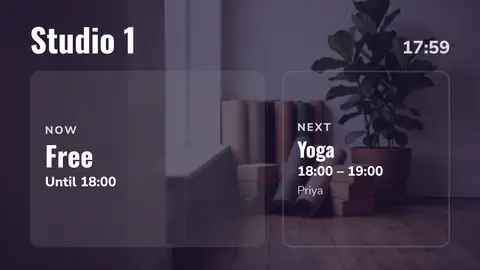
Studio-door screens: now and next
A small portrait screen at each studio door showing what is on now and next. It ends most of the “is this the beginners’ class?” questions at reception.
Dayparting: the 06:30 board is not the 19:00 board
Early risers, the lunch crowd and the evening peak want different things. Schedule it once and the screens switch by themselves.
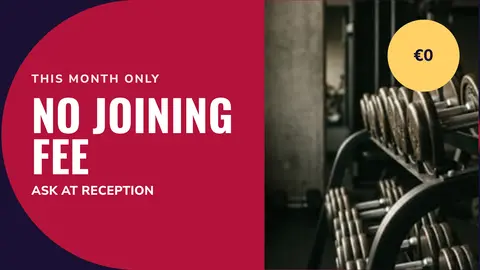
Reception, memberships and offers
The joining offer, referral rewards and personal training, with one panel always on the timetable so the screen stays worth a look.
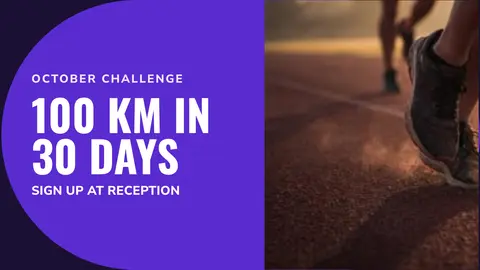
The free-weights floor: video with the sound off
Short clips with the message written on screen, because the music is always louder. Technique tips, challenges, class promos.
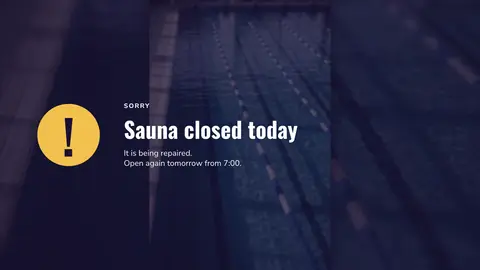
Safety, maintenance and closure notices
A broken machine, a wet floor, an early close. Urgent notice puts one message on every screen at once, and Stop puts everything back.
A typical day:
| Time | Who is in the building | What plays |
|---|---|---|
| 05:30–09:00 | Before-work members, short sessions | Today’s timetable, weather and travel, coffee and shake offers |
| 09:00–12:00 | Off-peak, PT clients, older members | Low-intensity classes, personal training availability, referral offer |
| 12:00–14:00 | Lunch crowd, tight on time | Express circuits, 30-minute classes, changing-room timings |
| 14:00–16:30 | Quiet | Membership offers, brand video, planned maintenance notices |
| 16:30–21:00 | Peak | Evening timetable, challenges, floor etiquette |
| 21:00–close | Late finishers | Closing times, tomorrow’s early classes, cleaning notice |
Set that up once and it repeats every week without anyone opening a laptop. See scheduling content and timezones and dayparting.
Where to put screens, and what size
| Location | Suggested size | Orientation | Job it does |
|---|---|---|---|
| Reception / front desk | 43”–55” | Portrait | Timetable, joining offers, opening hours |
| Studio door | 24”–32” | Portrait | What is on now, what is next in this room |
| Free-weights area | 55”–65” | Landscape | Silent video, technique, challenges |
| Cardio sightline | 43”–49” | Landscape | Timetable, clock, news ticker |
| Changing-room corridor | 32”–43” | Portrait | Notices, etiquette, offers |
| Studio interior | 55”–65” | Landscape | Class support content, cool-down |
| Pool or wet-area viewing | 43”–55” in an enclosure | Landscape | Lane timetable, safety notices |
| Café or crèche | 32”–43” | Landscape | Opening times, family classes, menus |
Two rules of thumb. Keep the smallest text at roughly 1/25 of the screen height, about 27 mm on a 55” panel, so it reads from three to five metres. And mount higher than you would in an office: people on the floor are standing, moving and often looking up from a machine, so the centre of a floor screen sits at 1.8 m to 2.0 m rather than 1.6 m, tilted down. Studio-door screens are the exception, read close up by someone standing still, so 1.5 m is right.
Heat, humidity and glare
Gyms are harder on screens than offices are, and the failure modes are predictable.
Heat
A spin studio at 19:00 is hot. Leave the air gaps, never box a screen in, and keep the player ventilated.
Humidity and wet areas
Pools and steam rooms need a rated enclosure. Or put the screen outside the wet zone, behind glass.
Glare
Mirrors and windows bounce light onto screens. Check the spot at the brightest hour and choose a bright commercial panel. See LCD displays.
Players
easyCMS runs on Windows, Android, LG webOS and Samsung Tizen. A screen with the player built in means one less box in a hot room.
What it costs
Take a single studio with three screens: reception, one studio door and one on the floor.
| Line | Cost |
|---|---|
| easyCMS account, 1 licence included, up to 5 displays, 1GB storage | 49 EUR one-time |
| 2 × extra licence at 66 EUR, bought in the same order | 132 EUR one-time |
| Software total, paid once | 181 EUR |
Compared with the subscriptions, at their own list prices checked September 2026:
| Three screens | Year 1 | Five years | easyCMS breaks even after |
|---|---|---|---|
| easyCMS, one-time | 181 EUR | 181 EUR | n/a |
| Yodeck Basic, EUR 8 per screen per month | 288 EUR | 1,440 EUR | about 8 months |
| OptiSigns Standard, EUR 7.50 per screen per month billed annually | 270 EUR | 1,350 EUR | about 8 months |
| OptiSigns Free, up to 3 screens | 0 EUR | 0 EUR | never |
Yes, the last row is real: OptiSigns is free for three screens if you accept their logo on your wall. What 181€ buys is a clean screen and no monthly direct debit to add to the rent, the music licence and the insurance.
- Licences added later are 99€ each instead of 66€.
- A chain with 25 screens fits on the PRO account: 299€ plus 24 licences, 1,883€ once.
- Above 25 screens, or with each club on its own branded domain, the Enterprise account is 1,290€ a year.
- Hardware: an easyCMS Android player is 499€ and includes the licence for its screen.
There is no free plan and no trial. Every price is on the pricing page.
What easyCMS will not do for a gym
Worth reading before you buy, because these are what people ask for once the screens are up.
- It does not connect to your gym management or class-booking platform. There is no integration marketplace and no ready-made connector. If your booking system publishes an iCal feed the calendar widget reads it; if not, you export a CSV into a DataSet or keep the timetable by hand. Check what your system exports before planning around automation.
- There is no live occupancy display. “Six spaces left in the 18:00” is not a built-in feature. It only works if your booking system publishes that number somewhere the CMS can read, as a webpage the CMS can display, or as a CSV you refresh into a DataSet. See webpages and embedded content.
- There is no charts widget, so no occupancy graphs or member-growth charts, and synchronised video walls are Android only.
- User roles and permissions are Enterprise only. A chain wanting club managers scoped to their own screens needs Enterprise.
- You are not an administrator of the CMS. We host it in the EU and look after the platform settings, which is deliberate, but configuration changes come through us rather than a settings page you can reach.
- Support is human and it has hours. The free route is the assistant and the guides. If you need a person, an expert support hour is 25€, started the same working day when it is urgent, and refunded if the cause turns out to be a bug in easyCMS.
Running it day to day
Who updates it
Usually the club manager, about ten minutes a week. In a chain, head office runs the offers and each club its own timetable.
Check screens without walking the floor
See every screen’s last check-in and a screenshot of what it is playing now. See display monitoring.
Group by role, not by building
All studio doors, all reception screens, all floor screens: one change reaches every club. Start from the gym collection.
Watch out Do not schedule one loop that runs all day. It is the most common mistake in fitness signage and it is why members stop looking after a fortnight. Dayparting is already in the product, and it is the whole reason a screen beats a poster.
Questions gyms ask
Can the timetable update itself from our booking system?
Only if that system publishes an iCal feed, which the calendar widget reads directly. Otherwise the timetable lives in a DataSet you refresh from a CSV or edit in the browser. There is no direct integration with booking platforms.
What happens if the club’s Wi-Fi drops?
Nothing visible. Content is cached on the player, so the scheduled timetable and video keep playing. The player picks up your changes when the connection returns.
Can I show a different timetable at each club?
Yes. Group displays per club, schedule the timetable per group, and push chain-wide offers to every screen at once. One account manages the whole estate.
Do the studio-door screens need a licence too?
Yes, one per screen whatever its size. A 24” studio-door display needs the same licence as a 65” wall: 66€ if it goes through checkout with your account, 99€ if you add it later. There is no monthly fee on any of them. Enterprise, at 1,290€ per year, is our only recurring plan.
Working out what you need
Sketch the building first: reception, studio doors, the floor, the corridor. Name the job each screen does and count them. That number decides whether you want the 49€ account, the 299€ PRO account or Enterprise, and it is the only figure we need to quote hardware.
Send us the list and we will say honestly whether easyCMS fits it, including the cases where a free tier elsewhere would serve you better. Email info@myeasycms.com, call +48 509 937 137, or use the support request form. The features page lists what is available, and the equivalent guides for offices and restaurants and bars may also help.