
You do not need a designer, or a design app, to make good screen content. In easyCMS Studio you pick a ready-made template, change the words, add your photo and send it to your screen, in a few minutes and from your phone. The templates and stock photos cost nothing extra: they come with every easyCMS account.
Five steps, start to screen
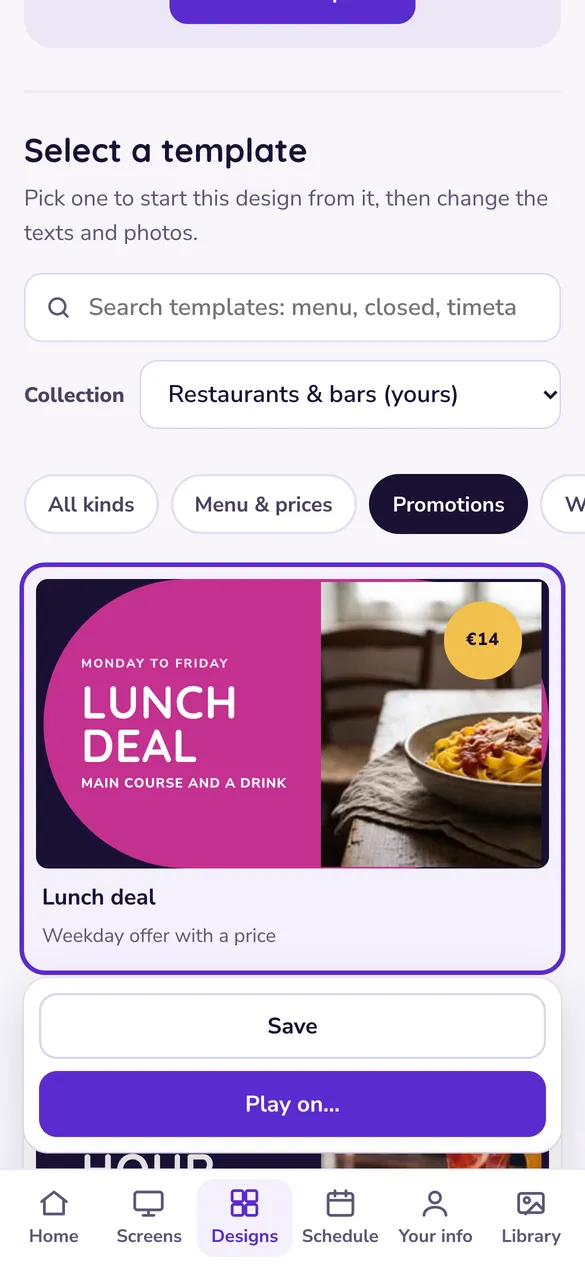
1. Open Designs
Sign in at app.myeasycms.com/studio on your phone or computer, open Designs and tap New design.
2. Pick a template
Under “Select a template”, search for what you need: menu, closed, timetable. Collection shows templates for other kinds of business.
3. Change the words
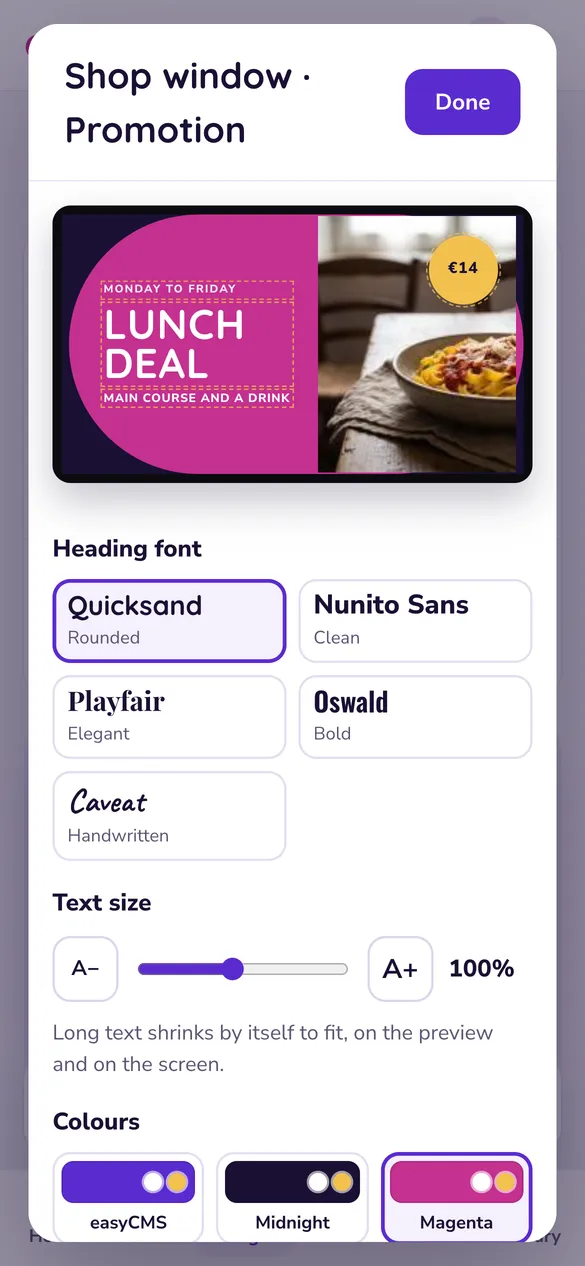
Tap Edit this template and type over any text on the preview. Long text shrinks by itself to fit the screen.
4. Add your photo
Click a photo to change it: one from your Library, a new upload, or the Stock photos tab, which is free to use.
5. Save and play
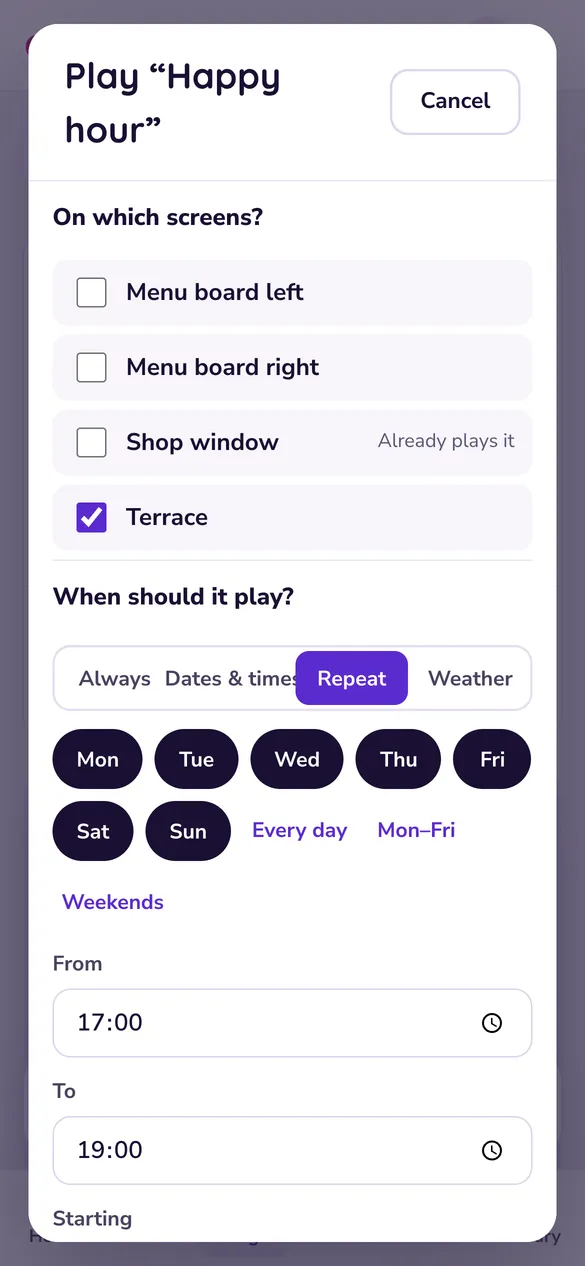
Tap Done, then Save. Tap Play on…, choose your screen and Send. It is on the wall within a minute.
What the templates look like
Studio has more than 200 templates, for restaurants, shops, offices, schools, clinics, hotels, gyms, factories, stadiums and churches. A few of them, as they look on the screen:
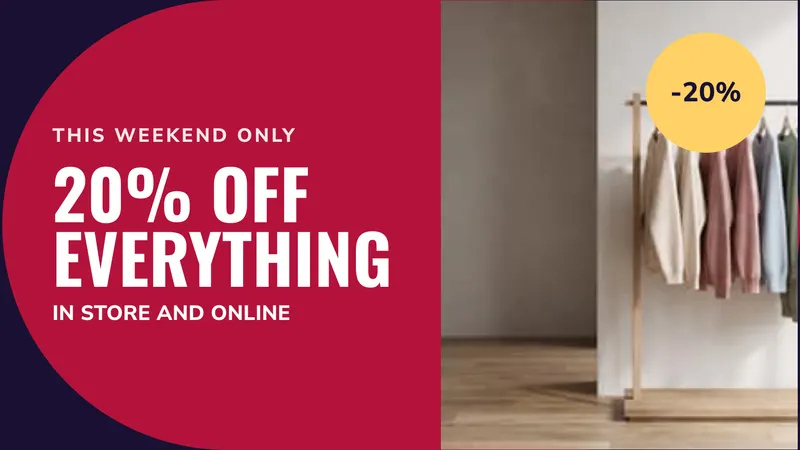
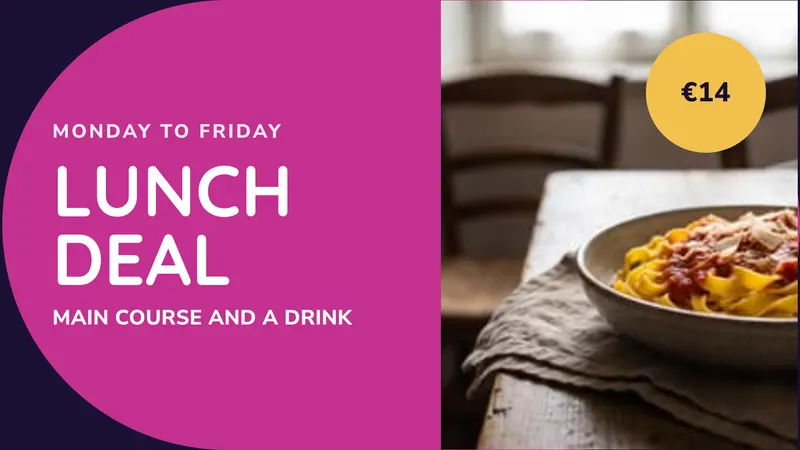
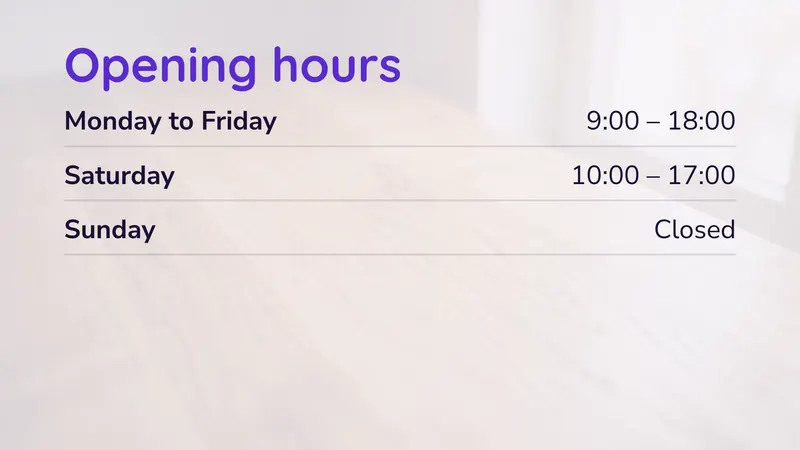
See all of them, by kind of business, on the templates page.
Three tips for content people actually read
Few words
People glance at a screen for a few seconds. One message per design, and a headline of five to ten words.
Text away from busy photos
The templates already keep words and pictures apart. Choose a calm photo, and let the text sit on its own colour.
The right time
Breakfast in the morning, happy hour from 17:00. Play on… lets you choose the days and hours each design shows.
More on this in our 13 tips for LED displays, which work for any screen.
Prefer your own design tool?
You can still make artwork in any design tool, Canva for example: export it as a JPEG or PNG at your screen’s size (1920 x 1080 for most screens), upload it to the Library, and show it with the Photo slideshow design. Screen sizes, resolutions and file formats has the sizes for your designer.
What it costs
Studio comes with every easyCMS account: 49€ once, with your first screen included. There is no free plan and no monthly fee, and the templates and stock photos cost nothing extra. See the pricing page, or follow your first design step by step.
Sign in with your easyCMS account, on your phone or your computer. Nothing to install.